
Acrobat AI Assistant: AI writing for people
Official site link, not an affiliate link. We do not have an approved referral link for Acrobat AI Assistant.
Acrobat AI Assistant helps you write and edit text by this route: adobe’s AI assistant for asking questions of PDFs and editing them, sold with Acrobat plans. It is best for people who live in PDFs and want an assistant inside Acrobat rather than a separate chat tool. People also use it to make documents and slides.
What it does
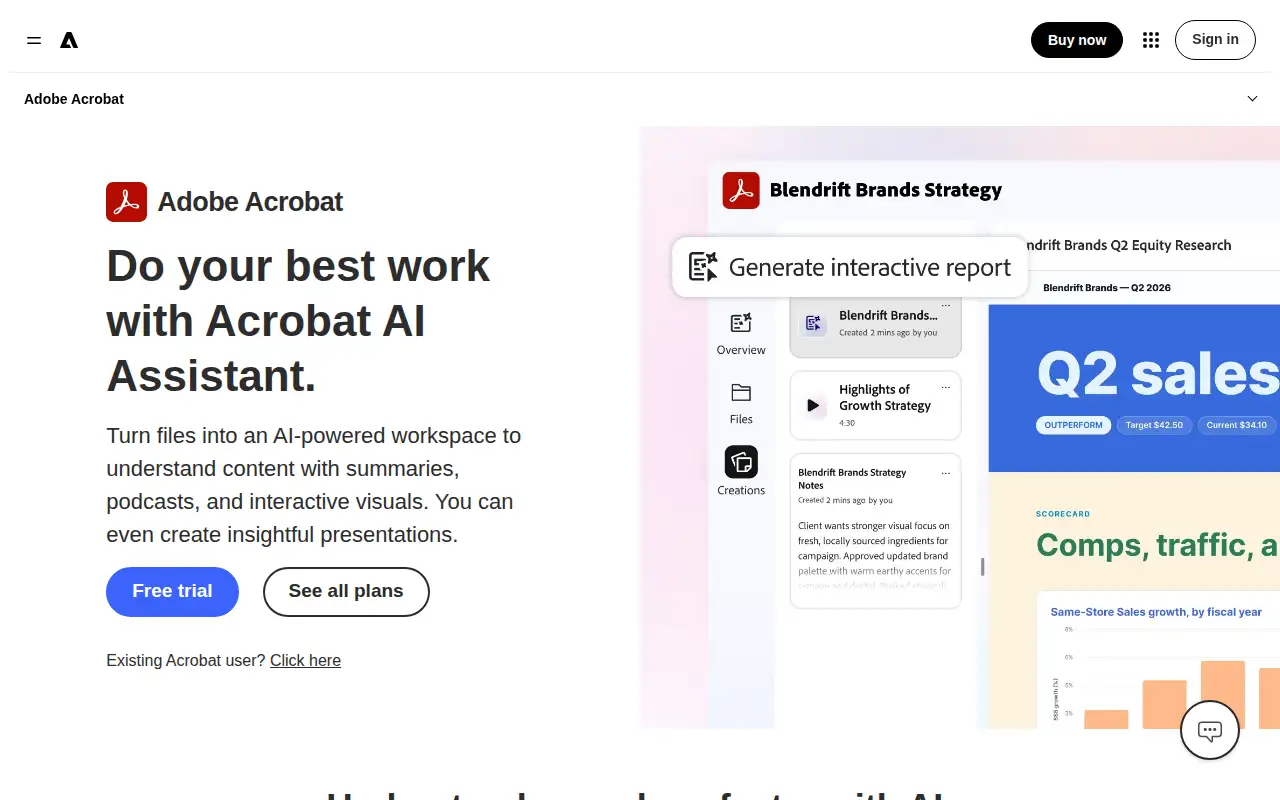
Acrobat AI Assistant asks and edits inside PDFs: the product page describes asking AI to edit, convert, and compress files, and the plans page places the assistant with Acrobat Studio’s feature list as well as the broader Acrobat subscriptions. Standard is the essential PDF plan. Pro adds the advanced toolset and a free trial button. Prices are annual commitments billed monthly, and Adobe says a fee can apply if you cancel after 14 days.
Editorial note
Acrobat AI Assistant is Adobe’s generative tool for PDFs. It is sold with Acrobat plans. Standard is US$14.99 a month and Pro is US$19.99 a month on the plans page.
Who it’s for
People who live in PDFs and want an assistant inside Acrobat rather than a separate chat tool.
Key use cases
- Write & chat
- Slides & docs
What you can do with it
Adobe’s AI assistant for asking questions of PDFs and editing them, sold with Acrobat plans.
How to use Acrobat AI Assistant: step-by-step tutorial
Five to eight steps from the account to a first useful result. Where the official guide names a control, the step uses that name. Where it does not, the step stays general.
- Open Adobe’s Acrobat plans page and note Standard at US$14.99 a month and Pro at US$19.99 a month before you start a trial.
- Start the Pro trial if you want the advanced tools. The plans page shows a free trial on Pro.
- Open a PDF you are allowed to upload and ask a question the document can answer.
- Check the answer against the page it cites before you reuse it.
- Cancel inside the window Adobe describes if you do not want the annual plan. The page says a fee can apply after 14 days.
These steps follow official guides: Adobe Acrobat plans; Acrobat AI Assistant. Checked November 11, 2026.
Example inputs
Adapt these. They are examples of what to ask for, not a button name, unless the steps above already use that name.
A first request: adobe’s AI assistant for asking questions of PDFs and editing them, sold with Acrobat plans. Keep it short enough to review in one pass.Name the audience, the format you need, and one fact that must stay accurate.Frequently asked questions
How much does Acrobat AI Assistant cost?
The plans page lists Acrobat Standard at US$14.99 a month and Acrobat Pro at US$19.99 a month, checked November 11, 2026.
Is there a free trial?
The plans page shows a free trial on Acrobat Pro.
What is it for?
Asking questions of a PDF and using AI to edit, convert, or compress it inside Acrobat.
Can I cancel?
Adobe says a fee of up to half the remaining annual commitment can apply if you cancel after 14 days.
Pricing
Prices checked on the official pricing page.
- Acrobat Standard
-
US$14.99/month
Essential PDF tools: create, edit, convert, export, and organize PDFs, plus e-signatures. A cancellation fee can apply after 14 days on the annual commitment.
- Acrobat Pro
-
US$19.99/month
The advanced PDF toolset, including redaction, web forms, and turning scans into editable PDFs. The page offers a free trial. A cancellation fee can apply after 14 days.
Facts
- Access
- Free trial
- Paid plans from
- US$14.99/mo
- Checked
- Category
- Category: Writing and content tools (41 in the library).
- On the record
- Adobe’s Acrobat pricing page lists a free trial on Acrobat Pro. Paid plans shown there start with Acrobat Standard at US$14.99 a month.