
Sticklight: sites and apps from a prompt
Official site link, not an affiliate link. We do not have an approved referral link for Sticklight.
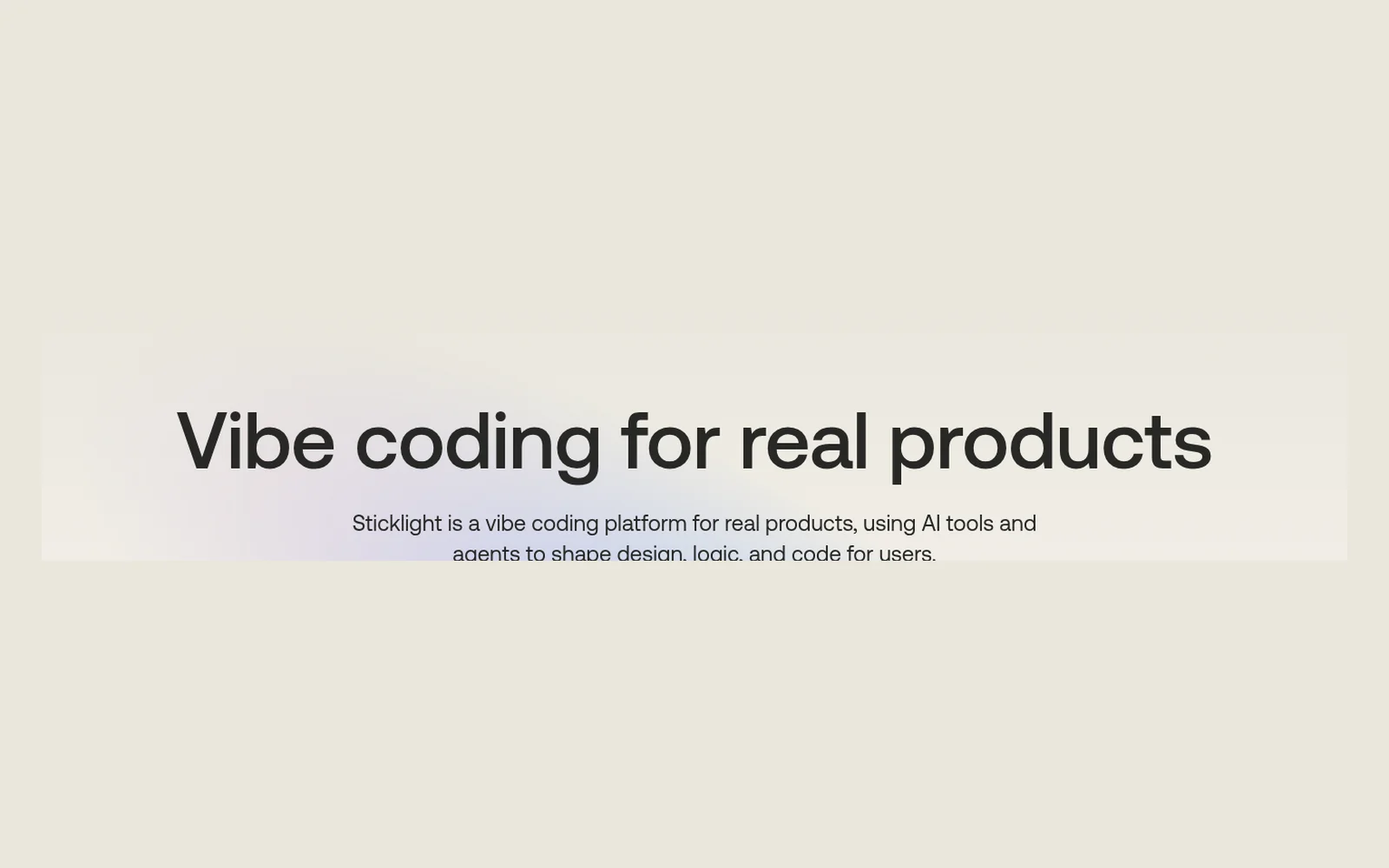
Sticklight turns a plain-language description into a website, web app, dashboard, portal, internal tool, landing page, or booking flow. You can edit the result visually, connect tools you already use, and keep a cloud backend in the same project. A free plan lets you try a build before you pay. Full code editing is on the paid plans.
What it does
Sticklight is an AI coding platform. You describe what you want, or start in Plan Mode, and it builds a working project: the interface, the logic, and the code. The homepage lists websites, web apps, dashboards, portals, internal tools, landing pages, and booking flows.
You can remix a template, connect tools and data you already use, and use the built-in cloud backend for a database, sign-in, file storage, secrets, and edge functions. Visual editing is on every plan in the comparison table. Skills are saved instructions you can reuse, for work such as design, accessibility, and performance.
On Pro and above you can edit the generated code, push it to GitHub, connect a custom domain, and publish without the Free plan’s 24-hour limit. Sticklight’s FAQ says you do not need coding experience, and that people who do code can open the project and change it. The same FAQ says this is not only for throwaway prototypes, and that it does not replace developers.
The about page says Sticklight was developed by the team behind Elementor, and that it was created by Ariel Klikstein, co-founder of Elementor. You do not need WordPress or Elementor to use it. A WordPress connector is optional.
Official site: sticklight.com.
Who it’s for
Sticklight fits agencies, freelancers, and small-business owners who want to describe an app or a site and get working code they can still edit. The about page aims it at people who deliver client work, including teams that already know Elementor.
- A good fit: you want a first build from a prompt, a place to edit it visually or in code, and hosting, a database, and sign-in in the same product.
- A weaker fit: you want an editor that stays inside a repository you already maintain, line by line. Cursor is the closer match in this library for that job. If you only need a chat that scaffolds a landing page, compare Lovable and Bolt.
Key use cases
- Websites and landing pages
- Web apps and dashboards
- Portals and internal tools
- Booking flows
- Client projects you can hand over
What you can do with it
- Prompt or Plan Mode: describe the product, or map it before the build. The homepage shows both.
- Templates: remix a template that is already a working project.
- Visual editing: listed on every plan in the comparison table.
- Connectors: link tools and data you already use, including an optional WordPress connection.
- Cloud backend: database, user authentication, file storage, secrets, and edge functions.
- Code and GitHub: the Free card lists import from GitHub. The comparison table marks push to GitHub, auto-deploy, and the code editor as Pro and above. The help article says Free can view the code but not edit it.
- Publish: Free includes one 24-hour publish per project. Pro and Business add ongoing publishing and a custom domain.
- Security and testing: the Free card includes 1 security scan and unlimited testing-agent runs. Pro lists unlimited security scans.
- Client handoff: on Pro and above you can transfer a project to another Sticklight workspace. The pricing FAQ says the client needs a paid Sticklight account to accept it.
How to start with Sticklight
These steps follow the homepage, the pricing page, and the about page. They use the controls those pages name.
- Open sticklight.com and choose Start free. The homepage also has a prompt box, a Template start, a WordPress start, and a Plan first switch.
- Describe the site or app you want, or turn on Plan Mode if you want a plan before it builds. Sticklight’s homepage names both.
- Refine the result visually. On Pro and above you can also open the code, connect a custom domain, and push the project to GitHub.
- Connect tools you already use. WordPress is optional. The about page says Sticklight works without WordPress or Elementor.
- Read the pricing page before you publish client work. Free includes one 24-hour publish per project. Pro and Business add ongoing publishing, and prices do not include VAT.
These steps follow official pages: sticklight.com; pricing; about; plans and billing help. Checked November 12, 2026.
Other tools for this job
These are AI app builders and a code editor already in this library. Sticklight is the one that starts from a product description and includes hosting and a cloud backend, from the team behind Elementor.
-

Lovable
Build a landing page or a web app by chatting with AI.
-
Bolt
Build a website, an app, or a prototype from a prompt.
-
Hercules
Describe an app in chat and get a build that includes a database, logins, and payments.
-
Emergent
Build a site or an app by chatting with agents that design, code, and deploy.
-

Cursor
An AI code editor for writing, fixing, and reviewing code in a project you already have.
Frequently asked questions
What does Sticklight do?
Sticklight builds websites, web apps, dashboards, portals, internal tools, landing pages, and booking flows from a description you write, or from Plan Mode. It includes visual editing, connectors to tools you already use, and a cloud backend with a database, sign-in, file storage, and server-side functions.
Do I need to know how to code?
Sticklight’s FAQ says no. You can describe the product in plain language. Full code editing, pushing to GitHub, and a custom domain are listed on Pro and above. The help article says the Free plan can view the code but not edit it.
Is Sticklight only for prototypes?
Sticklight’s FAQ says no. It can be used for a first version, and it is also meant for work you keep refining. The same FAQ says it does not replace developers: you still review, test, and decide what ships.
What should I watch for in the generated code?
Sticklight’s FAQ says teams should treat AI-generated code as a starting point, not a finished product. Review it, test it, and check it for security problems before you rely on it. This page does not repeat third-party security statistics.
Does Sticklight have a free plan?
Yes. Free is $0, with 5 credits a day, up to 30 a month, up to 5 projects, and one 24-hour publish per project. Paid plans add monthly credits, hosting without that 24-hour limit, and code editing.
How is yearly billing priced?
The pricing cards show Pro at $20.8 a month and Business at $83.3 a month, both labeled billed annually. The pricing FAQ says yearly billing is two months free. The help article updated November 11, 2026 lists Pro at $25 a month or $250 a year, and Business at $100 a month or $1,000 a year. Those yearly totals divided by 12 match the card figures. Prices do not include VAT.
Pricing and the free plan
Prices checked on the official pricing page. The cards are labeled billed annually. The help article, last updated November 11, 2026, lists the monthly price and the yearly total. Prices do not include VAT. The help article says VAT applies to customers in Israel and appears at checkout.
The pricing FAQ says yearly billing on Pro or Business is two months free. The page’s price data lists Pro at $25 a month or $250 a year, and Business at $100 a month or $1,000 a year. Divided by 12, those yearly totals are about $20.83 and $83.33, which the cards round to $20.8 and $83.3 a month. The help article also still describes a Lite plan. The pricing cards do not list Lite, so it is not in the table below.
- Free
-
$0
5 credits a day, up to 30 a month. Build from a prompt, remix templates, connectors, a built-in cloud backend, and Skills. Up to 5 projects. One 24-hour publish per project. 1 security scan and unlimited testing-agent runs. The comparison table marks the code editor, custom domain, and push to GitHub as not included.
- Pro
-
$20.8 a month, billed annually
Help article: $25 a month, or $250 a year. 100 credits a month plus 5 a day. Monthly credits roll over. Add credits from $21. Up to 25 projects. 3 project editors and unlimited viewers. Publish and hosting, a custom domain, GitHub push, and full code editing. Unlimited security scans.
- Business
-
$83.3 a month, billed annually
Help article: $100 a month, or $1,000 a year. 200 credits a month plus 5 a day. Add credits from $49. Unlimited editors and projects. Shared templates and unlimited shared Skills. Credit limits per member. Priority support.
- Enterprise
-
Contact sales
Custom credits, enterprise security, dedicated onboarding, priority support, and custom connectors. The pricing FAQ says Enterprise can pay by invoice.
The pricing FAQ says each message uses credits based on the work. If you run out on Pro or Business, you can top up or upgrade. If you hit the project limit, you upgrade to add more. You can change or cancel a plan at any time. The change takes effect at the start of the next billing cycle.
Sticklight’s FAQ on vibe coding says AI-written code can miss context, expose secrets, or leave security and structure problems. It says teams should treat that code as a starting point: review it, test it, and check security before calling it finished.
Facts
- Access
- Ongoing free plan
- Paid plans from
- $20.8/mo on yearly billing
- Checked
- Category
- Development
- On the record
- Sticklight lists a Free plan at $0 with 5 credits a day, up to 30 a month. The pricing cards show Pro at $20.8 a month and Business at $83.3 a month, billed annually. Prices do not include VAT.