
Strawberry: AI automation for non-technical people and small teams
Official site link, not an affiliate link. We do not have an approved referral link for Strawberry.
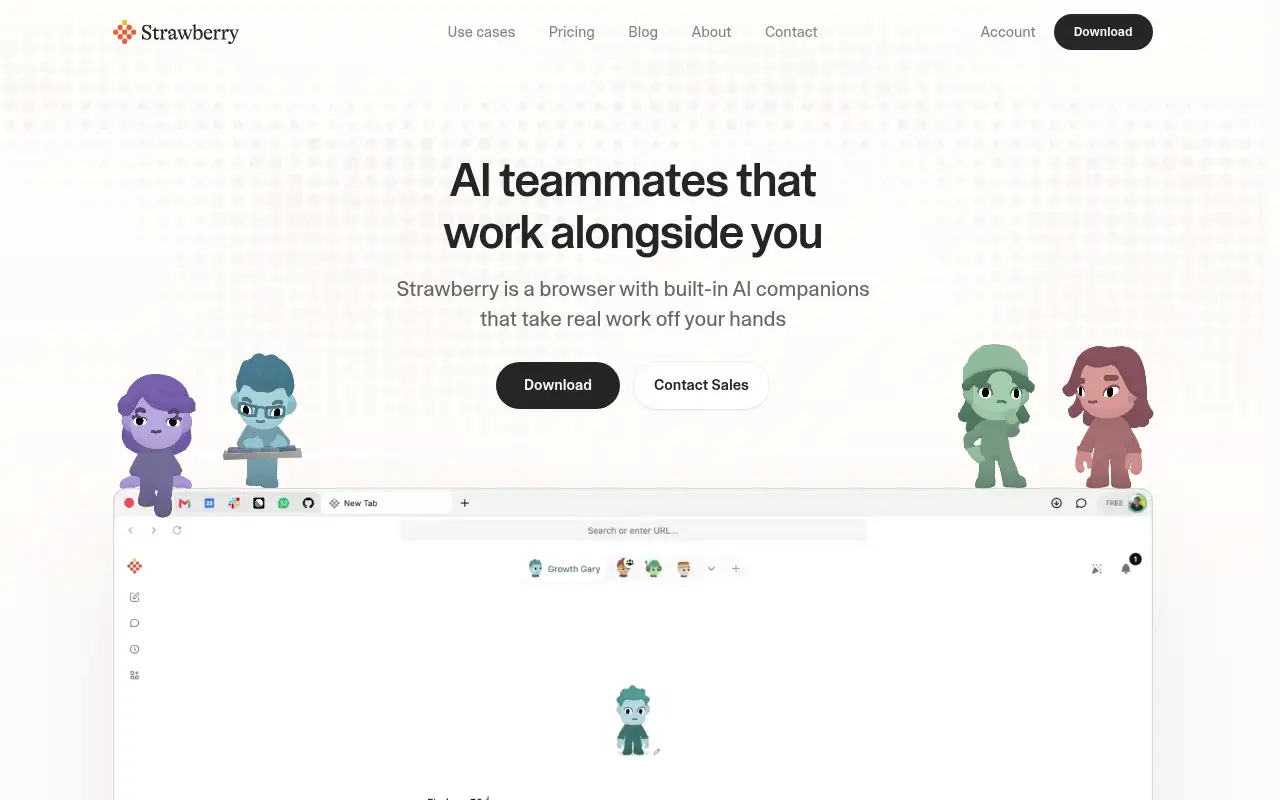
Strawberry helps you automate repetitive work by starting with an AI browser where trained “companions” research, fill in records and take meeting notes for you. It is best for non-technical people and small teams who spend hours on repeat browser work like research, lead lists and data entry. People also use it to find answers you can check.
What it does
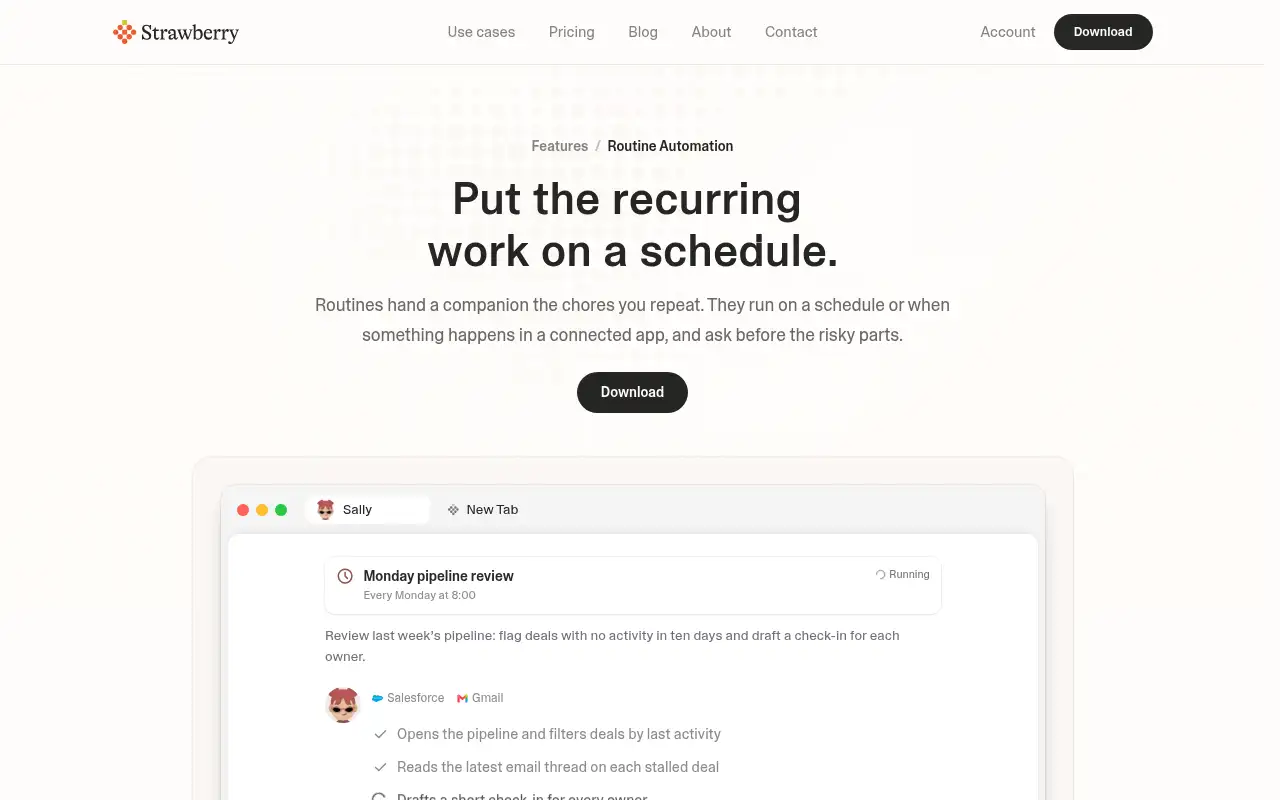
You browse as usual, and when you want help you hand the task to a companion. Strawberry says companions can use any website, connect to apps like Gmail, Slack and Notion, keep memory across chats, run tasks on a schedule and build dashboards. Its Meetings page keeps recordings, transcripts and summaries together. Plans are credit-based: credits refresh monthly, and top-ups cost $0.01 per credit and roll over, per Strawberry.
Official site:strawberrybrowser.com.
Editorial note
Strawberry is a desktop AI browser from a Stockholm team. Version 1.0 came out on October 26, 2026, with companions you can design yourself and nine ready-made companions such as Sales Sally and Talent Theo, per Strawberry.
Who it’s for
- For: Non-technical people and small teams who spend hours on repeat browser work like research, lead lists and data entry.
- Not ideal for: people who want a free tool for heavy daily automation, since companion work uses monthly credits.
Key use cases
- Automate work
- Research & answers
What you can do with it
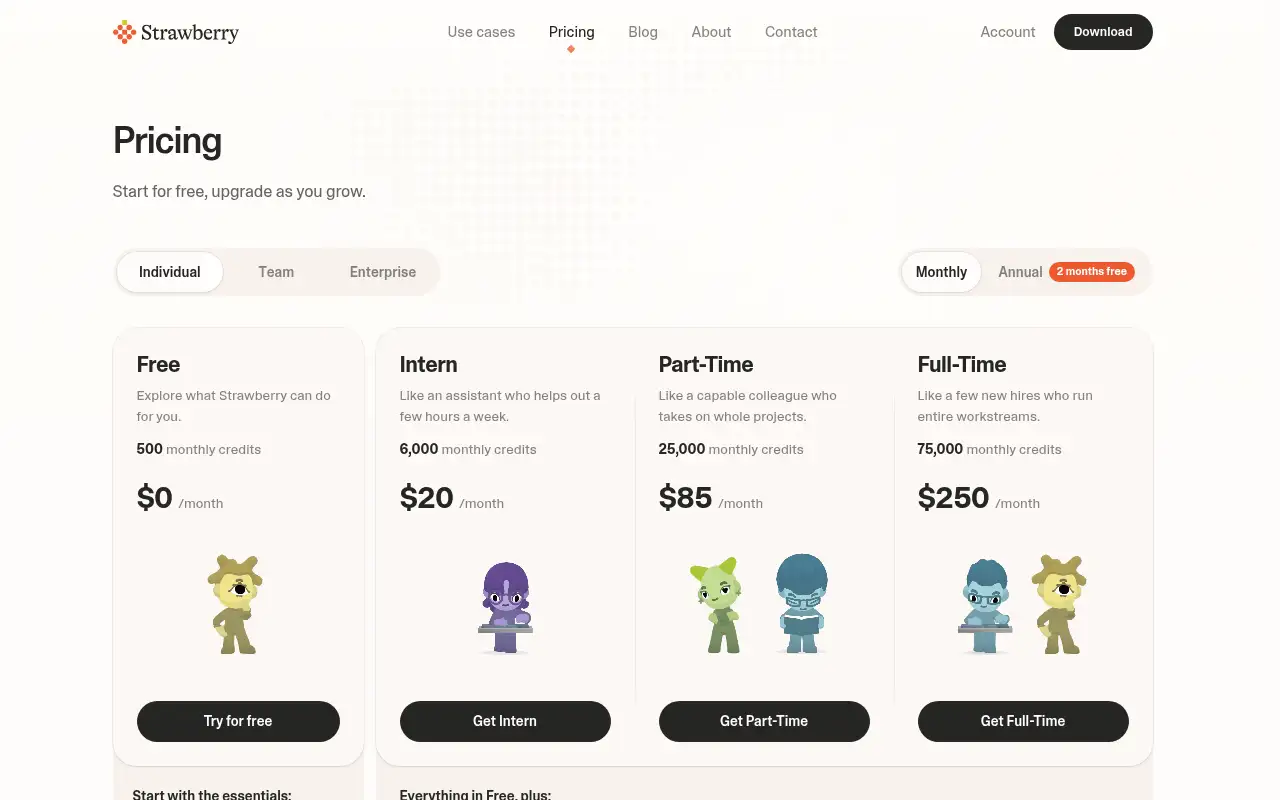
- Free access: Strawberry’s pricing page lists a Free plan at $0 a month with 500 monthly credits. It says browsing is always free and credits are only used when a companion steps in to help. This matters when you want to test before you pay.
- Intern plan: 6,000 monthly credits, Expert mode, choose your AI models, priority access at peak hours. This matters when the free tier is not enough.
- Part-Time plan: 25,000 monthly credits, everything in Intern. This matters when the free tier is not enough.
- Help documentation: Official pricing and product pages at strawberrybrowser.com. This matters when you set it up yourself.
How to use Strawberry: step-by-step tutorial
Five to eight steps from the account to a first useful result. Where the official guide names a control, the step uses that name. Where it does not, the step stays general.
- Open strawberrybrowser.com and create an account on the free plan. You can reach a first result before you choose a paid plan.
- Download the Strawberry desktop app from strawberrybrowser.com and start on the Free plan.
- Hire one of the ready-made companions, or create your own and tell it its job.
- Connect only the apps it needs, such as Gmail or Slack.
- Give it one repeat task, like building a lead list from a search, and watch the first run.
- Check its work before it sends or changes anything, then put the task on a schedule if it went well.
These steps follow the official guide: Strawberry homepage.
Frequently asked questions
What is Strawberry?
A desktop AI browser where AI companions do browser work for you, such as research, outreach and data pulls, per Strawberry.
Is Strawberry free?
Yes. Strawberry lists a Free plan at $0 a month with 500 monthly credits, checked October 27, 2026. Browsing is free; credits are used when a companion helps.
How much do paid plans cost?
Strawberry lists Intern at $20 a month, Part-Time at $85 a month and Full-Time at $250 a month, with annual billing giving 2 months free, checked October 27, 2026.
What is new in Strawberry 1.0?
Strawberry says 1.0 adds companions you design yourself, nine ready-made companions with built-in skills and routines, and a Companion Plaza mode.
Does Strawberry train on my content?
Strawberry’s pricing page says “No training on your content” is included in every plan.
Pricing
Prices checked on the official pricing page.
- Free
-
$0/month
500 monthly credits, curated AI models
- Intern
-
$20/month
6,000 monthly credits, Expert mode, choose your AI models, priority access at peak hours
- Part-Time
-
$85/month
25,000 monthly credits, everything in Intern
- Full-Time
-
$250/month
75,000 monthly credits, everything in Intern
- Limits: Credits run out on heavy use and plan credits don’t roll over; companions act on real sites, so check their work before anything is sent.
- Plans change: vendors update limits and prices; confirm on the official page before you buy.
Facts
- Access
- Ongoing free plan
- Paid plans from
- $0
- Checked
- Category
- Category: Automation tools (16 in the library).
- On the record
- Strawberry’s pricing page lists a Free plan at $0 a month with 500 monthly credits. It says browsing is always free and credits are only used when a companion steps in to help.