
Ellf: developer tools for developers
Official site link, not an affiliate link. We do not have an approved referral link for Ellf.
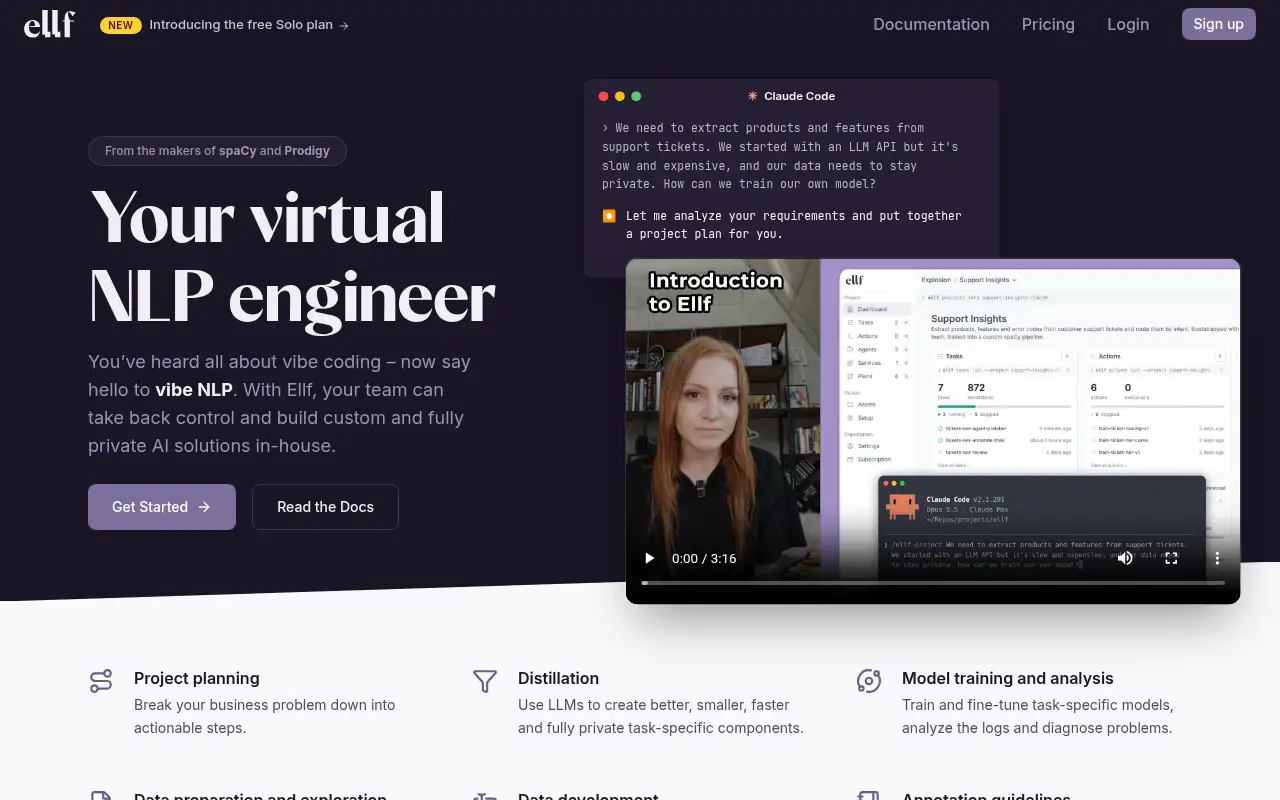
Ellf helps you build software by starting with a virtual NLP engineer that plugs into your coding assistant to plan, annotate, train and evaluate custom, private NLP models. It is best for developers who want small, fast, private NLP models instead of calling a large LLM on every request. A free plan is available.
What it does
- Coding assistant integration with Claude Code, Codex, GitHub Copilot and others
- Annotation platform built on Prodigy, plus LLM-powered auto-annotation agents
- A data-private cluster on your machine or in your cloud; Explosion says your data is never sent to it
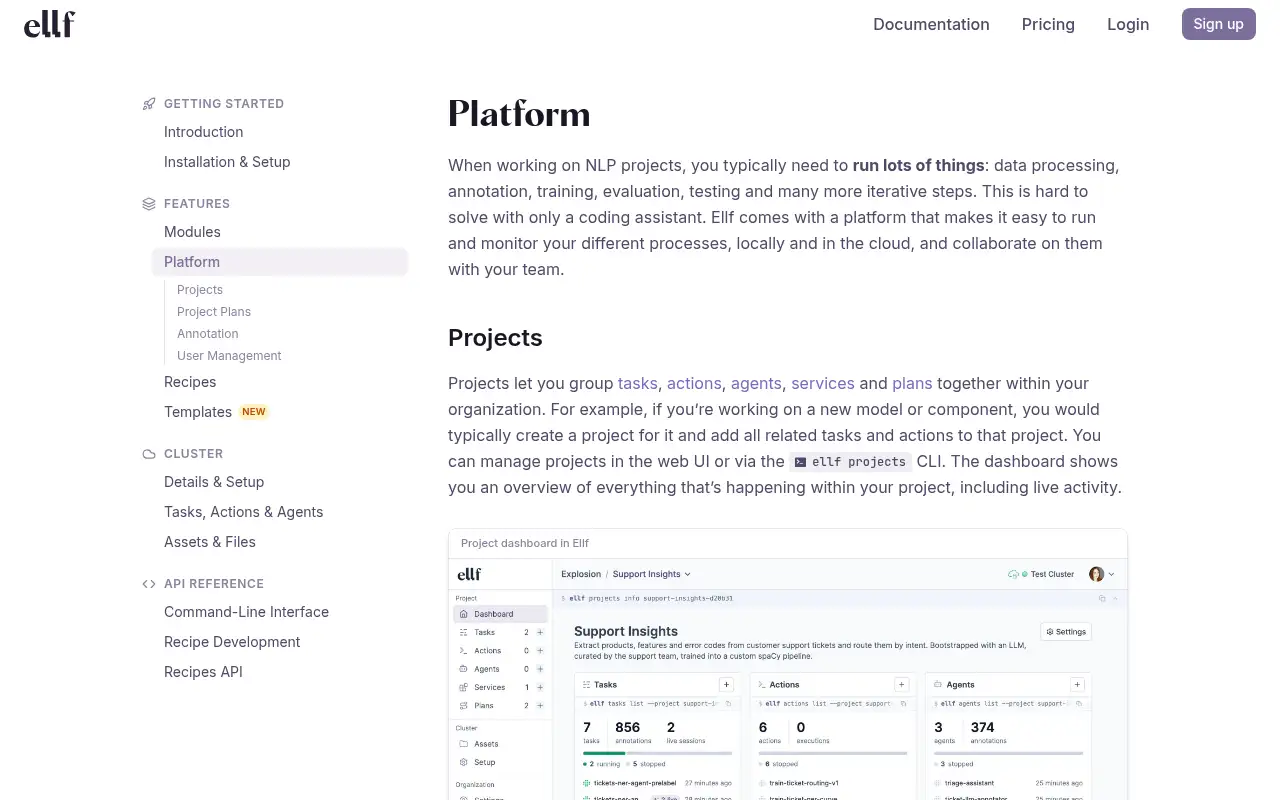
- Project plans that log strategy, decisions and results
- Project templates such as support-ticket extraction and LLM pipeline evaluation
Editorial note
Ellf, from Explosion, the makers of spaCy and Prodigy, is a virtual NLP engineer that plugs into coding assistants such as Claude Code, Codex or GitHub Copilot. It helps them plan, annotate, train and evaluate custom NLP models on infrastructure you control. A free Solo plan covers one person on one machine.
Who it’s for
- Developers replacing a slow or costly LLM API call with a task-specific model
- Teams with private or regulated data that must stay on their own infrastructure
- Data teams that need quick annotation and evaluation sets
- Not ideal for: non-technical users; you work through a coding assistant and a CLI.
Key use cases
- Build apps & code
What you can do with it
Explosion says coding assistants fall short on data-centric NLP work in three ways: they cannot get human feedback on real data, they are impractical for long-running jobs, and they default to “just use an LLM.” Ellf adds annotation with Prodigy and LLM auto-annotation agents, execution on a Kubernetes cluster you run, and a knowledge base from more than 10 years of applied NLP.
How to use Ellf: step-by-step tutorial
Five to eight steps from the account to a first useful result. Where the official guide names a control, the step uses that name. Where it does not, the step stays general.
- Sign up and choose the free Solo plan, or a team trial.
- Install the CLI and connect it to your coding assistant.
- Set up a local cluster; your coding assistant can do this for you.
- Describe the problem and let Ellf write a project plan.
- Annotate a few hundred examples, train a small model and compare it with your current approach.
These steps follow the official guide: Ellf pricing.
Frequently asked questions
What is Ellf?
A tool from Explosion that gives your coding assistant what it needs to build custom NLP systems end to end: planning, annotation, training and evaluation.
Does my data leave my infrastructure?
Explosion says computation runs on a cluster you control and your data is never sent to it; its servers store only metadata needed to coordinate the service.
Is Ellf free?
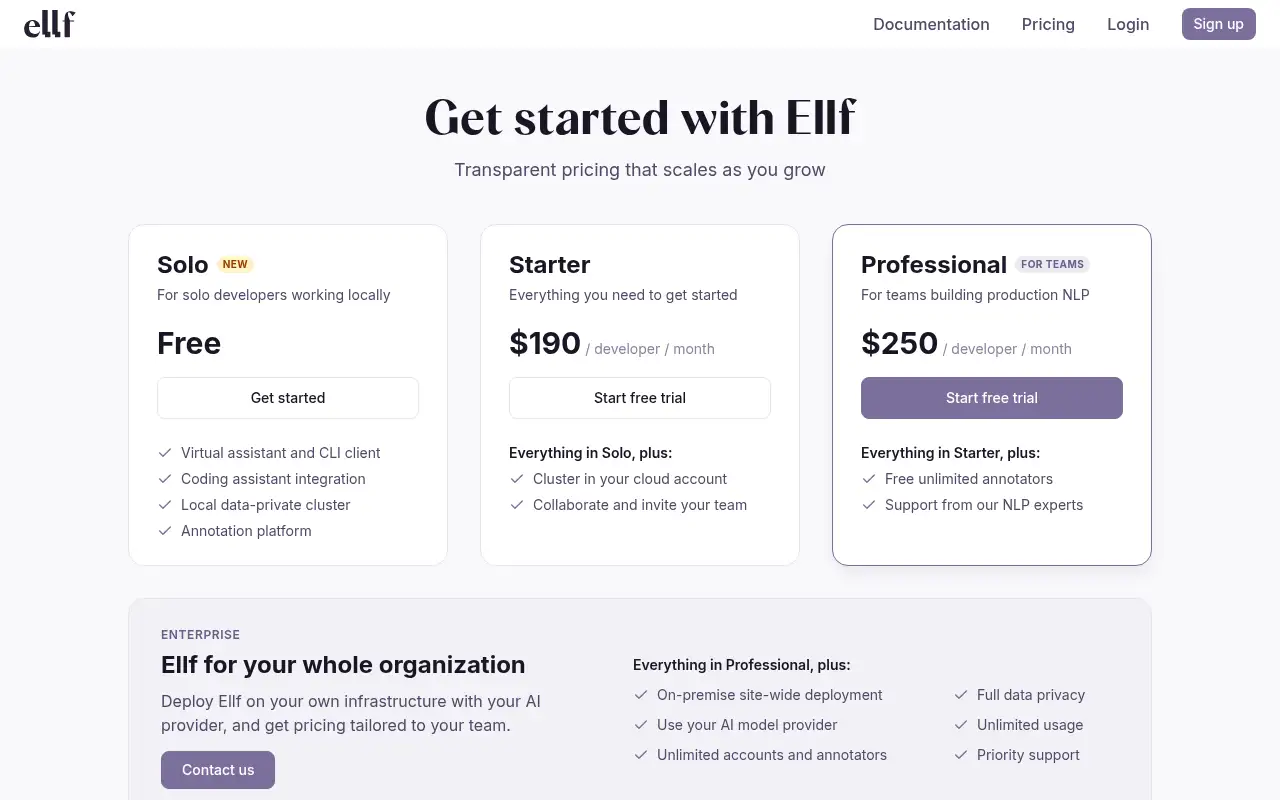
Explosion lists a free Solo plan for one person with no time limit, running on your own machine or home network. Team plans are $190 and $250 per developer a month, with free trials.
Pricing
Prices checked on the official pricing page.
- Solo
-
Free
One person; virtual assistant and CLI, coding assistant integration, local data-private cluster, single-user annotation
- Starter
-
$190/developer/month
Everything in Solo plus a cluster in your cloud account and team collaboration; free trial
- Professional
-
$250/developer/month
Everything in Starter plus free unlimited annotators and support from NLP experts; free trial
- Enterprise
-
From $5,000 per organization
On-premise and cloud clusters, unlimited accounts, priority support
- The Solo plan is for one person and a local cluster only; cloud clusters and team collaboration need a paid plan.
- Vendors change plans; confirm on the official page before you buy.
In the news: Ellf’s free Solo plan for building NLP with your coding assistant
Facts
- Access
- Ongoing free plan
- Paid plans from
- $0
- Checked
- Category
- Category: Development tools (31 in the library).
- On the record
- Explosion reports a free Solo plan for one person with no time limit, with the data-private cluster running on your own machine or home network.