
Airtable: business software for operations, marketing and product teams
Official site link, not an affiliate link. We do not have an approved referral link for Airtable.
Airtable helps you automate repetitive work by starting with a no-code platform to build database-backed apps and workflows, with automations and interfaces. It is best for operations, marketing and product teams who outgrow spreadsheets and want custom workflow apps. People also use it to build software. Business adds two-way sync, an admin panel and SSO. A free plan is available.
What it does
- Linked-table bases with many views
- Interface Designer for custom app screens
- Automations with monthly run limits
- AI agents and AI credits on every plan
- Sync integrations, extensions and Gantt and timeline views on Team
- Notion AI: docs and databases with AI
- monday.com: visual work management
- ClickUp: tasks, docs and goals
Editorial note
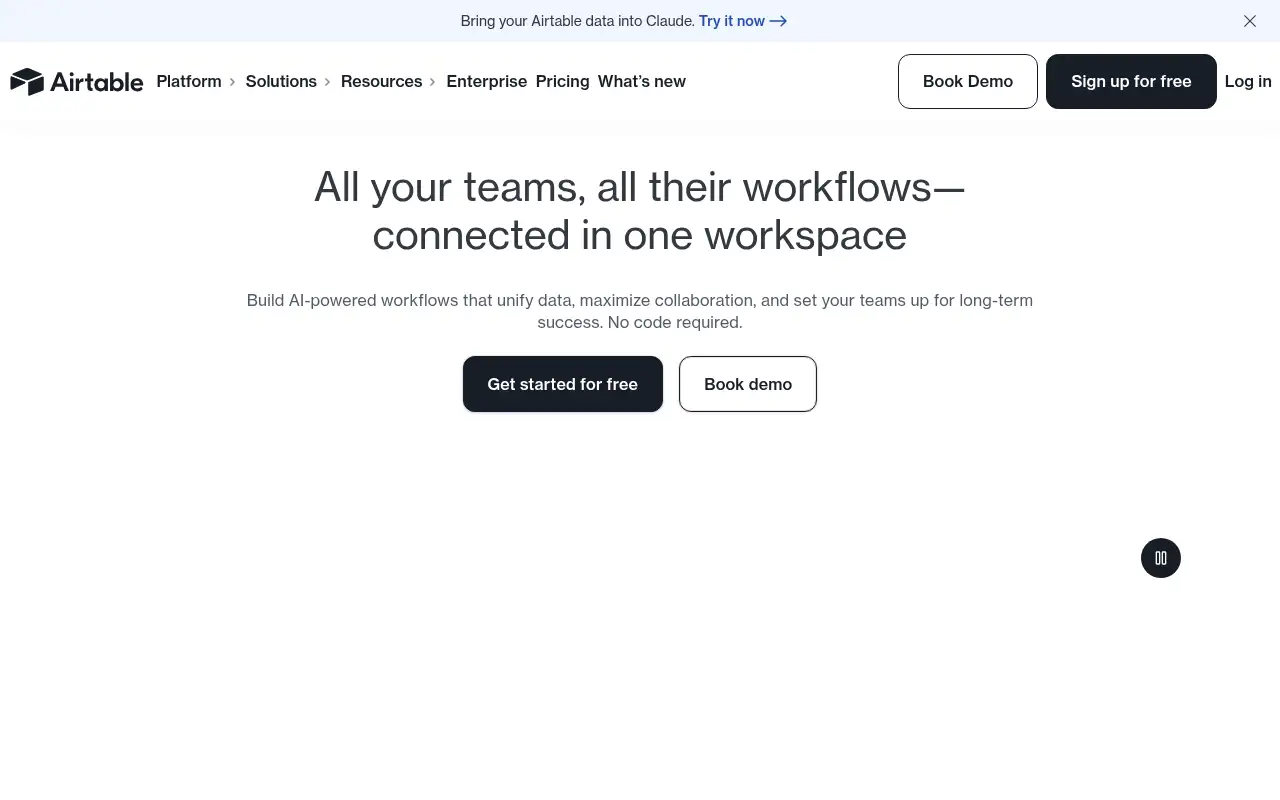
Airtable is a no-code app platform. You store data in bases that look like spreadsheets but act like databases, then build interfaces, automations and AI-powered workflows on top. Airtable agents can reason across thousands of records and take actions, and you can bring Airtable data into Claude.
Who it’s for
- Operations teams tracking inventory, vendors or requests
- Marketing teams running content calendars and campaigns
- Product teams managing roadmaps and feedback
- Not ideal for: people who only need a simple personal spreadsheet.
Key use cases
- Automate work
- Build apps & code
What you can do with it
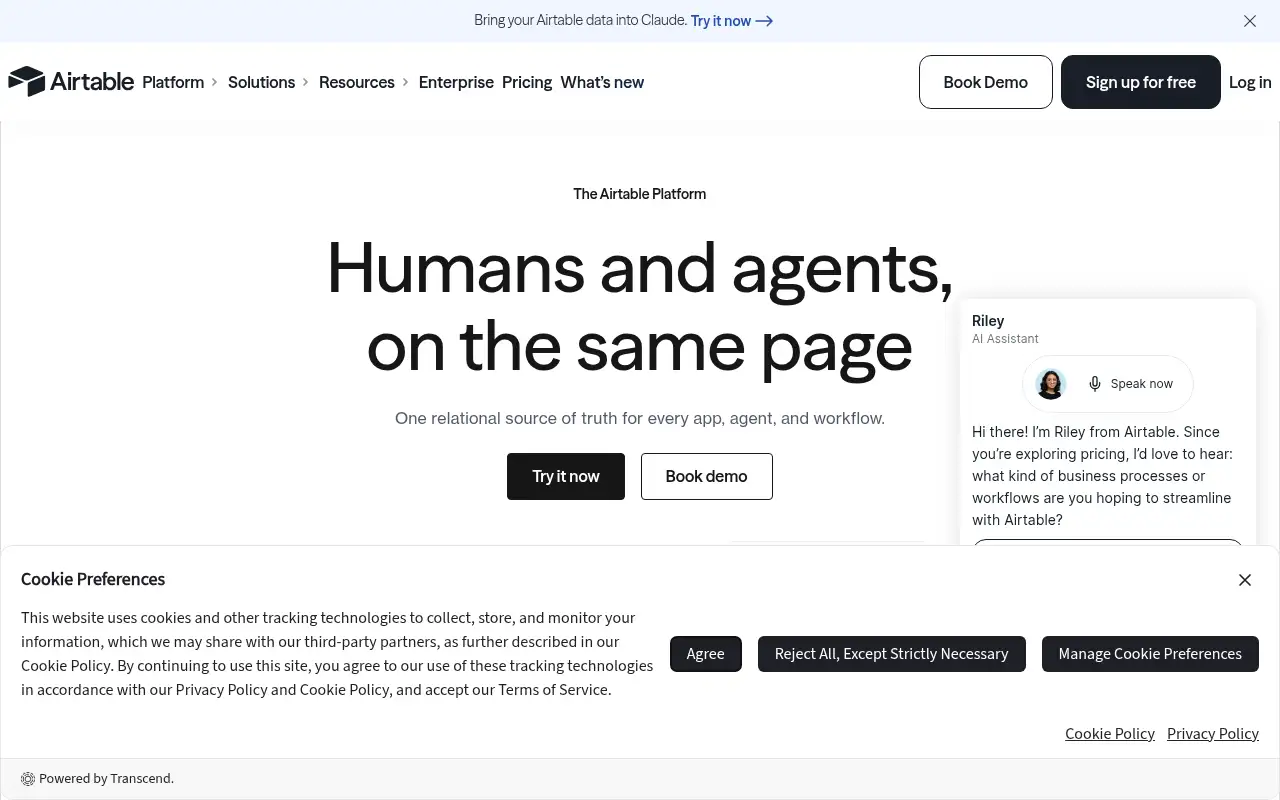
Airtable lets teams build the tools they need without code. You model data in linked tables, view it as grids, calendars, Gantt or timelines, and design interfaces for each role. Automations move records and send updates, sync integrations pull in data from other tools, and AI features, measured in AI credits, summarize, categorize and act across records. Business adds two-way sync, an admin panel and SSO.
How to use Airtable: step-by-step tutorial
Five to eight steps from the account to a first useful result. Where the official guide names a control, the step uses that name. Where it does not, the step stays general.
- Sign up free at airtable.com.
- Import a spreadsheet or start from a template.
- Link related tables, such as projects and tasks.
- Build an interface for your team and add one automation.
- Upgrade to Team when you pass 1,000 records per base.
These steps follow the official guide: Airtable pricing.
Frequently asked questions
What is Airtable used for?
Building no-code apps and workflows on structured data, such as content calendars, inventory trackers, CRMs, roadmaps and request queues.
How many records does the Airtable free plan allow?
The Free plan allows 1,000 records per base, with unlimited bases and up to 5 editors.
Does Airtable have AI?
Yes. Every plan includes AI credits: 500 per editor a month on Free, 15,000 per paid user on Team and 20,000 on Business.
Is Airtable free?
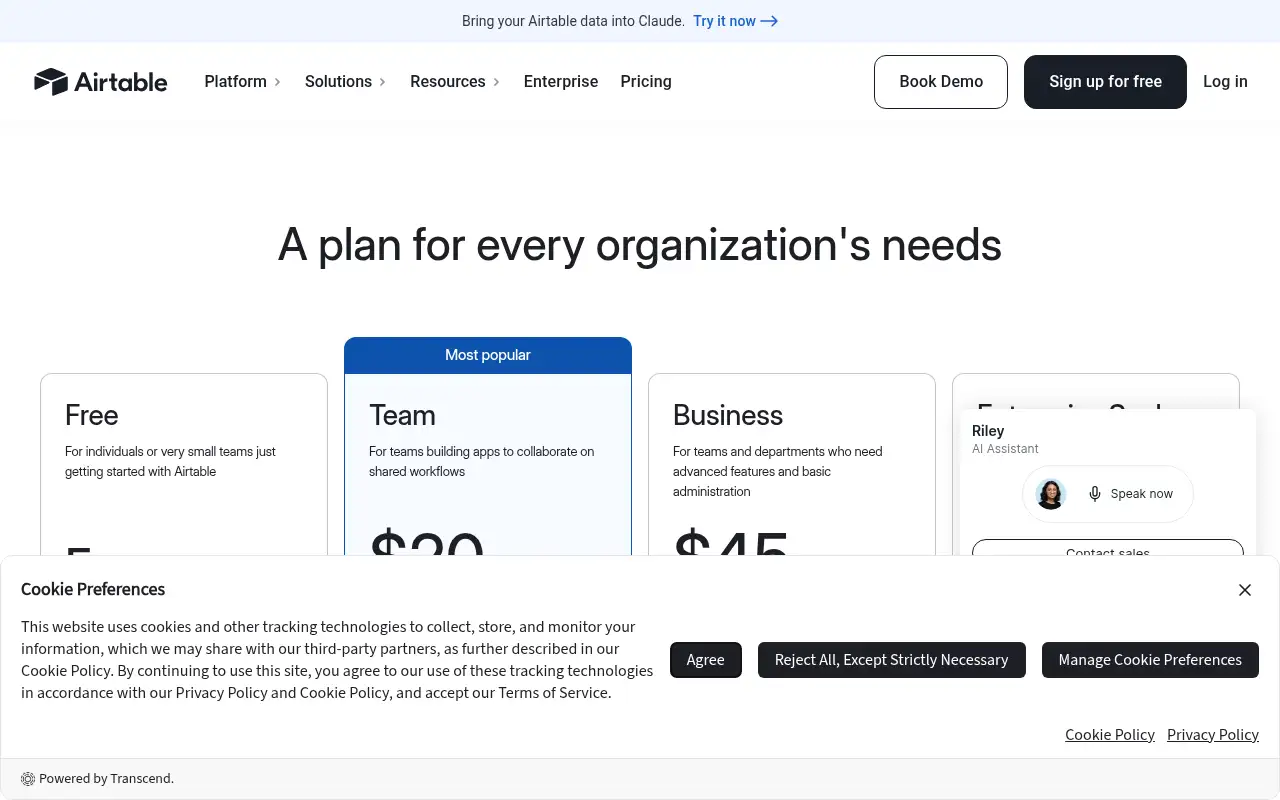
Yes. The Free plan includes unlimited bases with 1,000 records each. Team is $20 per seat a month billed annually.
Pricing
Prices checked on the official pricing page.
- Free
-
$0
Unlimited bases, 1,000 records per base, up to 5 editors, 1 GB attachments per base, 100 automation runs, Interface Designer
- Team
-
$20/seat/month billed annually ($24 monthly)
50,000 records per base, 25,000 automation runs, 20 GB attachments, Gantt and timeline views, 15,000 AI credits per user
- Business
-
$45/seat/month billed annually ($54 monthly)
125,000 records per base, 100,000 automation runs, two-way sync, admin panel, SAML SSO, 20,000 AI credits per user
- Enterprise Scale
-
Custom
500,000 records per base and enterprise governance
- The Free plan caps records at 1,000 per base and automation runs at 100, and seat pricing adds up for larger teams.
- Vendors change plans; confirm on the official page before you buy.
Facts
- Access
- Ongoing free plan
- Paid plans from
- $20/seat/month billed annually
- Checked
- Category
- Category: Business and productivity tools (153 in the library).
- On the record
- Airtable has a Free plan for individuals or very small teams: unlimited bases, 1,000 records per base, up to 5 editors and 500 AI credits per editor a month.