
HyperWrite: AI writing for people
Official site link, not an affiliate link. We do not have an approved referral link for HyperWrite.
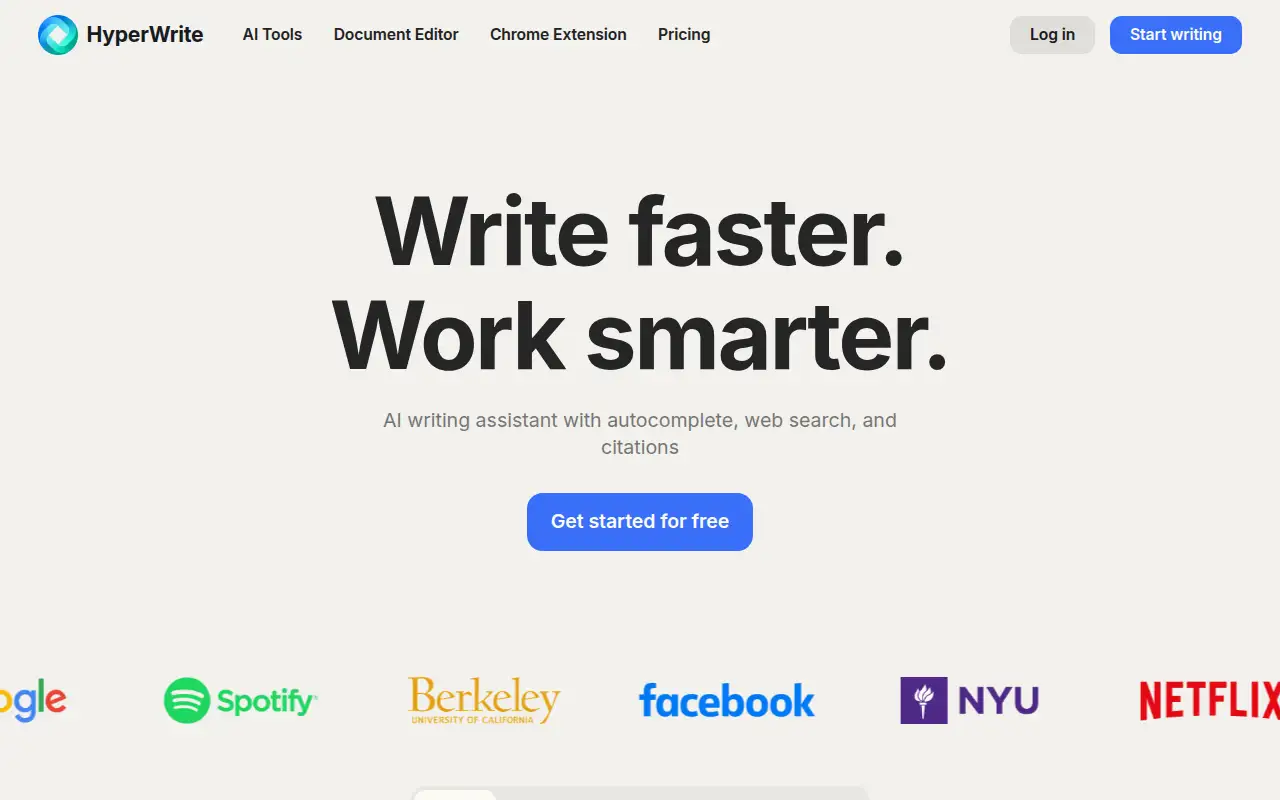
HyperWrite helps you write and edit text by starting with an AI writing assistant for drafts in a document editor and a browser extension. It is best for people who write often in the browser and want a paid assistant with a known message cap. Premium includes 250 AI messages a month.
What it does
HyperWrite writes with you in a document editor and a browser extension. Premium includes 250 AI messages a month. Ultra lists unlimited AI messages. Annual billing is advertised at 20 percent off. The captured pricing page did not list a free tier.
Editorial note
HyperWrite is an AI writing assistant with a document editor and a Chrome extension. Premium is $16 a month billed annually. Ultra is $29.
Who it’s for
People who write often in the browser and want a paid assistant with a known message cap.
Key use cases
- Write & chat
What you can do with it
An AI writing assistant for drafts in a document editor and a browser extension.
How to use HyperWrite: step-by-step tutorial
Five to eight steps from the account to a first useful result. Where the official guide names a control, the step uses that name. Where it does not, the step stays general.
- Open hyperwriteai.com and create an account. Read the plan list on the official site before you pay.
- Open hyperwriteai.com and review Premium and Ultra before you subscribe. The pricing page does not show a $0 plan.
- Start a document and write the brief yourself: audience, length, and the point.
- Ask for a draft, then edit every factual sentence yourself.
- Watch the message count on Premium. The plan lists 250 AI messages a month.
- Choose Ultra only if you expect to pass that cap. It is $29 a month billed annually.
These steps follow official guides: HyperWrite pricing; HyperWrite homepage. Checked November 11, 2026.
Example inputs
Adapt these. They are examples of what to ask for, not a button name, unless the steps above already use that name.
A first request: an AI writing assistant for drafts in a document editor and a browser extension. Keep it short enough to review in one pass.Name the audience, the format you need, and one fact that must stay accurate.Frequently asked questions
How much does HyperWrite cost?
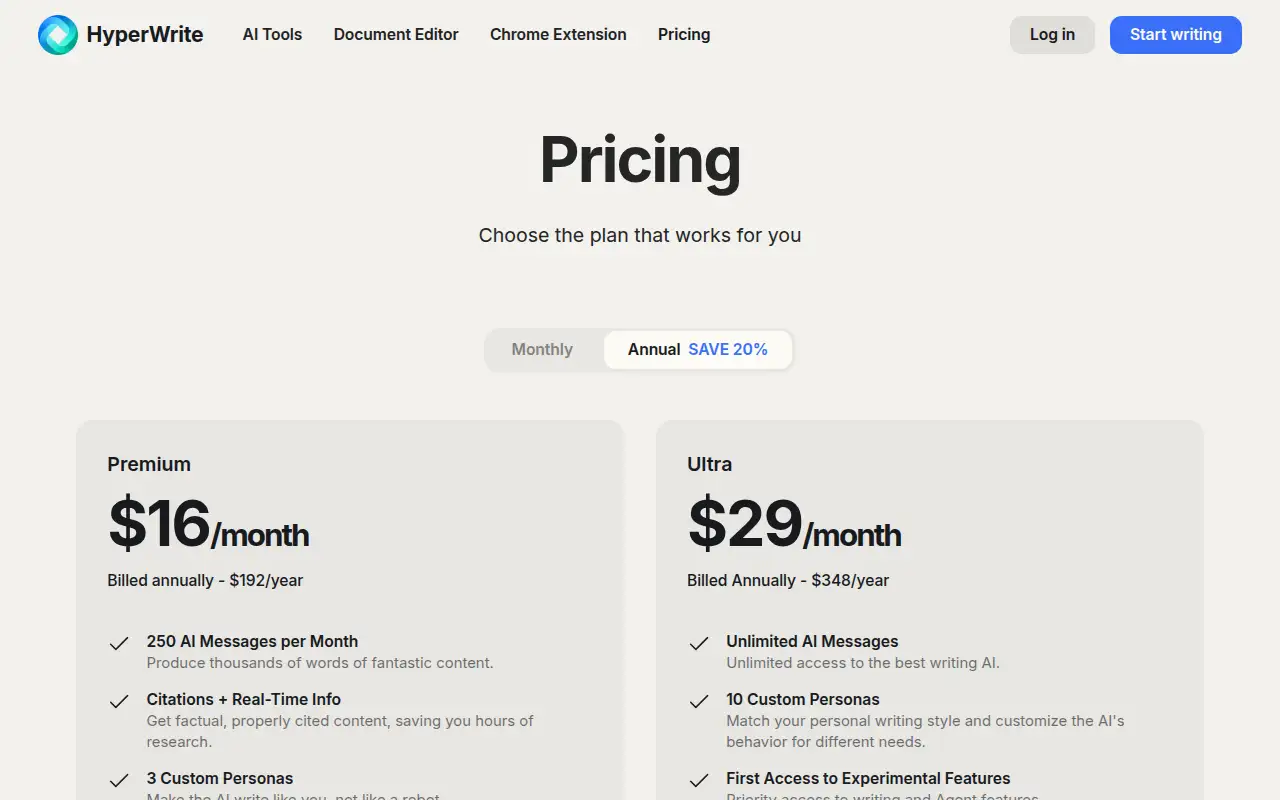
Premium is $16 a month billed annually ($192 a year). Ultra is $29 a month billed annually ($348 a year), checked November 11, 2026.
Is HyperWrite free?
A $0 plan was not on the captured pricing page.
What is included in Premium?
250 AI messages a month.
What does annual billing save?
The pricing page says annual billing saves 20 percent.
Pricing
Prices checked on the official pricing page.
- Premium
-
$16/month billed annually ($192/year)
250 AI messages a month. The page says annual billing saves 20 percent.
- Ultra
-
$29/month billed annually ($348/year)
Unlimited AI messages, described as unlimited access to the writing AI.
Facts
- Access
- Paid
- Paid plans from
- $16/mo billed annually
- Checked
- Category
- Category: Writing and content tools (41 in the library).
- On the record
- HyperWrite’s pricing page lists Premium at $16 a month billed annually ($192 a year) and Ultra at $29 a month billed annually ($348 a year). A $0 plan was not in the captured pricing text.