
Webflow: developer tools for designers, marketers and agencies
Official site link, not an affiliate link. We do not have an approved referral link for Webflow.
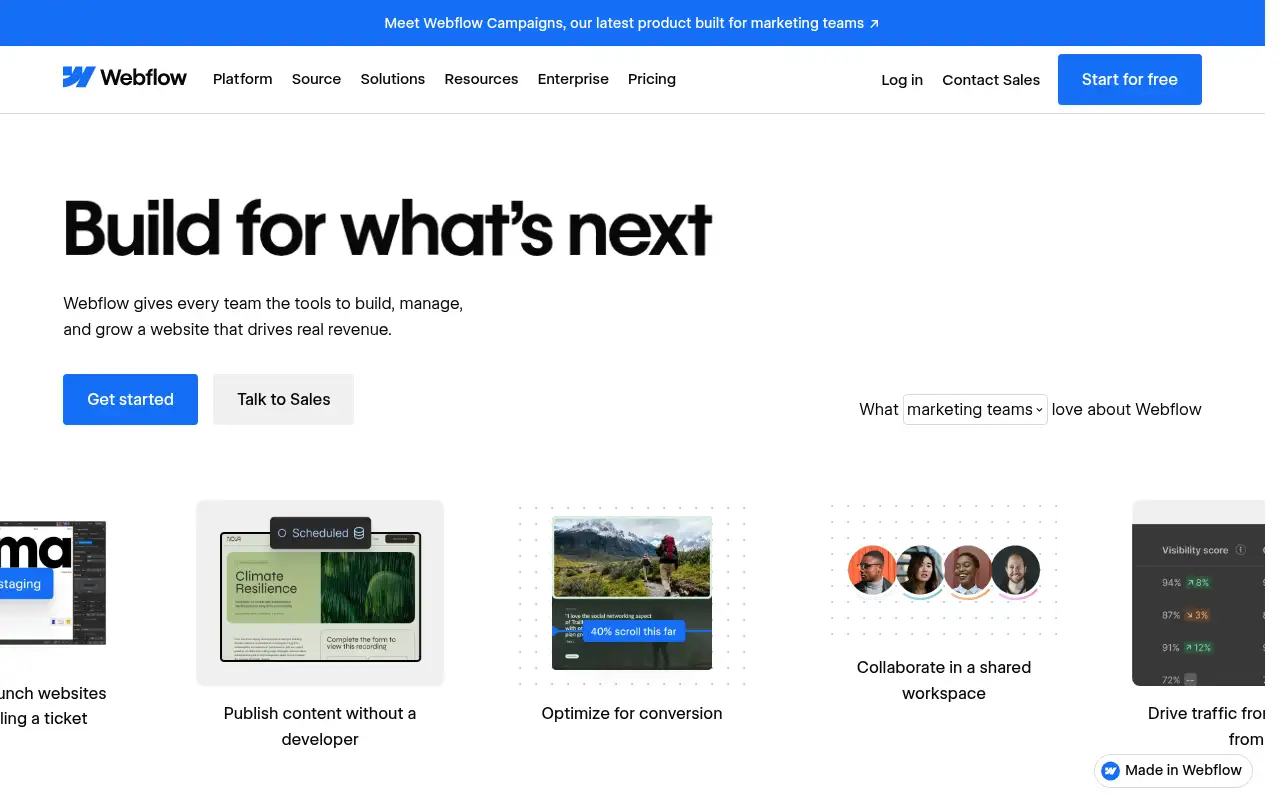
Webflow helps you build software by starting with a visual website builder with a CMS, hosting, Webflow AI and an MCP server. It is best for designers, marketers and agencies who build custom marketing sites without hand-coding every page. People also use it to build pages and funnels. A free plan is available.
What it does
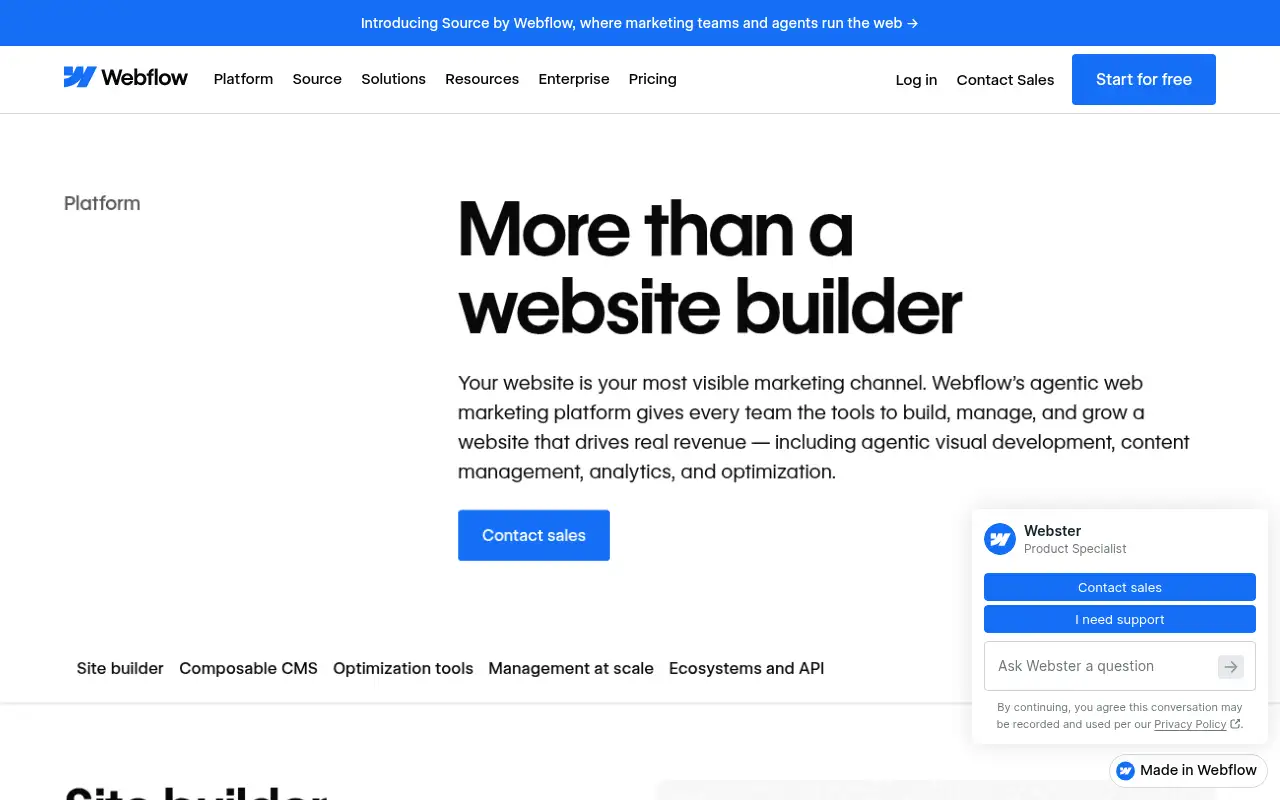
Webflow lets you design pages visually and publish them on Webflow’s hosting, with a CMS for blogs and other content collections. Its platform also covers interactions, localization, SEO and AEO tools for AI-driven search, shared libraries, Figma to Webflow, DevLink and Webflow Cloud app hosting. Site plans are priced per site: Starter is free, Basic suits simple sites with no CMS, and Premium adds the CMS and more bandwidth. Team and Enterprise platform plans add governance, publishing workflows and support for larger organizations.
Official site:webflow.com.
Editorial note
Webflow is a visual website builder with a built-in CMS, hosting, Webflow AI and an MCP server for AI assistants. You can build for free on the Starter plan with a webflow.io domain. Site plans with a custom domain start at $15 a month billed yearly.
Who it’s for
- For: Designers, marketers and agencies who build custom marketing sites without hand-coding every page.
- Not ideal for: people who want a site live in minutes from a fixed template with no design work.
Key use cases
- Build apps & code
- Funnels & pages
What you can do with it
- Free access: Webflow’s free Starter site plan includes a webflow.io domain, 2 static pages, a limited CMS, 1 GB of bandwidth and 50 form submissions. This matters when you want to test before you pay.
- Basic plan: Custom domain, 300 static pages, 10 GB bandwidth, unlimited form submissions, password protection. This matters when the free tier is not enough.
- Premium plan: Everything in Basic plus the Webflow CMS, more bandwidth, code components, site search and form file uploads. This matters when the free tier is not enough.
- Help documentation: Official pricing and product pages at webflow.com. This matters when you set it up yourself.
How to use Webflow: step-by-step tutorial
Five to eight steps from the account to a first useful result. Where the official guide names a control, the step uses that name. Where it does not, the step stays general.
- Create a free account at webflow.com and start a site on the Starter plan.
- Pick a template or start blank, then design your home page visually.
- Add a signup or contact form and test it.
- Publish to your free webflow.io domain to review the live site.
- When you are ready for a custom domain, add the Basic plan, or Premium if you need the CMS.
These steps follow the official guide: Webflow pricing.
Frequently asked questions
Is Webflow free?
Yes. Webflow’s Starter site plan is free, with a webflow.io domain, 2 static pages, a limited CMS, 1 GB of bandwidth and 50 form submissions, checked October 27, 2026.
How much does Webflow cost?
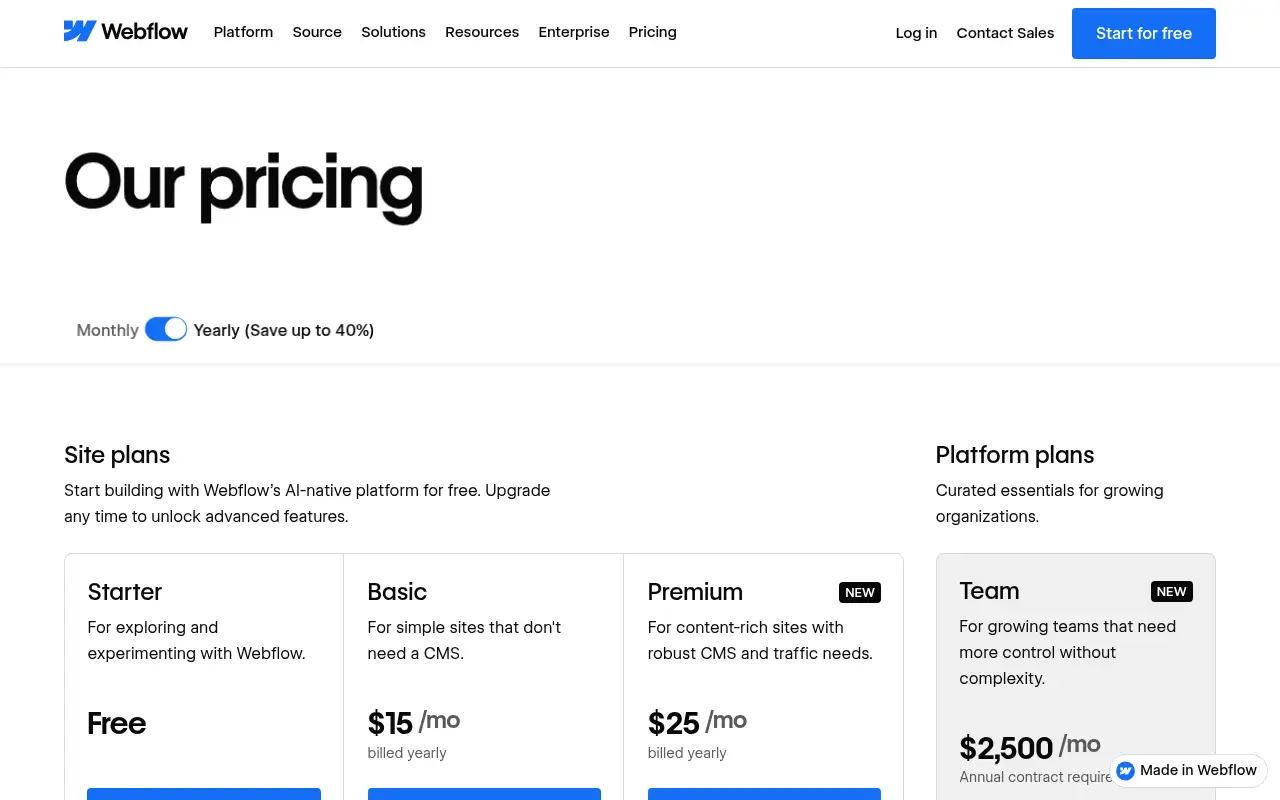
Site plans billed yearly: Basic $15 a month and Premium $25 a month. The Team platform plan is $2,500 a month with an annual contract; Enterprise is custom, per Webflow’s pricing page.
Does Webflow have AI features?
Webflow lists Webflow AI and an MCP server on its site plans, including the free Starter plan.
Which Webflow plan includes the CMS?
Premium is the site plan Webflow describes for content-rich sites with the Webflow CMS; Starter includes a limited CMS and Basic is for sites that do not need one.
Pricing
Prices checked on the official pricing page.
- Starter
-
Free
webflow.io domain, 2 static pages, limited CMS, 1 GB bandwidth, 50 form submissions, Webflow AI, MCP server
- Basic
-
$15/month billed yearly
Custom domain, 300 static pages, 10 GB bandwidth, unlimited form submissions, password protection
- Premium
-
$25/month billed yearly
Everything in Basic plus the Webflow CMS, more bandwidth, code components, site search and form file uploads
- Team
-
$2,500/month, annual contract
Platform plan with Webflow Localize, AEO agents, publishing workflows, governance and priority support
- Limits: The free plan uses a webflow.io domain with tight page and bandwidth limits; monthly billing costs more than yearly.
- Plans change: vendors update limits and prices; confirm on the official page before you buy.
Facts
- Access
- Ongoing free plan
- Paid plans from
- $0
- Checked
- Category
- Category: Development tools (31 in the library).
- On the record
- Webflow’s free Starter site plan includes a webflow.io domain, 2 static pages, a limited CMS, 1 GB of bandwidth and 50 form submissions.