
Adobe Lightroom: AI images for photographers and creators
Official site link, not an affiliate link. We do not have an approved referral link for Adobe Lightroom.
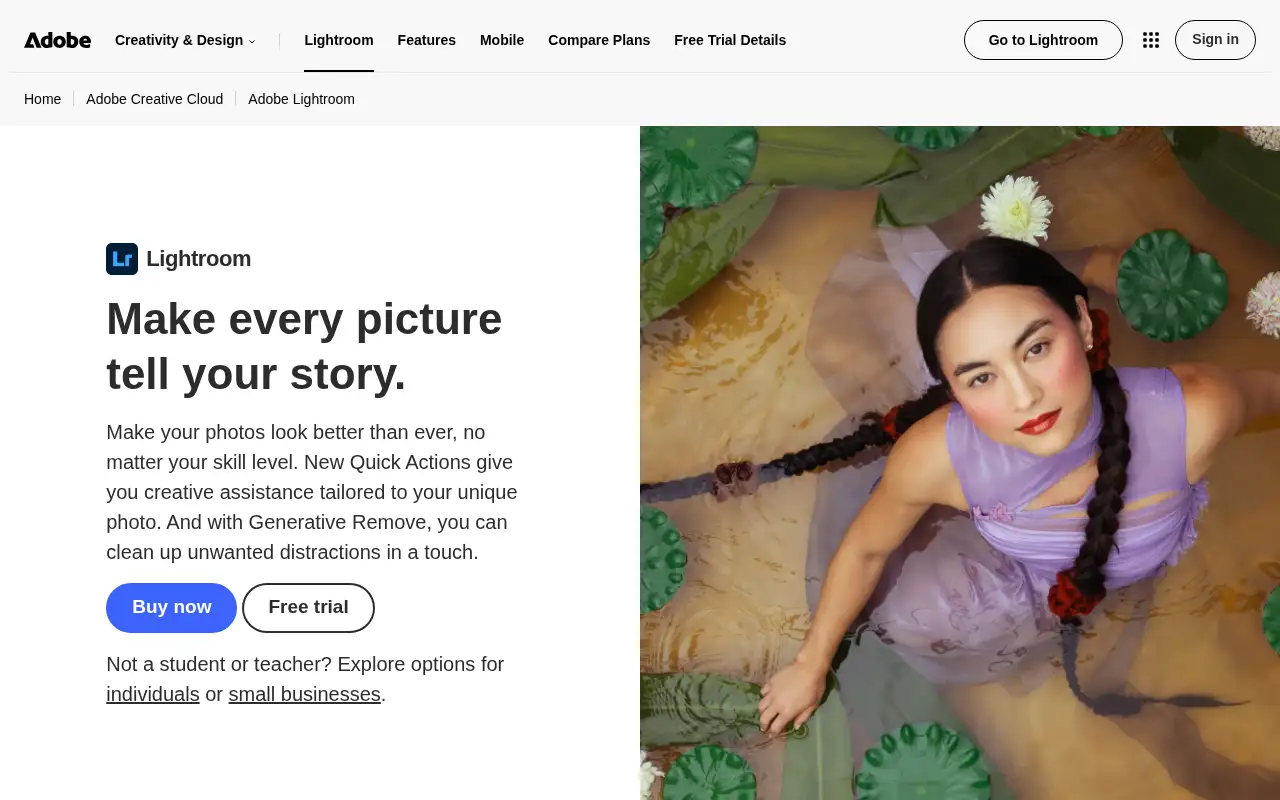
Adobe Lightroom helps you create and edit images by starting with a photo editor and organizer for mobile, desktop and web, with presets and AI removal tools. It is best for photographers and creators who edit many photos and want a consistent look. Lightroom handles the full photo workflow: import, sort, edit and share. A free trial is available.
What it does
- Presets you can apply across many photos
- AI removal and Quick Actions for touch-ups
- Generative upscale with Topaz Gigapixel, up to 4x
- Assisted Culling for sharpness, focus and open eyes
- Mobile, desktop and web apps plus Lightroom Classic and 1TB storage
- Adobe Photoshop: deep retouching and compositing
- Canva: quick edits and designs
- Photoroom: AI product photo editing
Editorial note
Adobe Lightroom is a photo editing and organizing app for mobile, desktop and web. You apply built-in or custom presets across many photos, fix and refine images with AI removal and Quick Actions, upscale with Topaz Gigapixel, and let Assisted Culling score shots for sharpness, focus and open eyes. Libraries stay organized and searchable.
Who it’s for
- Photographers editing shoots and events
- Creators who want a consistent look across social posts
- Hobbyists organizing and improving a growing photo library
- Not ideal for: people who need heavy compositing or graphic design; that is Photoshop’s job.
Key use cases
- Images & product photos
What you can do with it
Lightroom handles the full photo workflow: import, sort, edit and share. You build a library that stays searchable, apply presets in seconds, and fine-tune exposure and color. AI tools remove distractions and recover detail, generative upscale with Topaz Gigapixel crops in without losing quality, and Assisted Culling scores photos so you choose finals faster. Lightroom Classic is included for desktop-first workflows.
How to use Adobe Lightroom: step-by-step tutorial
Five to eight steps from the account to a first useful result. Where the official guide names a control, the step uses that name. Where it does not, the step stays general.
- Start the 7-day free trial on adobe.com and install Lightroom on your phone or computer.
- Import a shoot or sync photos from your phone.
- Use Assisted Culling to narrow down your selects.
- Apply a preset, then adjust exposure, color and details.
- Export or share your edits.
These steps follow the official guide: Lightroom plans.
Example inputs
Adapt these. They are examples of what to ask for, not a button name, unless the steps above already use that name.
A first request: a photo editor and organizer for mobile, desktop and web, with presets and AI removal tools. Keep it short enough to review in one pass.Name the audience, the format you need, and one fact that must stay accurate.Frequently asked questions
What is Lightroom used for?
Editing and organizing photos: presets, color and exposure fixes, AI clean-up, culling large shoots and sharing finished images.
What is the difference between Lightroom and Lightroom Classic?
Lightroom works across mobile, desktop and web with cloud storage; Lightroom Classic is the desktop app. The Lightroom plan includes both.
Does Lightroom use AI?
Yes. Adobe lists AI removal, generative upscale with Topaz Gigapixel and Assisted Culling. The Lightroom plan includes 250 generative credits a month.
Is Lightroom free?
There is a 7-day free trial. The Lightroom plan is US$11.99 a month on an annual plan billed monthly.
Pricing
Prices checked on the official pricing page.
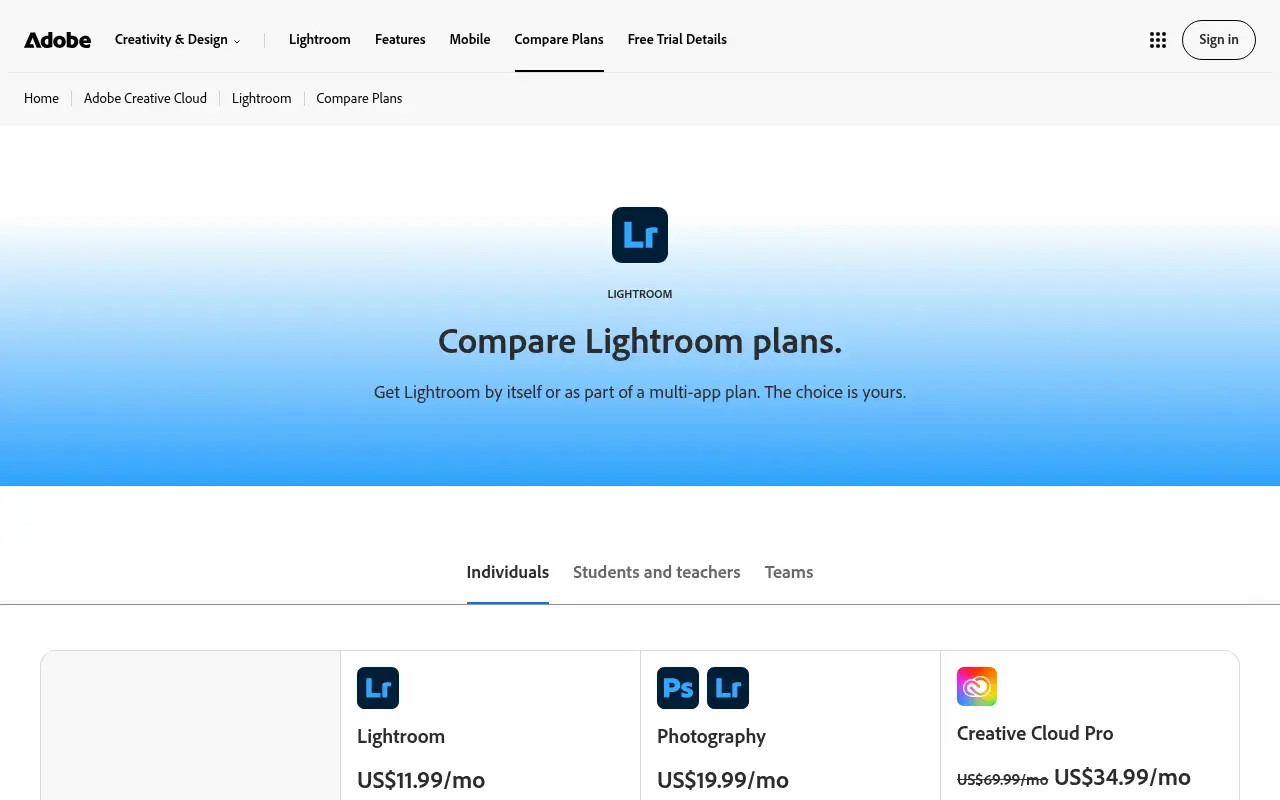
- Lightroom
-
US$11.99/month (annual, billed monthly)
Lightroom for mobile, desktop and web plus Lightroom Classic, 1TB storage, 250 generative credits a month
- Photography
-
US$19.99/month (annual, billed monthly)
Lightroom, Lightroom Classic and Photoshop, 1TB storage, 1,000 generative credits a month
- Creative Cloud Pro
-
US$69.99/month (annual, billed monthly; intro offer shown)
Lightroom with Photoshop and 20+ apps, 4,000 generative credits a month
- It is subscription-only, generative credits are capped monthly, and plans are annual commitments billed monthly.
- Vendors change plans; confirm on the official page before you buy.
Facts
- Access
- Free trial
- Paid plans from
- US$11.99/month (annual, billed monthly)
- Checked
- Category
- Category: Images and design tools (47 in the library).
- On the record
- Adobe offers a 7-day free trial of the full version of Lightroom for mobile, desktop and web. Plans are annual, billed monthly.