
Adobe Photoshop: AI images for photographers, designers and marketers
Official site link, not an affiliate link. We do not have an approved referral link for Adobe Photoshop.
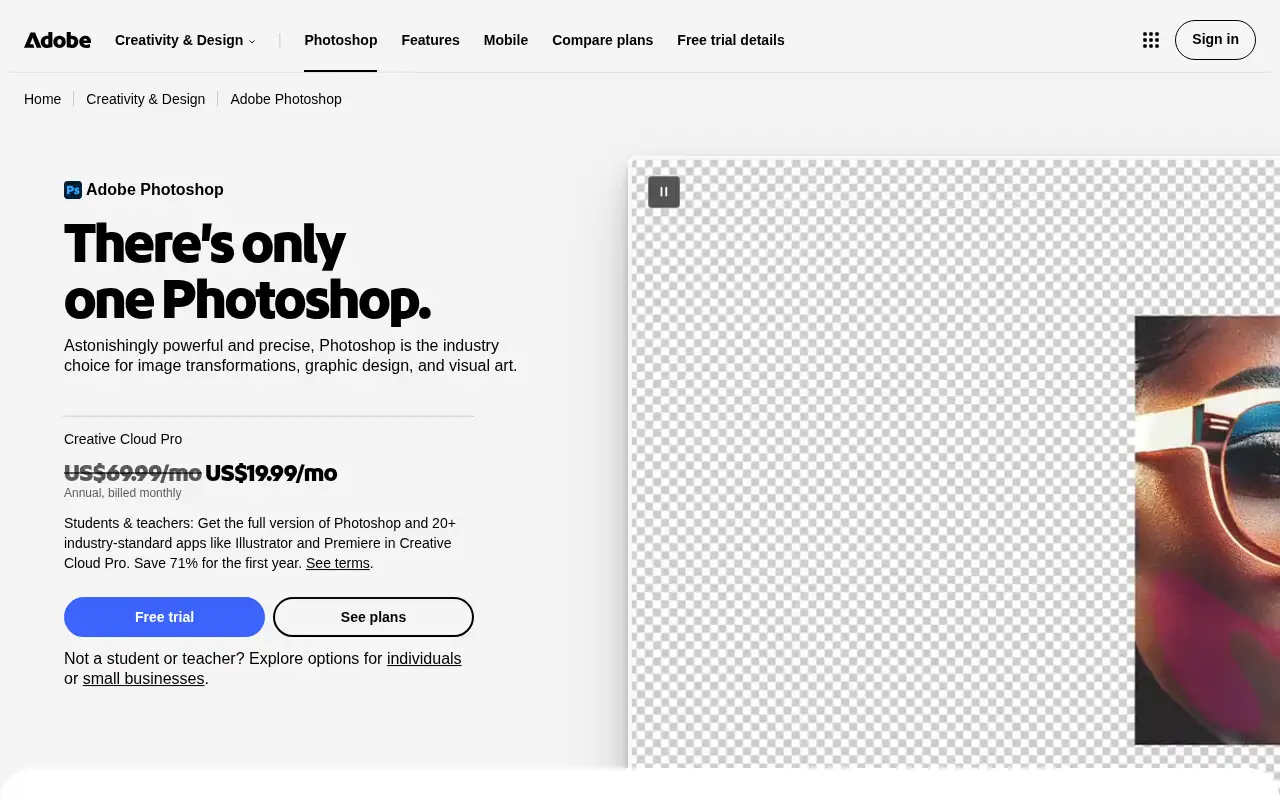
Adobe Photoshop helps you create and edit images by starting with an image editor for photo retouching, compositing and design, with generative AI. It is best for photographers, designers and marketers who need precise image editing and compositing. Photoshop gives you pixel-level control over images. Standard AI features like Generative Fill use generative credits on most plans.
What it does
- Layers, masks and blend modes for compositing
- AI removal tools and Generative Fill
- Camera Raw, color grading and adjustment layers
- Brushes, patterns and gradients for illustration
- Desktop, web and mobile apps with cloud storage
- Adobe Lightroom: photo editing and organizing
- Canva: quick designs and templates
- Photoroom: AI product photos
Editorial note
Adobe Photoshop is a professional image editor. You retouch photos, remove objects, combine images with unlimited layers and blend modes, and design graphics and mockups with fonts, vector shapes and artboards. Generative AI features such as Generative Fill run on generative credits, and Photoshop works on desktop, web and mobile.
Who it’s for
- Photographers retouching and finishing images
- Designers building composites, mockups and social graphics
- Ecommerce teams cleaning up product photos
- Not ideal for: people who only need quick social graphics or one-click background removal.
Key use cases
- Images & product photos
What you can do with it
Photoshop gives you pixel-level control over images. You heal, clone and remove distractions, grade color and tone with non-destructive adjustment layers and Camera Raw, and merge elements that match lighting and perspective. Brushes, patterns and gradients support illustration and lettering, and Smart Objects and libraries help with design work. Standard AI features like Generative Fill use generative credits on most plans.
How to use Adobe Photoshop: step-by-step tutorial
Five to eight steps from the account to a first useful result. Where the official guide names a control, the step uses that name. Where it does not, the step stays general.
- Start the 7-day free trial on adobe.com and install Photoshop.
- Open a photo and duplicate the background layer before editing.
- Use the removal tools or Generative Fill to clean up the image.
- Adjust color and tone with adjustment layers.
- Export for web, print or social.
These steps follow the official guide: Photoshop plans.
Example inputs
Adapt these. They are examples of what to ask for, not a button name, unless the steps above already use that name.
A first request: an image editor for photo retouching, compositing and design, with generative AI. Keep it short enough to review in one pass.Name the audience, the format you need, and one fact that must stay accurate.Frequently asked questions
What is Photoshop used for?
Photo retouching, compositing, removing objects, color grading, graphic design, mockups and digital illustration.
Can I buy Photoshop outright?
Adobe sells Photoshop as a subscription plan; the plans page lists monthly payments on annual plans rather than a one-time purchase.
Does Photoshop include AI?
Yes. Generative Fill and other AI features use generative credits. The Photoshop plan includes 25 a month, and some plans include far more.
Is Photoshop free?
There is a 7-day free trial. The Photoshop plan is US$22.99 a month on an annual plan billed monthly, and Photography is US$19.99.
Pricing
Prices checked on the official pricing page.
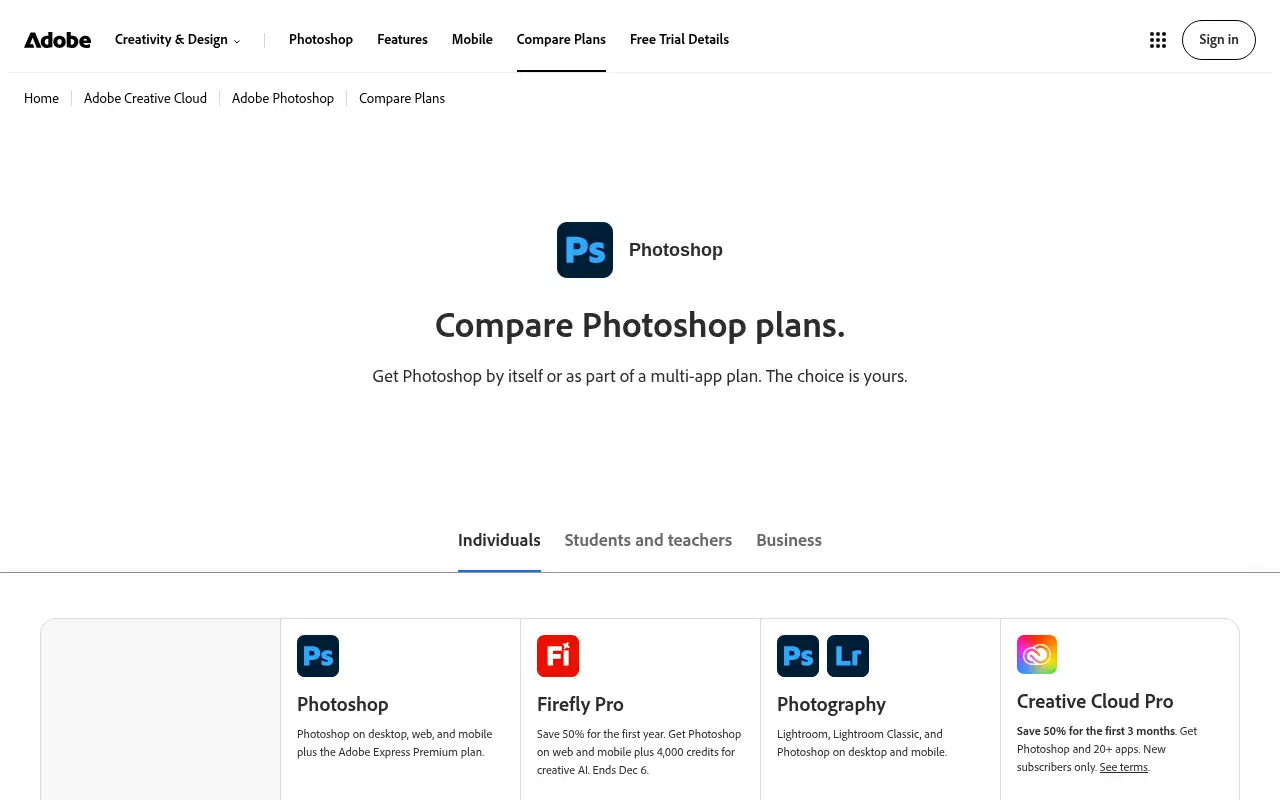
- Photoshop
-
US$22.99/month (annual, billed monthly)
Photoshop on desktop, web and mobile, Adobe Express Premium, 100GB storage, 25 generative credits a month
- Photography
-
US$19.99/month (annual, billed monthly)
Lightroom, Lightroom Classic and Photoshop on desktop and mobile, 1TB storage, 1,000 generative credits a month
- Firefly Pro
-
US$19.99/month (annual, billed monthly; first-year offer shown at US$9.99)
Photoshop on web and mobile plus 4,000 generative credits a month
- Creative Cloud Pro
-
US$69.99/month (annual, billed monthly; intro offer shown)
Photoshop and 20+ apps, 100GB storage, 4,000 generative credits a month
- It is subscription-only, the base plan has 25 generative credits a month, and the learning curve is steep.
- Vendors change plans; confirm on the official page before you buy.
Facts
- Access
- Free trial
- Paid plans from
- US$19.99/month (annual, billed monthly)
- Checked
- Category
- Category: Images and design tools (47 in the library).
- On the record
- Adobe offers a 7-day free trial of Photoshop. Plans are annual subscriptions billed monthly; there is no permanent free version of desktop Photoshop listed.