
Adobe Podcast: AI voice for podcasters and interviewers
Official site link, not an affiliate link. We do not have an approved referral link for Adobe Podcast.
Adobe Podcast helps you work with voice and audio by starting with a web studio for recording and cleaning up speech, with a free daily cap. It is best for podcasters and interviewers who need to record or clean speech in the browser before they pay for longer files. A free plan is available.
What it does
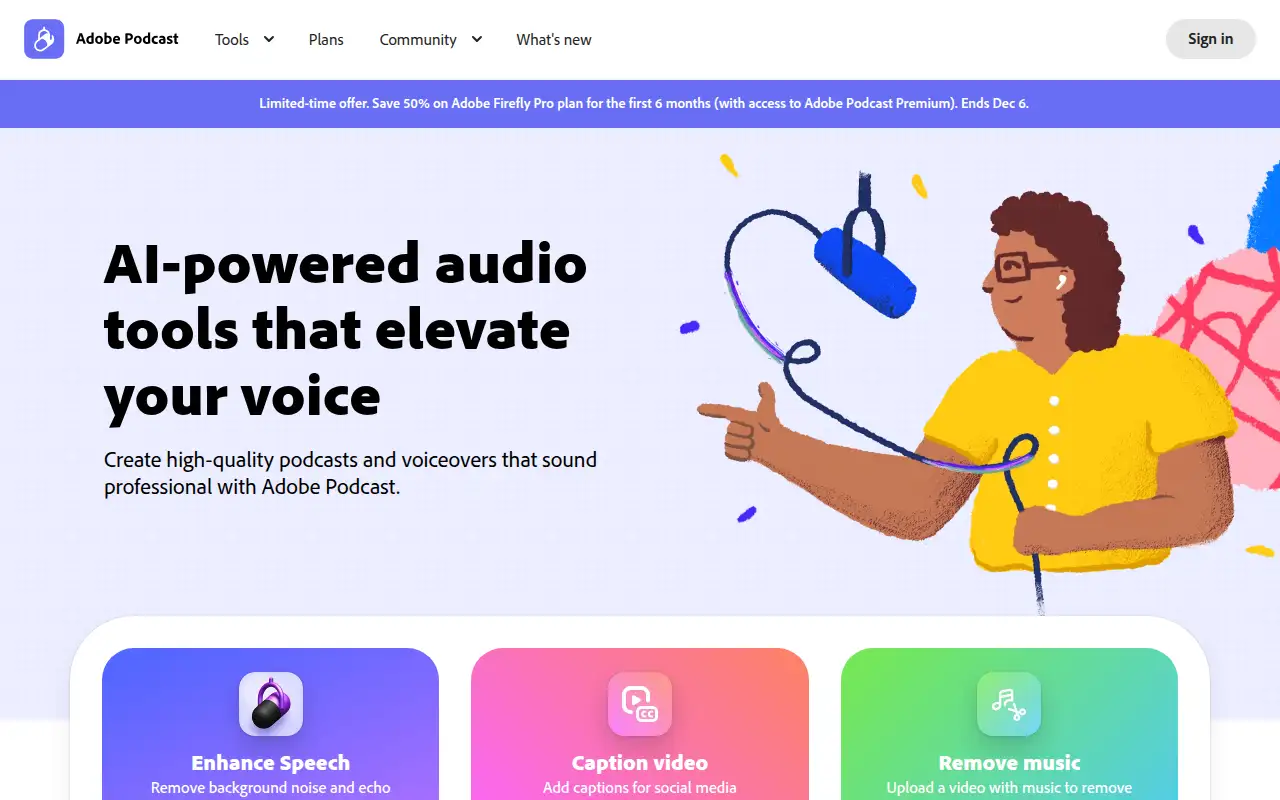
Adobe Podcast is a browser studio for remote recording and Enhance Speech, which repairs noisy audio. Free is audio-only, one file at a time, with a 30-minute file limit and one hour a day. Firefly Pro at $9.99 a month adds video files, bulk upload, longer daily limits, and unbranded audiograms. Adobe was also advertising 50 percent off Firefly Pro for six months through December 6, 2026.
Editorial note
Adobe Podcast records and cleans speech on the web. The free plan caps enhanced speech at 1 hour a day. Firefly Pro, which unlocks the premium podcast features, is $9.99 a month.
Who it’s for
Podcasters and interviewers who need to record or clean speech in the browser before they pay for longer files.
Key use cases
- Voice & audio
What you can do with it
A web studio for recording and cleaning up speech, with a free daily cap.
How to use Adobe Podcast: step-by-step tutorial
Five to eight steps from the account to a first useful result. Where the official guide names a control, the step uses that name. Where it does not, the step stays general.
- Open podcast.adobe.com and create an account on the free plan. You can reach a first result before you choose a paid plan.
- Open podcast.adobe.com and sign in. The free plan does not require the $9.99 Firefly Pro plan for a short audio file.
- Upload one audio file under the free limits: 30 minutes and 500 MB.
- Run Enhance Speech and listen to the whole clip, not just the first seconds.
- Download the project if it is under 30 minutes. The free plan lists two Studio downloads a day.
- Move to Firefly Pro at $9.99 a month if you need video, bulk upload, or more than one hour of enhanced speech a day.
These steps follow official guides: Adobe Podcast plans; Adobe Podcast homepage. Checked November 11, 2026.
Example inputs
Adapt these. They are examples of what to ask for, not a button name, unless the steps above already use that name.
A first request: a web studio for recording and cleaning up speech, with a free daily cap. Keep it short enough to review in one pass.Name the audience, the format you need, and one fact that must stay accurate.Frequently asked questions
Is Adobe Podcast free?
Yes. There is a free plan with limited daily Enhance Speech, checked November 11, 2026.
How much is the paid plan?
The plans page lists the Adobe Firefly Pro plan, which includes Podcast Premium, at $9.99 a month, with a free trial button.
What is the free daily limit?
One hour of enhanced speech a day, files up to 30 minutes and 500 MB, audio only.
Does the free plan add a brand mark?
The plans page says free Studio audiograms are Podcast branded. Firefly Pro removes that branding.
Pricing
Prices checked on the official pricing page.
- Free
-
$0
Enhance Speech for audio only, one file at a time, up to 30 minutes and 500 MB, and 1 hour of enhanced speech a day. Studio downloads up to 30 minutes, 2 projects a day, with Podcast branding on audiograms.
- Firefly Pro
-
$9.99/month
The plans page says this unlocks Adobe Podcast Premium: video support, bulk upload, up to 4 hours a day, files up to 1 GB, and Studio downloads without the free-plan caps. A free trial button is shown.
Facts
- Access
- Ongoing free plan
- Paid plans from
- $0
- Checked
- Category
- Category: Audio and voice tools (18 in the library).
- On the record
- Adobe Podcast’s plans page lists a free plan with limited complimentary generations, Enhance Speech on audio only, files up to 30 minutes and 500 MB, and 1 hour of enhanced speech a day.