
Castmagic: AI writing for small teams
Official site link, not an affiliate link. We do not have an approved referral link for Castmagic.
Castmagic helps you write and edit text by this route: turn one podcast, video or meeting into transcripts, show notes, social posts and clips. It is best for podcasters, video creators, agencies and B2B marketing teams who want to repurpose long recordings into written posts and short clips. People also use it to work with voice and audio.
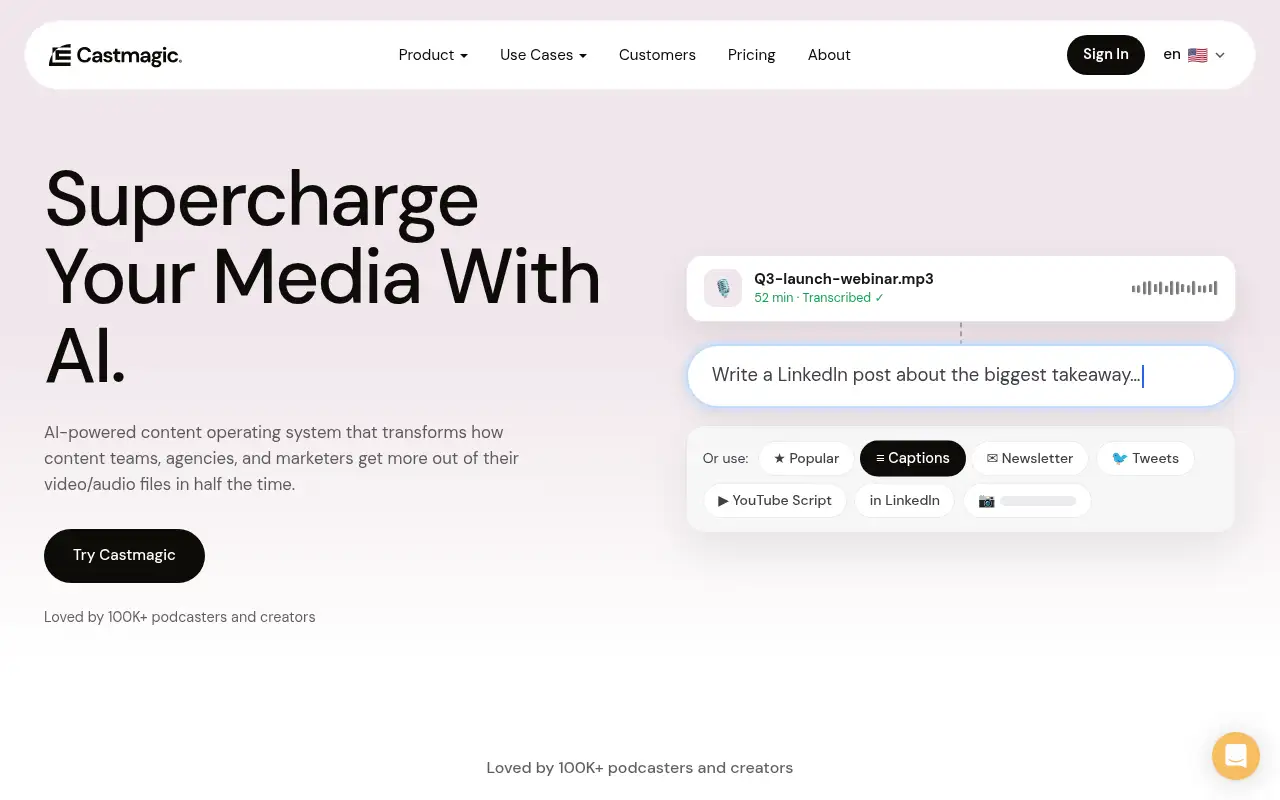
What it does
- Speaker-labelled, timestamped transcripts in 60+ languages
- Instant show notes, posts, blogs, newsletters and custom-prompt outputs
- Studio: unlimited media clipping and audiograms on every plan
- Magic Chat and library search across all your recordings
- Integrations listed on the pricing page: Zoom, Google Drive, Zapier, RSS and YouTube, TikTok and Instagram import
- Descript: edit audio and video by editing the transcript
- OpusClip: turn long videos into short clips
- Riverside: record podcasts and video in studio quality
Editorial note
Castmagic is an AI content tool for long recordings. You paste a link or upload a podcast, video or meeting, and it writes a speaker-labelled transcript, show notes, social posts, blog drafts and newsletters, and cuts captioned short clips. Castmagic reports support for more than 60 languages.
Who it’s for
- Podcast hosts who want show notes, timestamps and social posts for every episode
- Video creators and agencies repurposing long videos into clips and posts
- B2B marketing teams turning webinars, interviews and calls into campaigns
- Not ideal for: people who only need a plain transcript now and then; a free transcription tool may be enough.
Key use cases
- Write & chat
- Voice & audio
What you can do with it
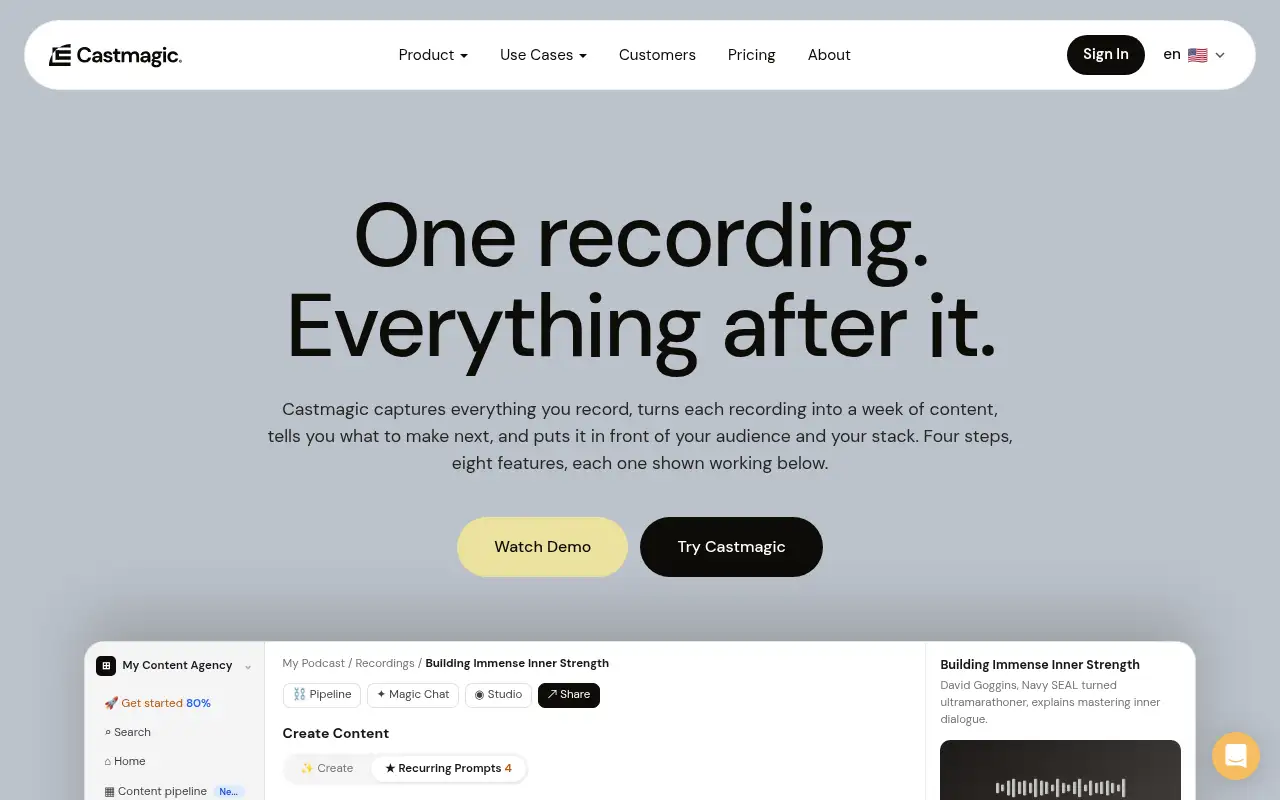
Castmagic transcribes your audio or video, then turns it into ready-to-edit content. Castmagic reports that one recording can become show notes, highlights, LinkedIn posts, blog articles, newsletters, meeting recaps, image carousels and captioned vertical clips. You can train it on your brand voice, write custom prompts, search your whole library by meaning, auto-import new podcast episodes from an RSS feed, and manage several brands or clients with permissions and approvals.
How to use Castmagic: step-by-step tutorial
Five to eight steps from the account to a first useful result. Where the official guide names a control, the step uses that name. Where it does not, the step stays general.
- Pick a plan at castmagic.io and create your account.
- Paste a link or upload an MP3, WAV, M4A or MP4 file, or connect Zoom, Google Drive or an RSS feed.
- Wait for the transcript, then open the instant outputs such as show notes and social posts.
- Edit the drafts, add your brand voice or a custom prompt, and regenerate as needed.
- Clip your best moments in Studio and share or export the results.
These steps follow the official guide: Castmagic pricing.
Example inputs
Adapt these. They are examples of what to ask for, not a button name, unless the steps above already use that name.
A first request: turn one podcast, video or meeting into transcripts, show notes, social posts and clips. Keep it short enough to review in one pass.Name the audience, the format you need, and one fact that must stay accurate.Frequently asked questions
What does Castmagic do?
It turns long audio and video, such as podcasts, webinars and meetings, into transcripts and written content like show notes, social posts, blogs and newsletters, plus captioned short clips.
Who is Castmagic for?
Castmagic says it is for podcast hosts, video streamers and long-form creators, as well as content teams, agencies and B2B marketers who want more mileage from their recordings.
What languages does Castmagic support?
Castmagic reports 60+ languages, including English, Spanish, French, German, Portuguese, Hindi, Japanese, Korean and Mandarin (Simplified).
How much does Castmagic cost?
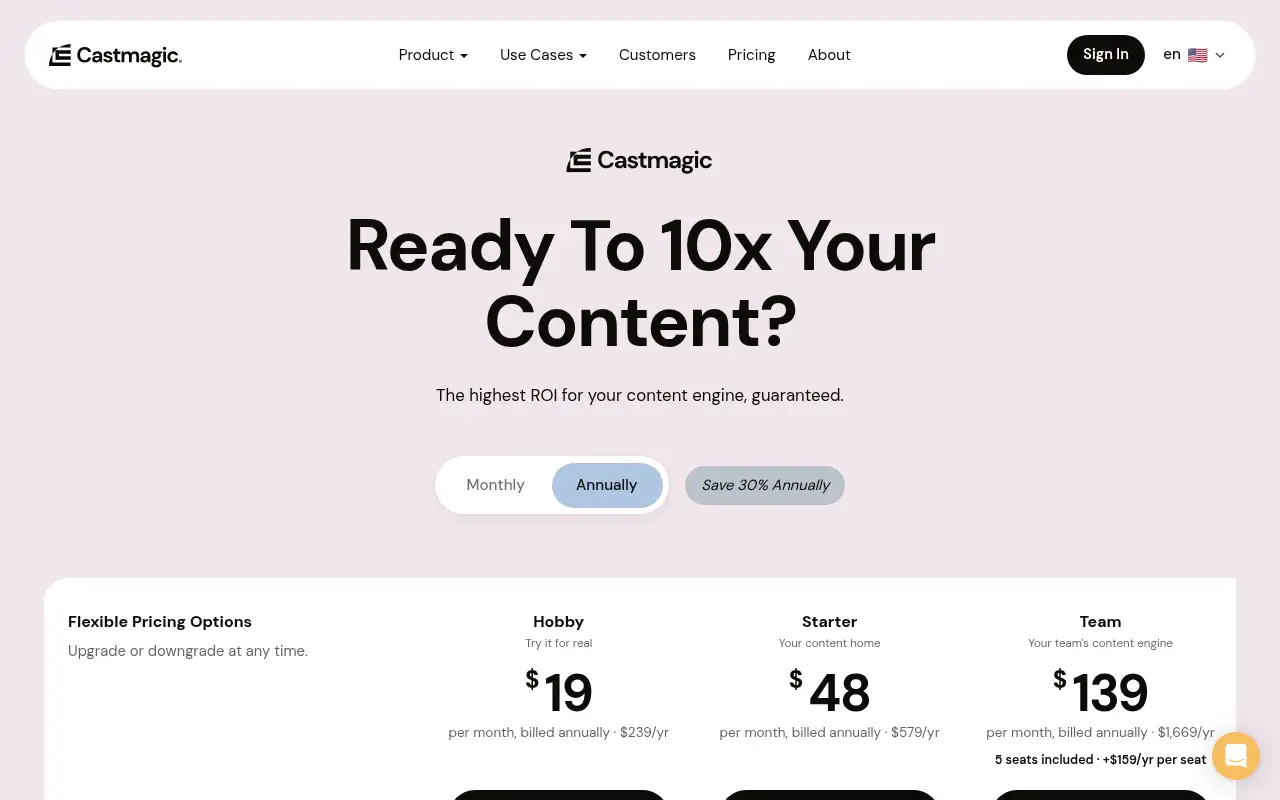
Castmagic lists Hobby at $19, Starter at $48 and Team at $139 a month, billed annually. Business and Scale plans start at $699 a month. No free plan is listed.
Pricing
Prices checked on the official pricing page.
- Hobby
-
$19/month billed annually ($239/year)
30 transcribed hours in your library, unlimited AI content and clips, up to 3 spaces, 50GB storage, up to 3 seats
- Starter
-
$48/month billed annually ($579/year)
100 transcribed hours, up to 10 spaces, 250GB storage, 5 seats, API access and an onboarding call
- Team
-
$139/month billed annually ($1,669/year)
400 transcribed hours, 5 seats included (more at extra cost), up to 25 spaces, 1TB storage, priority support
- Business & Scale
-
From $699/month
Custom volume, more seats and storage, SLA and dedicated support for studios and publishers
- Each plan caps the total transcribed hours in your library (30, 100 or 400), API access starts on Starter, and no free plan is listed.
- Vendors change plans; confirm on the official page before you buy.
Facts
- Access
- Paid
- Paid plans from
- $19/month billed annually
- Checked
- Category
- Category: Writing and content tools (41 in the library).
- On the record
- Castmagic’s pricing page lists Hobby, Starter and Team plans billed annually, plus custom Business and Scale plans. It does not list a free plan.