
ClickUp: business software for small teams
Official site link, not an affiliate link. We do not have an approved referral link for ClickUp.
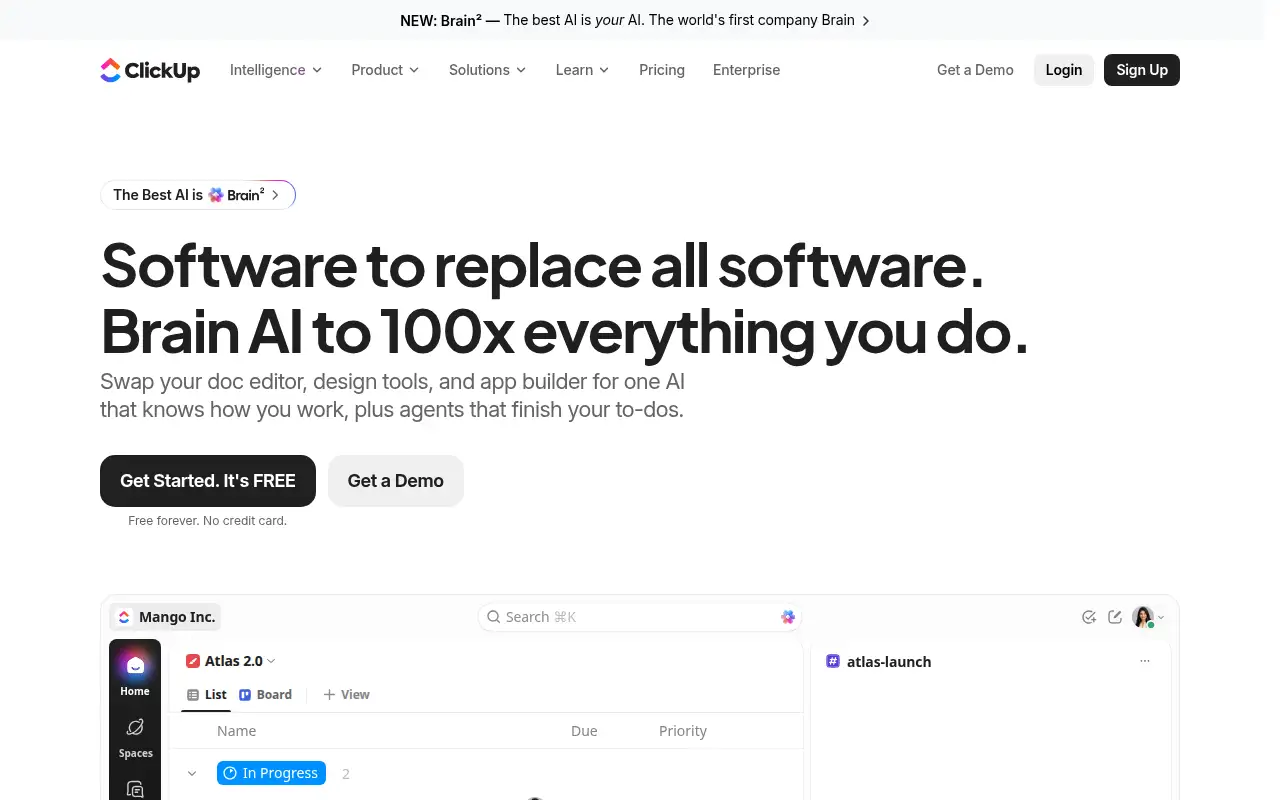
ClickUp helps you automate repetitive work by starting with a work hub for tasks, docs, and chat, with a free plan and AI credits on paid seats. It is best for small teams that want tasks, docs, and chat in one workspace before they pay per seat. People also use it to capture meetings and notes.
What it does
ClickUp keeps tasks, docs, boards, and chat together. The free plan lists unlimited tasks, unlimited free members, docs, Kanban boards, a calendar, and time tracking, with 60 MB of storage. Core adds custom fields, unlimited storage, Gantt charts, and automations, and the page says yearly billing saves up to 33 percent. A 100 percent money-back guarantee is stated on the pricing page.
Editorial note
ClickUp is a workspace for tasks, docs, and chat. Its pricing page lists Free Forever at $0 with no credit card, and Core at $9 per user a month when billed yearly.
Who it’s for
Small teams that want tasks, docs, and chat in one workspace before they pay per seat.
Key use cases
- Automate work
- Meetings & notes
What you can do with it
A work hub for tasks, docs, and chat, with a free plan and AI credits on paid seats.
How to use ClickUp: step-by-step tutorial
Five to eight steps from the account to a first useful result. Where the official guide names a control, the step uses that name. Where it does not, the step stays general.
- Open clickup.com and create an account. The pricing page says Free Forever needs no credit card.
- Add one list of tasks for a real project, with a name and a due date on each task.
- Use a board or calendar view. Both are listed on the free plan.
- Invite a teammate if you share the work. The free plan lists unlimited free members.
- Stay on Free Forever until you need custom fields, unlimited storage, or automations, which the pricing page places on Core.
These steps follow official guides: ClickUp pricing; ClickUp homepage. Checked November 11, 2026.
Frequently asked questions
Is ClickUp free?
Yes. ClickUp lists Free Forever at $0 with no credit card, checked November 11, 2026. It includes unlimited tasks and unlimited free members.
How much does ClickUp cost?
Core is listed at $9 per user a month billed yearly, against a regular price of $12. Yearly billing is described as saving up to 33 percent.
What is ClickUp best for?
Teams that want tasks, docs, and chat in one place and can start without a credit card.
Does the free plan include automations?
The captured pricing comparison puts 1,000 automations a month on Core, under “everything in Free Forever, plus.”
Pricing
Prices checked on the official pricing page.
- Free Forever
-
$0
No credit card. Unlimited tasks and subtasks, unlimited free members, collaborative docs, Kanban boards, calendar view, time tracking, and 60 MB storage. The page also lists a Brain trial of 500 credits per workspace.
- Core
-
$9 per user/month billed yearly (regular price $12)
Everything in Free Forever, plus custom fields and task types, unlimited storage and spaces, unlimited forms, unlimited Gantt charts, and 1,000 automations a month. The page lists 1,000 Brain credits per user a month.
Facts
- Access
- Ongoing free plan
- Paid plans from
- $0
- Checked
- Category
- Category: Business and productivity tools (153 in the library).
- On the record
- ClickUp’s pricing page lists Free Forever at $0 with no credit card required, including unlimited tasks and unlimited free members.