
Meta Muse: developer tools for developers
Official site link, not an affiliate link. We do not have an approved referral link for Meta Muse.
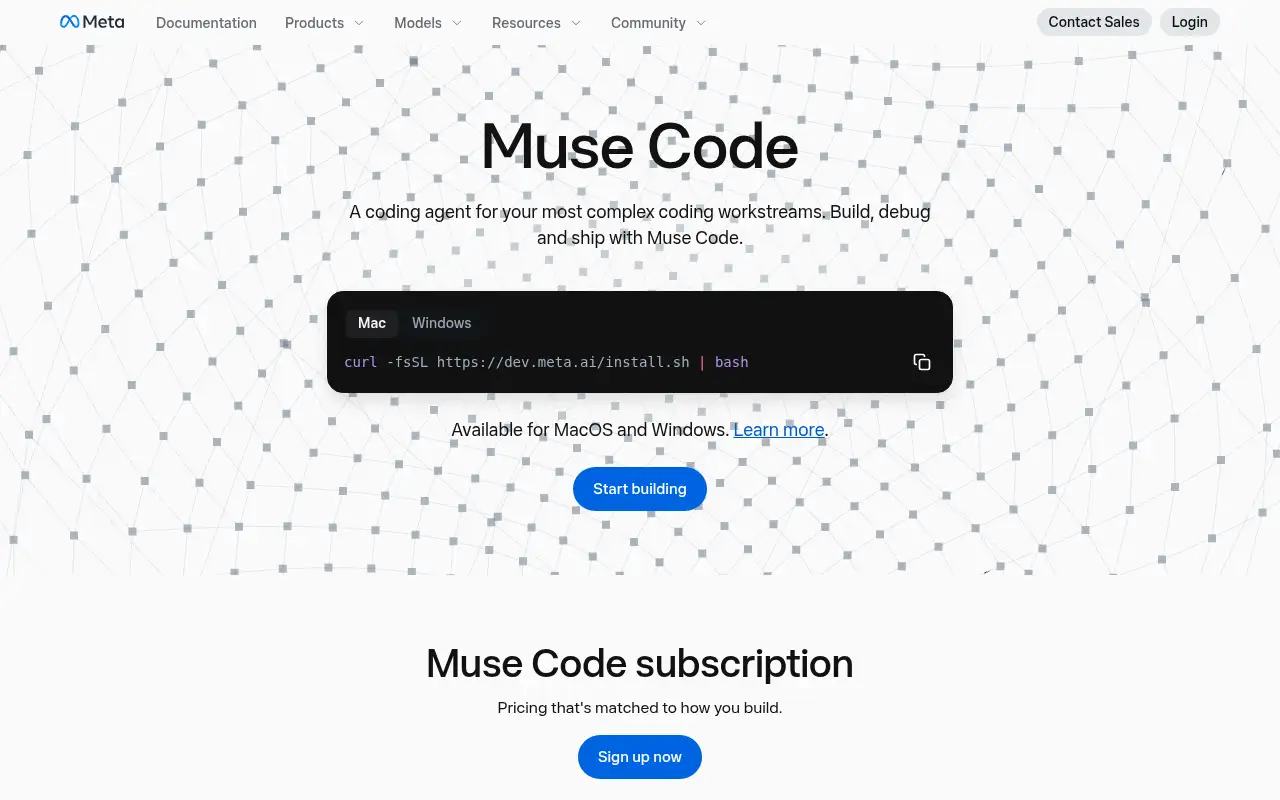
Meta Muse helps you build software by this route: meta’s Muse models, including Muse Wonder, in the Muse Code coding agent and the Meta Model API. It is best for developers who want a terminal coding agent or an OpenAI-compatible API for agent work. People also use it to write and edit text.
What it does
- Muse Code coding agent for Mac and Windows
- Muse Wonder and, on higher plans, Muse Wonder Full
- OpenAI-compatible Meta Model API (model muse-wonder-1.0)
- Multimodal inputs: screenshots, charts, documents, images and video
- Flat monthly subscriptions or pay-as-you-go tokens
Editorial note
Meta Muse is Meta’s family of AI models, including Muse Wonder for coding and long-running agents. Developers use them through Muse Code, a coding agent for Mac and Windows, or the OpenAI-compatible Meta Model API. Everyday users meet the same model family in Muse and Meta AI.
Who it’s for
- Developers who want a flat-rate terminal coding agent
- Teams with OpenAI-compatible code who want to try another model by changing the base URL
- Builders of long-running agents that call tools
- Not ideal for: people who only want a free chat assistant.
Key use cases
- Build apps & code
- Write & chat
What you can do with it
Meta describes Muse Code as a coding agent for complex coding workstreams, powered by Muse models. Muse Wonder, launched October 12, 2026, focuses on multi-step reasoning, tool use, recovery from errors and long-horizon tasks, with active memory and active focus. On November 6, 2026, Meta rolled specialized models trained with Muse Wonder into Muse and Meta AI.
How to use Meta Muse: step-by-step tutorial
Five to eight steps from the account to a first useful result. Where the official guide names a control, the step uses that name. Where it does not, the step stays general.
- Create a Meta Model API account with your Meta Account.
- Install Muse Code and pick a plan, or generate an API key at dev.meta.ai.
- For existing OpenAI-compatible code, change the base URL and set the model to muse-wonder-1.0.
- Check the Contributor mode setting: Meta says subscriptions default to it, trading more usage for training on your content, and you can turn it off.
- Compare the result with the job you came to do. If a label on the screen differs from this guide, follow the official source linked under the steps.
These steps follow the official guide: Muse Code plans.
Frequently asked questions
What is Muse Code?
Meta’s coding agent, powered by Muse models, for building, debugging and shipping code. It runs on Mac and Windows.
What is Contributor mode in Muse Code?
Meta says subscriptions default to Contributor mode, which gives more usage in exchange for letting Meta train future models on your content. You can turn it off at any time.
How much does Muse Code cost?
Meta lists four plans: Everyday Usage $5, High Usage $15, Power Usage $50 and Maximum Usage $200 a month. Muse Wonder on the API is $4 per million input tokens and $20 per million output tokens.
Pricing
Prices checked on the official pricing page.
- Everyday Usage
-
$5/month
Muse Spark, Muse Wonder and Muse Image; 10 to 50 prompts every 5 hours
- High Usage
-
$15/month
5x the Everyday Usage limit and more multimodal inputs
- Power Usage
-
$50/month
20x Everyday Usage, Muse Wonder Full, early access and higher file uploads
- Maximum Usage
-
$200/month
80x Everyday Usage
- Meta Model API
-
Muse Wonder at $4 per million input tokens and $20 per million output tokens
Pay as you go with an API key
- Subscription usage resets every 5 hours and weekly; on Maximum Usage you must wait for the limit to refresh. Extra API keys are billed pay-as-you-go.
- Vendors change plans; confirm on the official page before you buy.
In the news: Muse Wonder: Meta’s model for coding and long-running agents
Facts
- Access
- Paid
- Paid plans from
- $5/month
- Checked
- Category
- Category: Development tools (31 in the library).
- On the record
- Meta lists Muse Code subscriptions from $5 a month (Everyday Usage, 10 to 50 prompts every 5 hours). The Meta Model API is billed per token.