
Procreate: AI images for illustrators, hobby artists and designers
Official site link, not an affiliate link. We do not have an approved referral link for Procreate.
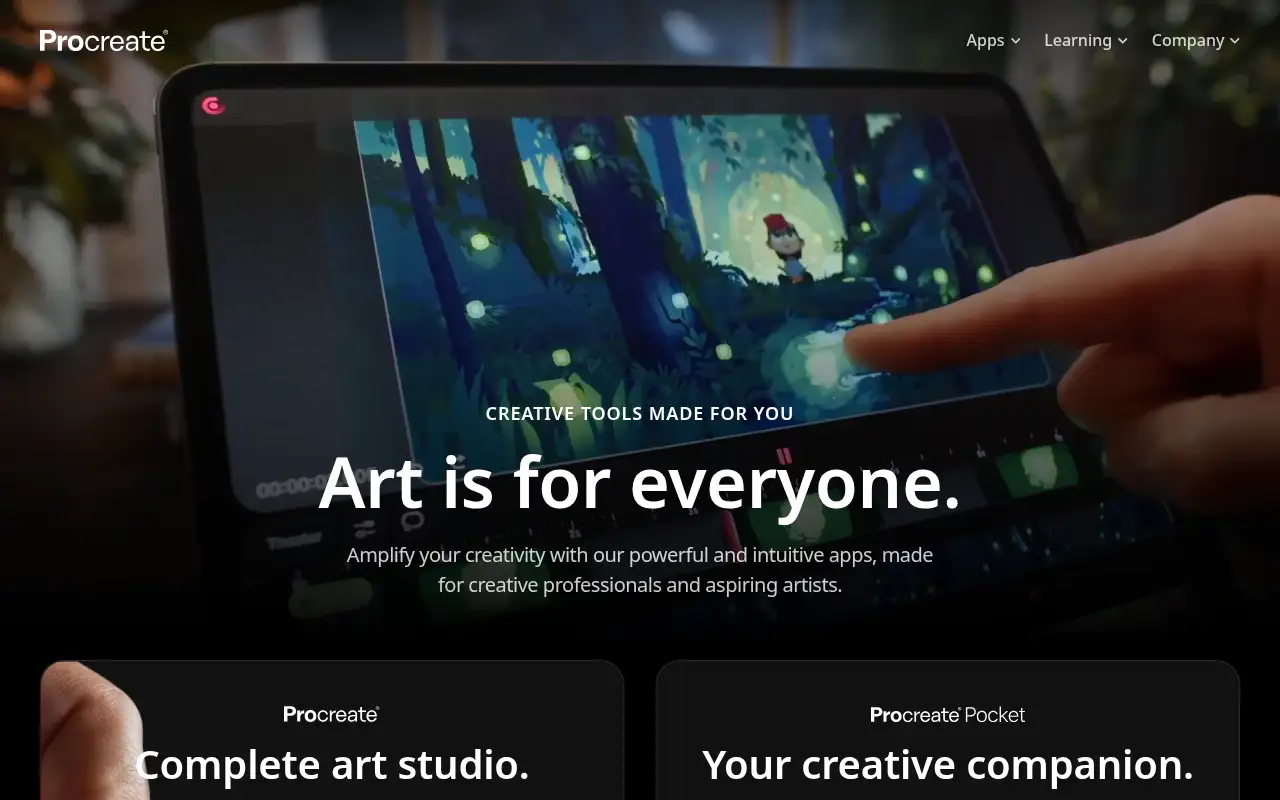
Procreate helps you create and edit images by starting with a drawing and painting app for iPad with a large brush library, sold as a one-time purchase. It is best for illustrators, hobby artists and designers who draw on an iPad with Apple Pencil. Every piece can be replayed as a time-lapse video.
What it does
- 300+ customizable brushes and the Brush Studio
- Layers with full blend modes, selections and effects
- QuickShape, StreamLine and Drawing Assist
- Paint on 3D models in USDZ and OBJ formats
- Time-lapse replay and Page Assist for comics
- Adobe Photoshop: desktop image editing and painting
- Adobe Illustrator: vector illustration
- Canva: quick designs and templates
Editorial note
Procreate is a drawing and painting app made for iPad. It comes with 300+ handcrafted brushes, layers with blend modes, and drawing aids like QuickShape and StreamLine, and it records a time-lapse of your work. You can also paint on 3D models and lay out comics with Page Assist. It costs $12.99 once.
Who it’s for
- Illustrators and concept artists working on iPad
- Hobby artists learning digital painting
- Comic and lettering artists who want a portable studio
- Not ideal for: people without an iPad, or who need vector design for print and logos.
Key use cases
- Images & product photos
What you can do with it
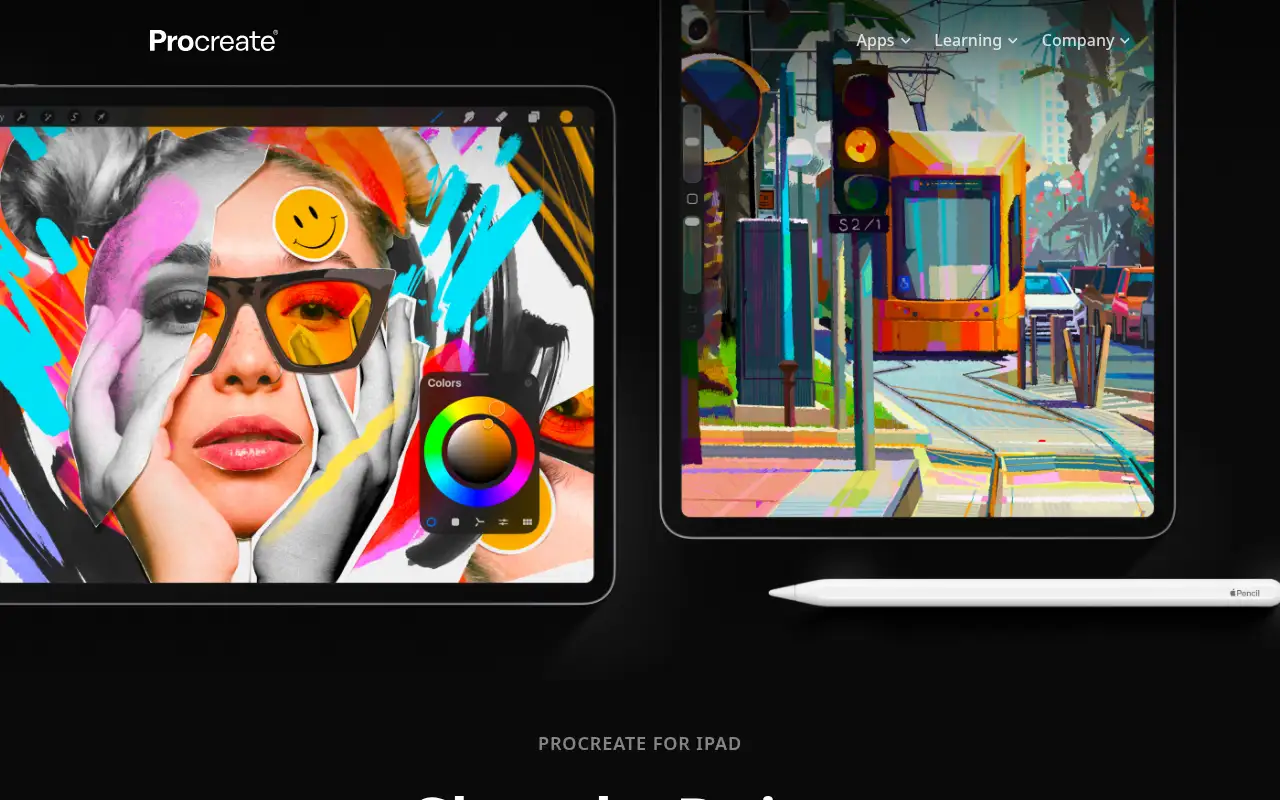
Procreate is a full art studio on iPad, built for touch and Apple Pencil. You sketch, ink and paint with customizable brushes or download more, organize work in layers with full blend modes, and use selections, transforms, warps and effects. Page Assist helps with comics and sketchbooks, and you can paint textures on USDZ and OBJ 3D models. Every piece can be replayed as a time-lapse video.
How to use Procreate: step-by-step tutorial
Five to eight steps from the account to a first useful result. Where the official guide names a control, the step uses that name. Where it does not, the step stays general.
- Open procreate.com and create an account. Read the plan list on the official site before you pay.
- Buy Procreate for $12.99 from the App Store on your iPad.
- Open a new canvas at the size you need.
- Pick a brush and sketch on a new layer.
- Add color and detail on separate layers.
- Export your art or the time-lapse video to share.
These steps follow the official guide: Procreate for iPad.
Example inputs
Adapt these. They are examples of what to ask for, not a button name, unless the steps above already use that name.
A first request: a drawing and painting app for iPad with a large brush library, sold as a one-time purchase. Keep it short enough to review in one pass.Name the audience, the format you need, and one fact that must stay accurate.Frequently asked questions
What is Procreate used for?
Digital sketching, painting, illustration, lettering, comics and texturing 3D models on an iPad.
Does Procreate need a subscription?
No. Procreate says there are no subscriptions; it is $12.99 USD once from the App Store.
Does Procreate work on iPhone?
The full app is for iPad. Procreate Pocket is the iPhone companion, sold separately for $5.99 USD once.
Is Procreate free?
No. Procreate is a one-time purchase of $12.99 USD, with no free version listed.
Pricing
Prices checked on the official pricing page.
- Procreate for iPad
-
$12.99 USD, once
Full app for iPad, no subscription, from the App Store
- Procreate Pocket (iPhone)
-
$5.99 USD, once
Companion app
- Procreate Dreams
-
$12.99 USD, once
Animation on iPad
- It runs only on iPad, there is no free version, and it is not a vector design tool.
- Vendors change plans; confirm on the official page before you buy.
Facts
- Access
- Paid
- Paid plans from
- $12.99 USD one-time
- Checked
- Category
- Category: Images and design tools (47 in the library).
- On the record
- Procreate is a one-time purchase of $12.99 USD from the App Store, with no subscription. No free version or trial is listed on procreate.com.