
Xero: business software for uS small businesses and their bookkeepers
Official site link, not an affiliate link. We do not have an approved referral link for Xero.
Xero helps you automate repetitive work by starting with an online accounting tool for invoices, bills, bank reconciliation, sales tax and cash flow. It is best for uS small businesses and their bookkeepers who want cloud accounting without per-user fees. People also use it to handle orders and inventory. A free trial is available.
What it does
- Quotes, invoices and online invoice payments
- Bank reconciliation, with auto-reconcile on Growing and up
- Smart Document Capture for bills and receipts
- Sales tax, W-9 and 1099 management
- Cash flow forecasts, dashboards and multi-currency on Established
- QuickBooks: accounting with a free tier and AI
- Odoo: open-source business apps
- Intuit Assist: AI inside Intuit products
Editorial note
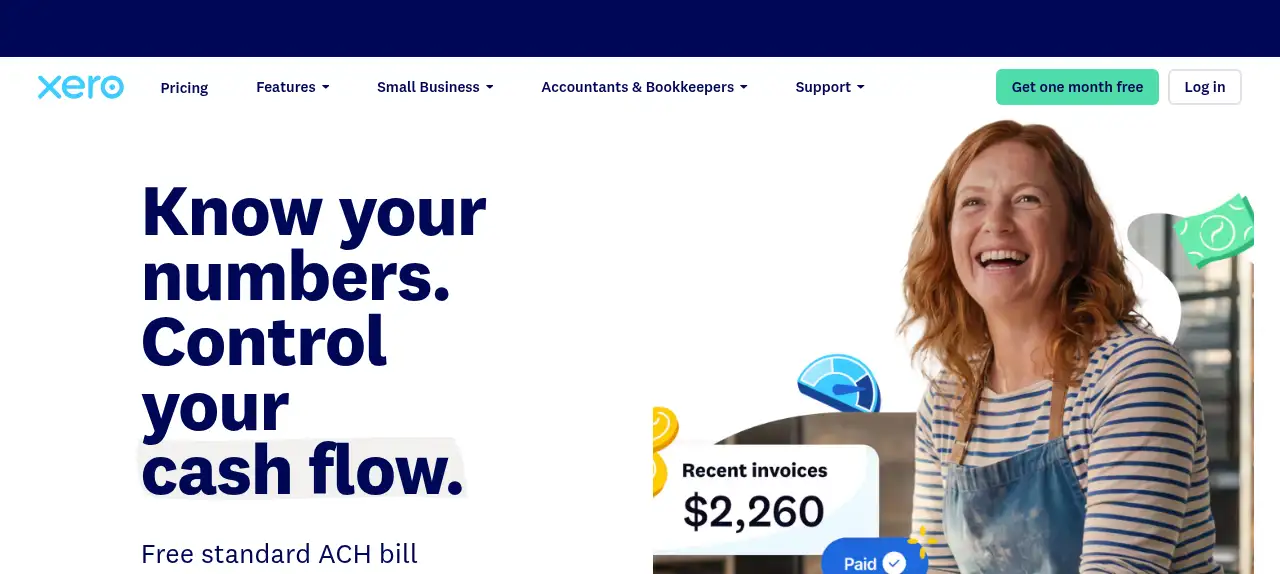
Xero is cloud accounting software for small businesses. You send quotes and invoices, accept online payments, capture bills and receipts, reconcile bank transactions and run real-time reports. Xero says there are no per-user license fees and offers free expert setup help, with higher plans adding automation, multi-currency and projects.
Who it’s for
- US small businesses moving off spreadsheets
- Service businesses that send many invoices
- Owners working with an outside bookkeeper or accountant
- Not ideal for: people who only send a few invoices a year; a free invoicing tool may be enough.
Key use cases
- Automate work
- Orders & inventory
What you can do with it
Xero keeps your books in the cloud. Bank feeds bring in transactions to reconcile, Smart Document Capture reads bills and receipts, and invoices can be paid online. You manage sales tax and W-9 and 1099 forms, pay bills by free domestic ACH, and see cash flow forecasts of 30 to 180 days depending on plan. Xero also offers tools for accountants and bookkeepers who work with your business.
How to use Xero: step-by-step tutorial
Five to eight steps from the account to a first useful result. Where the official guide names a control, the step uses that name. Where it does not, the step stays general.
- Start the one-month free offer on xero.com/us.
- Connect your business bank account so transactions flow in.
- Add your logo and send your first invoice.
- Reconcile a week of transactions and capture a few bills.
- Invite your bookkeeper and pick a plan before the free month ends.
These steps follow the official guide: Xero US pricing.
Frequently asked questions
What is Xero used for?
Small business accounting: invoicing, bills, bank reconciliation, sales tax, expense tracking, reports and cash flow forecasting.
Does Xero charge per user?
No. Xero’s pricing page says there are no per-user license fees.
Does the Xero Early plan limit invoices?
Yes. Early includes quotes and 20 invoices and 5 bills. Growing and Established remove those limits.
Is Xero free?
Xero offers one month free on its US site, not a permanent free plan. Early is $27 a month after any promotion.
Pricing
Prices checked on the official pricing page.
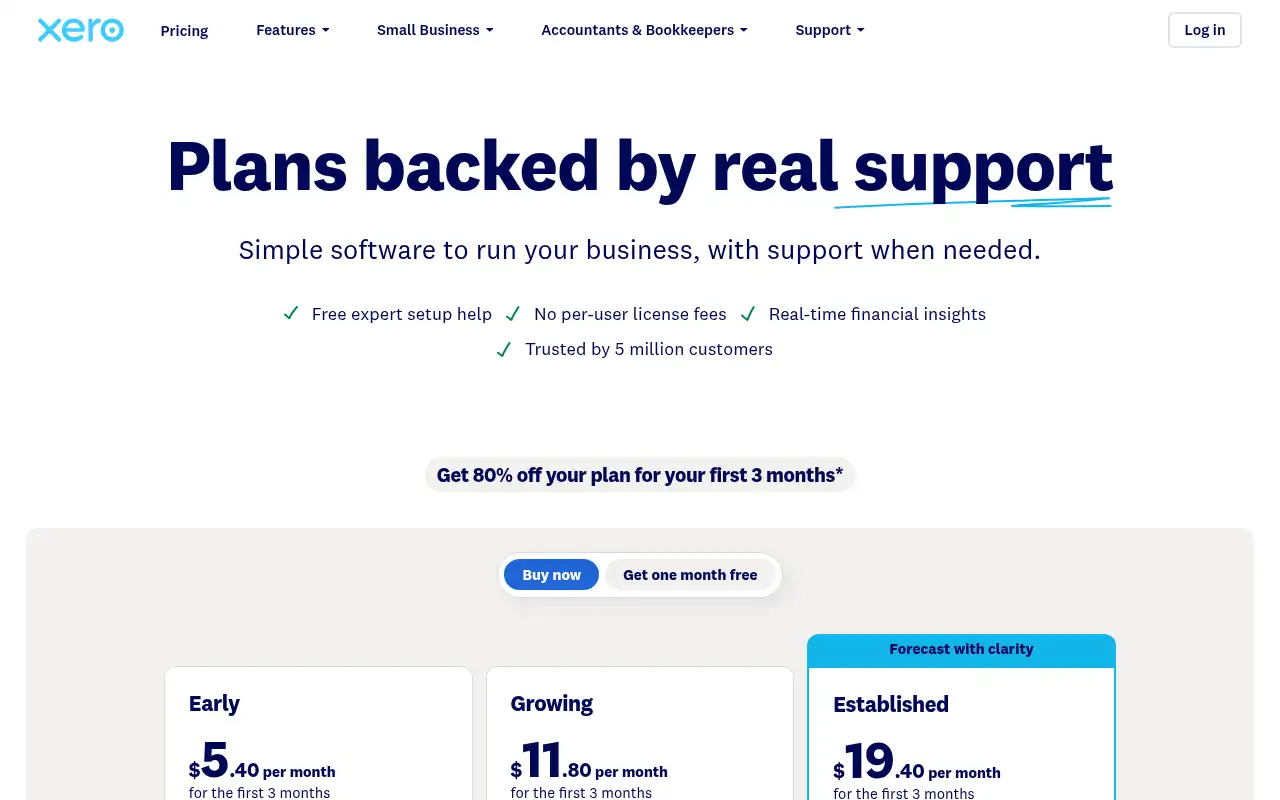
- Early
-
$27/month (promo: $5.40/month for the first 3 months)
Quotes and 20 invoices, 5 bills, bank reconciliation, Smart Document Capture, W-9 and 1099 management, sales tax, 30-day cash flow forecast
- Growing
-
$59/month (promo: $11.80/month for the first 3 months)
Unlimited invoices and quotes, automated bill entry, dashboards, budgets, auto-reconcile, 60-day forecast
- Established
-
$97/month (promo: $19.40/month for the first 3 months)
Multiple currencies, project time and cost tracking, expense claims, 180-day forecast, KPIs
- Early limits invoices and bills, multi-currency needs Established, and promotional prices end after 3 months.
- Vendors change plans; confirm on the official page before you buy.
Facts
- Access
- Free trial
- Paid plans from
- $27/month
- Checked
- Category
- Category: Business and productivity tools (153 in the library).
- On the record
- Xero’s US site offers one month free. A current promotion also shows 80% off the first 3 months when you buy.