
QuickBooks: business software for small teams
Official site link, not an affiliate link. We do not have an approved referral link for QuickBooks.
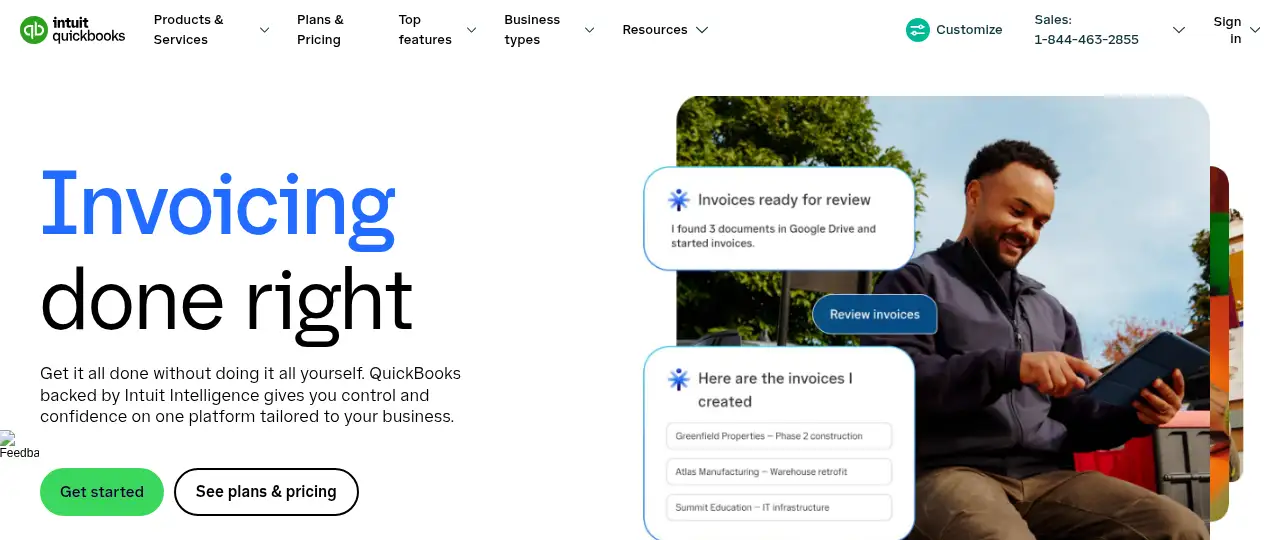
QuickBooks helps you automate repetitive work by starting with an online accounting tool for invoicing, expenses, bill pay and reports, from Intuit. It is best for uS small businesses and self-employed owners who want mainstream accounting software. People also use it to handle orders and inventory. Intuit Intelligence categorizes expenses, flags tax deductions and offers AI chat for quick insights.
What it does
- Bank feeds with automatic categorization
- Invoices, online payments and free ACH bill pay
- Intuit Intelligence AI for bookkeeping and insights
- Mileage tracking and receipt capture in the mobile app
- Reports, custom metrics and project financials on higher plans
- Xero: cloud accounting with no per-user fees
- Intuit Assist: Intuit’s AI assistant
- Odoo: open-source business apps
Editorial note
QuickBooks is Intuit’s online accounting software. It connects to your bank, categorizes income and expenses, sends invoices and takes payments, pays bills by free ACH, and runs business reports. Intuit Intelligence adds AI that learns how you categorize transactions, sorts expenses for tax time and answers questions about your numbers.
Who it’s for
- Self-employed owners and new small businesses
- Small businesses sending invoices and paying bills
- Owners who work with an accountant on QuickBooks
- Not ideal for: businesses outside the US looking at these prices; plans and prices vary by country.
Key use cases
- Automate work
- Orders & inventory
What you can do with it
QuickBooks keeps your books up to date with less manual work. Bank transactions flow in and are matched and categorized, the mobile app tracks miles and snaps receipts, and invoices can be paid online. Intuit Intelligence categorizes expenses, flags tax deductions and offers AI chat for quick insights. Higher plans add custom metrics, project financials and more users, and your accountant can work in the same account.
How to use QuickBooks: step-by-step tutorial
Five to eight steps from the account to a first useful result. Where the official guide names a control, the step uses that name. Where it does not, the step stays general.
- Open quickbooks.intuit.com and create an account on the free plan. You can reach a first result before you choose a paid plan.
- Start QuickBooks Free or a 30-day trial at quickbooks.intuit.com.
- Connect your business bank and card accounts.
- Review and confirm how transactions are categorized.
- Send your first invoice and set up bill pay.
- Invite your accountant and run a profit and loss report.
These steps follow the official guide: QuickBooks pricing.
Frequently asked questions
What is QuickBooks used for?
Small business accounting: tracking income and expenses, invoicing, bill pay, tax categories and financial reports.
What is Intuit Intelligence in QuickBooks?
Intuit’s AI layer in QuickBooks. It learns how you categorize transactions, sorts expenses into tax categories and offers AI chat for insights.
How many users does QuickBooks Simple Start include?
Simple Start includes 1 user with access for 2 accountants, according to the pricing page.
Is QuickBooks free?
QuickBooks Free costs $0 a month. Paid plans start at $38 a month, with a 30-day free trial and a promotional discount shown.
Pricing
Prices checked on the official pricing page.
- QuickBooks Free
-
$0/month
For businesses just starting out: get organized and get paid
- Simple Start
-
$38/month (promo shown: $19/month for 3 months)
1 user plus 2 accountants, Intuit Intelligence, automated bookkeeping, invoicing, free ACH bill pay, reports
- Essentials
-
$85/month (promo shown: $42.50/month for 3 months)
Everything in Simple Start plus custom performance metrics and more
- Plus
-
$140/month (promo shown: $70/month for 3 months)
Everything in Essentials and more; see the pricing page
- Advanced
-
$340/month (promo shown: $170/month for 3 months)
Everything in Plus plus advanced project financials
- Promotional prices last 3 months, users are limited by plan, and payroll is an optional extra.
- Vendors change plans; confirm on the official page before you buy.
Facts
- Access
- Ongoing free plan
- Paid plans from
- $38/month
- Checked
- Category
- Category: Business and productivity tools (153 in the library).
- On the record
- Intuit lists QuickBooks Free at $0 a month with no credit card required. Paid QuickBooks Online plans have a 30-day free trial.