
Envato Elements: AI images for video creators, designers and marketers
Official site link, not an affiliate link. We do not have an approved referral link for Envato Elements.
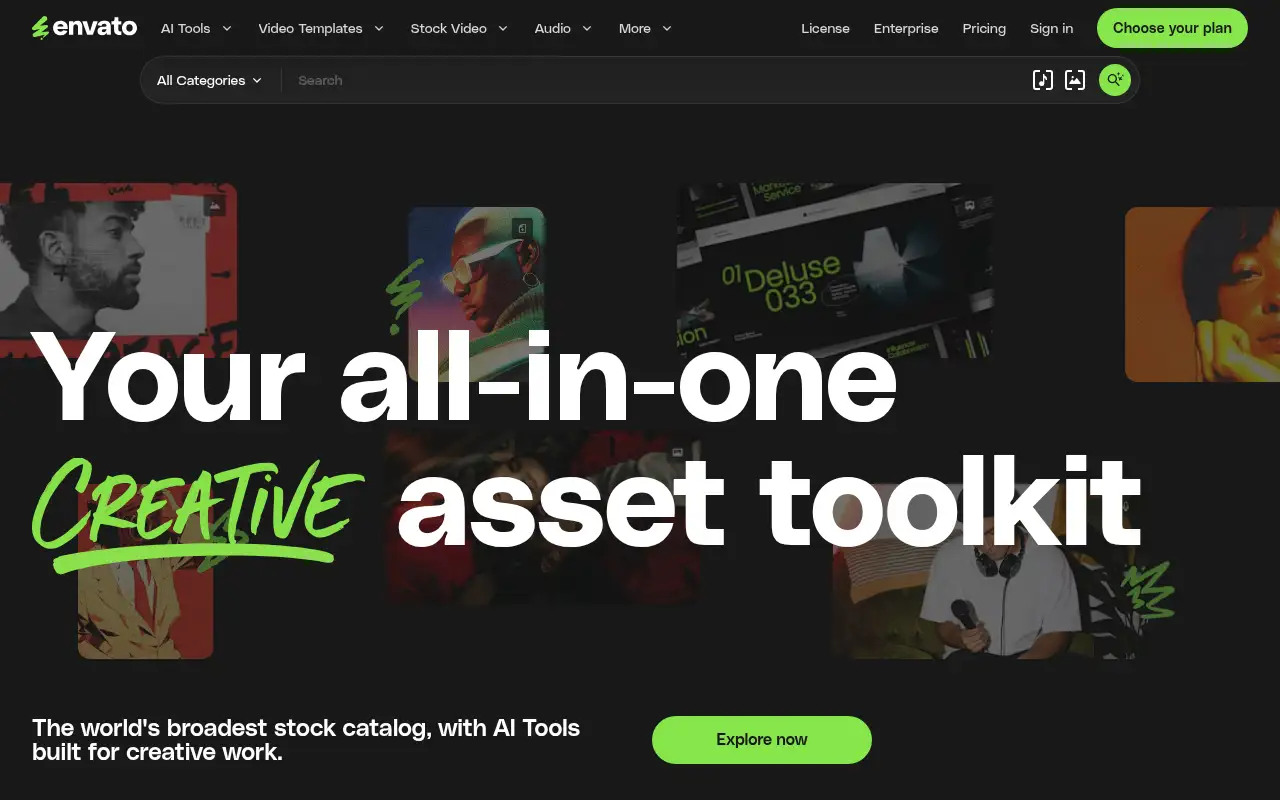
Envato Elements helps you create and edit images by starting with a subscription for unlimited downloads of stock video, photos, music and templates. It is best for video creators, designers and marketers who use a lot of stock media and templates. People also use it to make and edit video.
What it does
- Unlimited downloads from 30+ million assets
- Video templates, music, sound effects, fonts and graphics
- AI image, video, voiceover and music tools on credits
- Lifetime commercial license for downloads and generations
- 30% student discount on Core
- Canva: templates with a free plan
- Adobe Express: quick designs with Adobe assets
- CapCut: video editor with templates
Editorial note
Envato Elements is a creative asset subscription. For one price you get unlimited downloads from 30+ million stock videos, photos, music tracks, sound effects, fonts, graphics and design and video templates. AI tools generate and edit images, video, voiceovers and music, and everything comes with a lifetime commercial license.
Who it’s for
- YouTubers and video editors who need music, footage and templates
- Designers and agencies producing lots of client work
- Marketers creating social and ad creative
- Not ideal for: people who need only one or two assets a year.
Key use cases
- Images & product photos
- Video & avatars
What you can do with it
Envato Elements combines a large stock library with AI generation. You search and download as many assets as you need, from video templates and music to fonts, 3D and add-ons, then adjust them or generate new ones with AI tools built on models from several providers. Higher plans add more AI credits and parallel generations. Envato says the license covers everything you download or generate for commercial use.
How to use Envato Elements: step-by-step tutorial
Five to eight steps from the account to a first useful result. Where the official guide names a control, the step uses that name. Where it does not, the step stays general.
- Open elements.envato.com and create an account. Read the plan list on the official site before you pay.
- Choose a plan on elements.envato.com; Core covers unlimited stock downloads.
- Search by asset type, such as video templates or music.
- Download and license the asset for your project.
- Use AI tools to generate or adjust images, video or audio.
- Keep your license records for client work.
These steps follow the official guide: Envato Elements pricing.
Example inputs
Adapt these. They are examples of what to ask for, not a button name, unless the steps above already use that name.
A first request: a subscription for unlimited downloads of stock video, photos, music and templates. Keep it short enough to review in one pass.Name the audience, the format you need, and one fact that must stay accurate.Frequently asked questions
What is Envato Elements used for?
Downloading stock video, photos, music, fonts and templates for creative projects, and generating media with AI tools, under one subscription.
Can I use Envato Elements assets commercially?
Envato lists a lifetime commercial license for all stock assets and AI generations on its plans.
Is there a student discount?
Yes. Envato says students save 30% on the Core plan.
Is Envato Elements free?
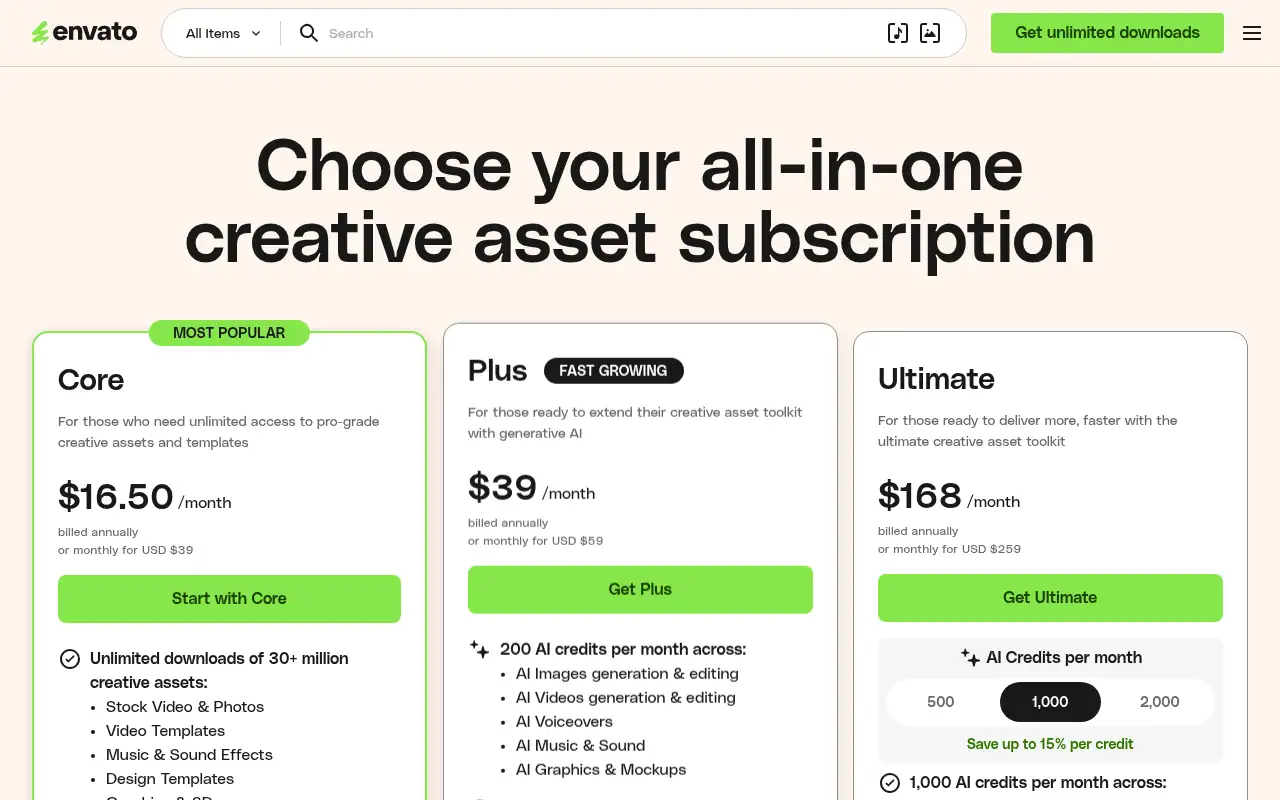
No free plan or trial is listed. Core is $16.50 a month billed annually, or $39 billed monthly.
Pricing
Prices checked on the official pricing page.
- Core
-
$16.50/month billed annually (or $39 monthly)
Unlimited downloads of 30+ million assets, 20 AI credits a month, lifetime commercial license
- Plus
-
$39/month billed annually (or $59 monthly)
200 AI credits a month for images, video, voiceovers, music and mockups, 3 parallel generations
- Ultimate
-
$168/month billed annually (or $259 monthly)
1,000 AI credits a month, 10 parallel generations, unlimited stock downloads
- There is no free plan, AI generation is limited by monthly credits, and the lowest prices need annual billing.
- Vendors change plans; confirm on the official page before you buy.
Facts
- Access
- Paid
- Paid plans from
- $16.50/month billed annually
- Checked
- Category
- Category: Images and design tools (47 in the library).
- On the record
- Envato Elements is a paid subscription. The pricing page lists Core, Plus and Ultimate plans and does not list a free plan or free trial.