
Hypefury: AI marketing for creators, coaches and solo founders
Some links on this page are affiliate links. If you sign up through one, we may earn a commission. It costs you nothing. Learn more.
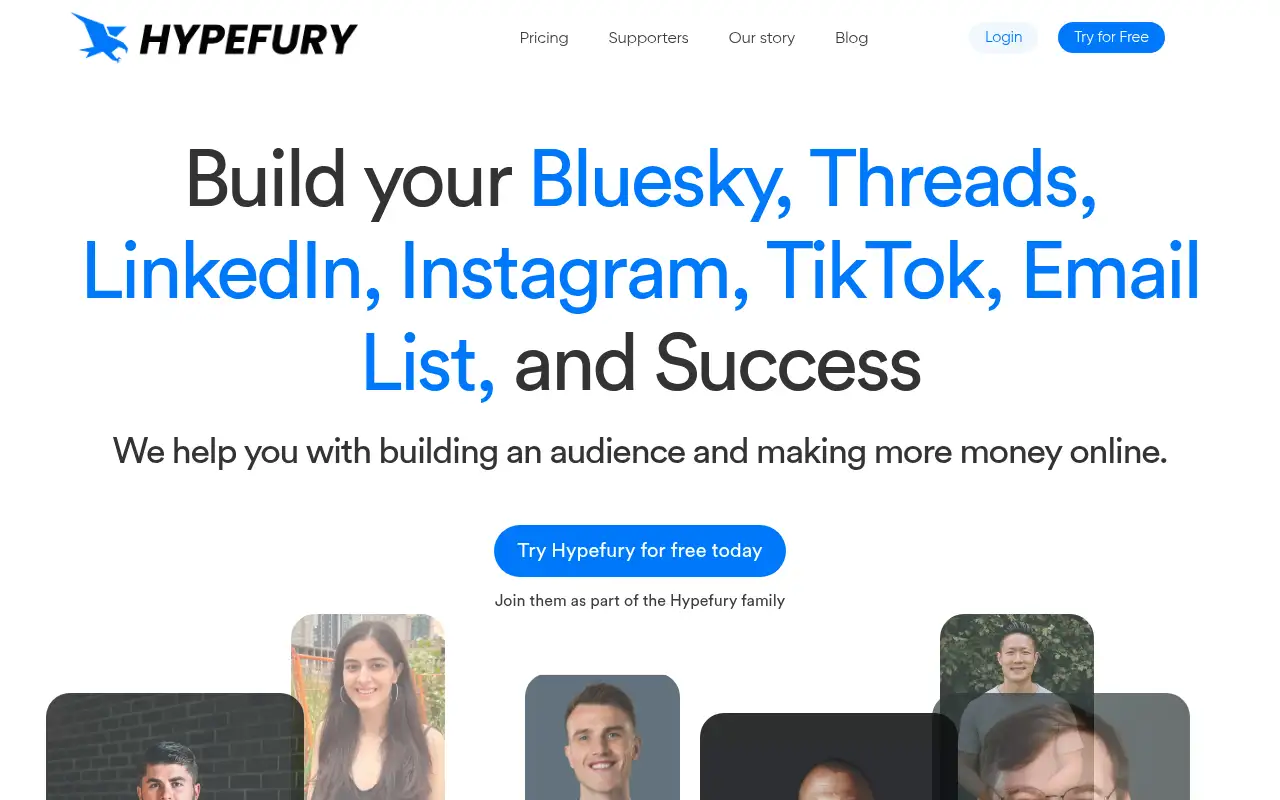
Hypefury helps you run marketing and follow-ups by scheduling and cross-posts your content to LinkedIn, Threads, Bluesky, Instagram and TikTok, with auto first comments and engagement tools. It is best for creators, coaches and solo founders who write text posts and want them scheduled across LinkedIn, Threads, Bluesky and Instagram from one place.
What it does
You write posts in a distraction-free editor, schedule them, and Hypefury publishes them to the channels you connect: Bluesky, Threads, LinkedIn, Instagram and TikTok. It can turn text posts into images for Instagram (Hypefury calls these Tweetshots), add an automatic first comment (Autoplugs), and turn threads into LinkedIn carousels. An engagement builder lists posts from accounts and keywords you watch so you can reply in one place. Hypefury’s pricing page says it no longer supports X (Twitter).
Official site:hypefury.com.
Editorial note
Hypefury is a social media scheduler for creators. You write once, schedule it, and Hypefury cross-posts it to your channels, per Hypefury.
Who it’s for
- For: Creators, coaches and solo founders who write text posts and want them scheduled across LinkedIn, Threads, Bluesky and Instagram from one place.
- Not ideal for: people whose main channel is X (Twitter); Hypefury says it no longer supports X.
Key use cases
- Marketing & CRM
What you can do with it
- Getting started: Hypefury’s pricing page lists a 7-day free trial with no credit card required. Hypefury says it no longer offers a free plan. This matters when you want to test before you pay.
- Full plan: All channels included (Bluesky, Threads, LinkedIn, Instagram, TikTok), 5 Tweetshots a day, cross-posting, LinkedIn carousels, analytics, follower growth and AI trained on your posts. This matters when you outgrow the smaller plan.
- Help documentation: Official pricing and product pages at hypefury.com. This matters when you set it up yourself.
How to use Hypefury: step-by-step tutorial
Five to eight steps from the account to a first useful result. Where the official guide names a control, the step uses that name. Where it does not, the step stays general.
- Start the 7-day free trial at hypefury.com (Hypefury says no credit card is needed).
- Connect the channels you post on, like LinkedIn, Threads, Bluesky or Instagram.
- Write several posts in the editor and add them to your queue.
- Turn on cross-posting and an Autoplug (automatic first comment) if you want them.
- Check your analytics after a week and keep the kinds of posts that worked.
These steps follow the official guide: Hypefury homepage.
Related
Other tools for this job
-

ActiveCampaign
Email marketing and automation, priced by how many contacts you have, with pipelines and SMS as add-ons.
-
Adcreative AI by Semrush
AdCreative by Semrush generates conversion-focused ad copy and product visuals. The homepage offers a 7-day free trial.
-

Agent Opus
Turn an idea, script or audio file into a finished AI video.
-
Ahrefs
An SEO and AI search platform for backlinks, keywords, site audits and rank tracking.
-
Argil AI
Argil AI
Frequently asked questions
What is Hypefury?
A social media scheduling and automation tool for creators. It schedules and cross-posts to Bluesky, Threads, LinkedIn, Instagram and TikTok, per Hypefury.
Does Hypefury work with X (Twitter)?
No. Hypefury’s pricing page says it no longer supports X, checked October 31, 2026.
How much does Hypefury cost?
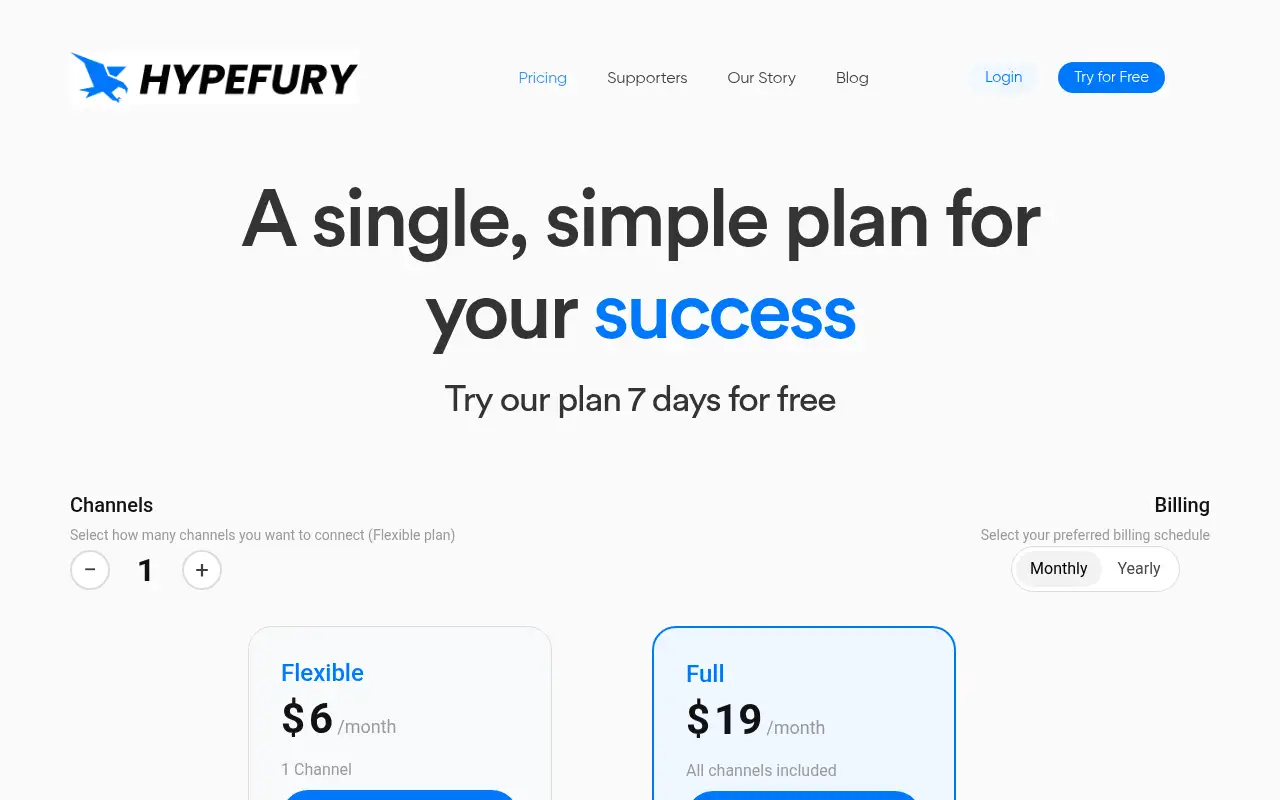
Hypefury’s pricing page lists Flexible at $6 a month per channel ($5 billed yearly) and Full at $19 a month ($199 billed yearly) with all channels, checked October 31, 2026.
Is there a free plan?
No. Hypefury says it no longer offers a free plan, but it lists a 7-day free trial with no credit card required.
Can a ghostwriter or VA use my account?
Yes. Hypefury says you can invite a ghostwriter or virtual assistant to write and manage your posts.
Pricing
Prices checked on the official pricing page.
- Flexible
-
$6/month per channel ($5 a month per channel billed yearly)
1 channel included, $6 a month for each extra channel, unlimited scheduling, 2 Tweetshots a day, Autoplugs, Instagram AutoDMs, engagement tools, email and chat support
- Full
-
$19/month ($199 billed yearly)
All channels included (Bluesky, Threads, LinkedIn, Instagram, TikTok), 5 Tweetshots a day, cross-posting, LinkedIn carousels, analytics, follower growth and AI trained on your posts
- Limits: Tweetshots are capped per day (2 on Flexible, 5 on Full), and Flexible charges per extra channel, per Hypefury’s pricing page.
- Plans change: vendors update limits and prices; confirm on the official page before you buy.
Facts
- Access
- Paid
- Paid plans from
- $6
- Checked
- Category
- Category: Marketing tools (49 in the library).
- On the record
- Hypefury’s pricing page lists a 7-day free trial with no credit card required. Hypefury says it no longer offers a free plan.