

ActiveCampaign: AI marketing for small teams
Official site link, not an affiliate link. We do not have an approved referral link for ActiveCampaign.
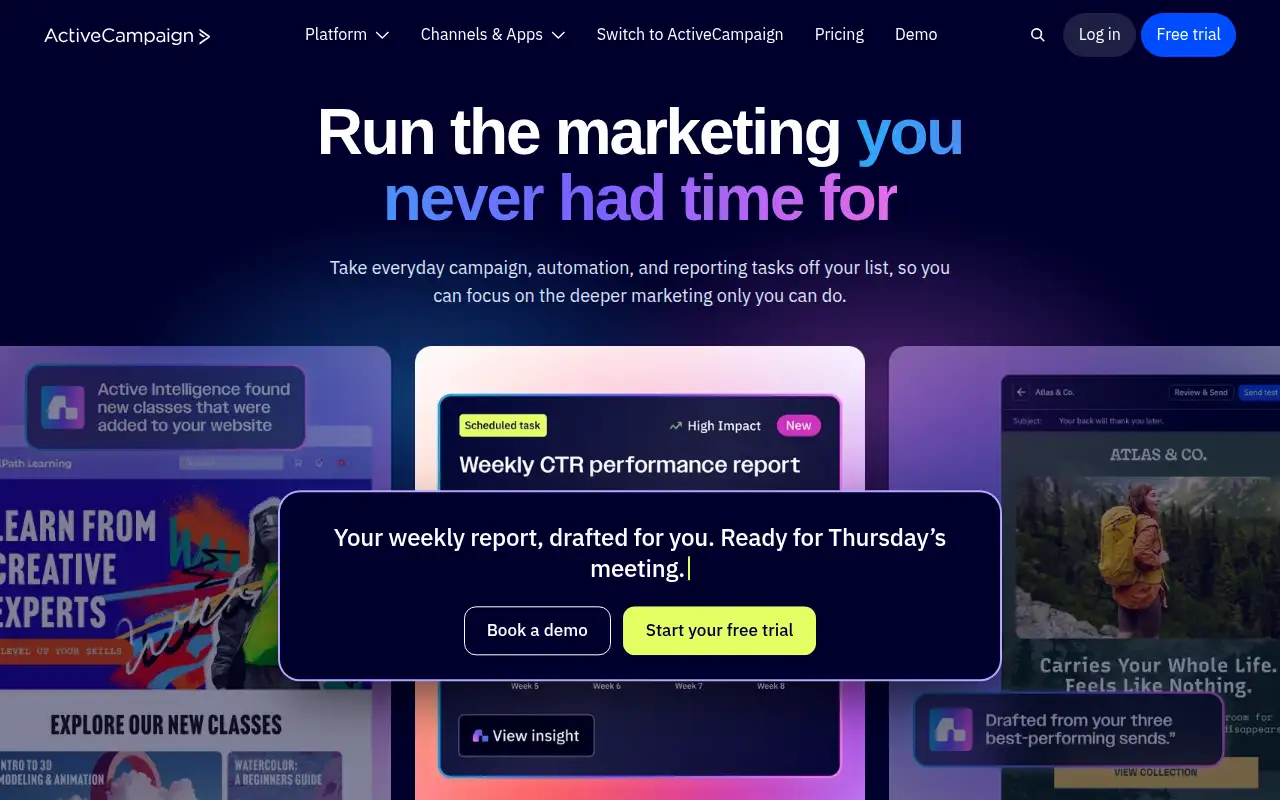
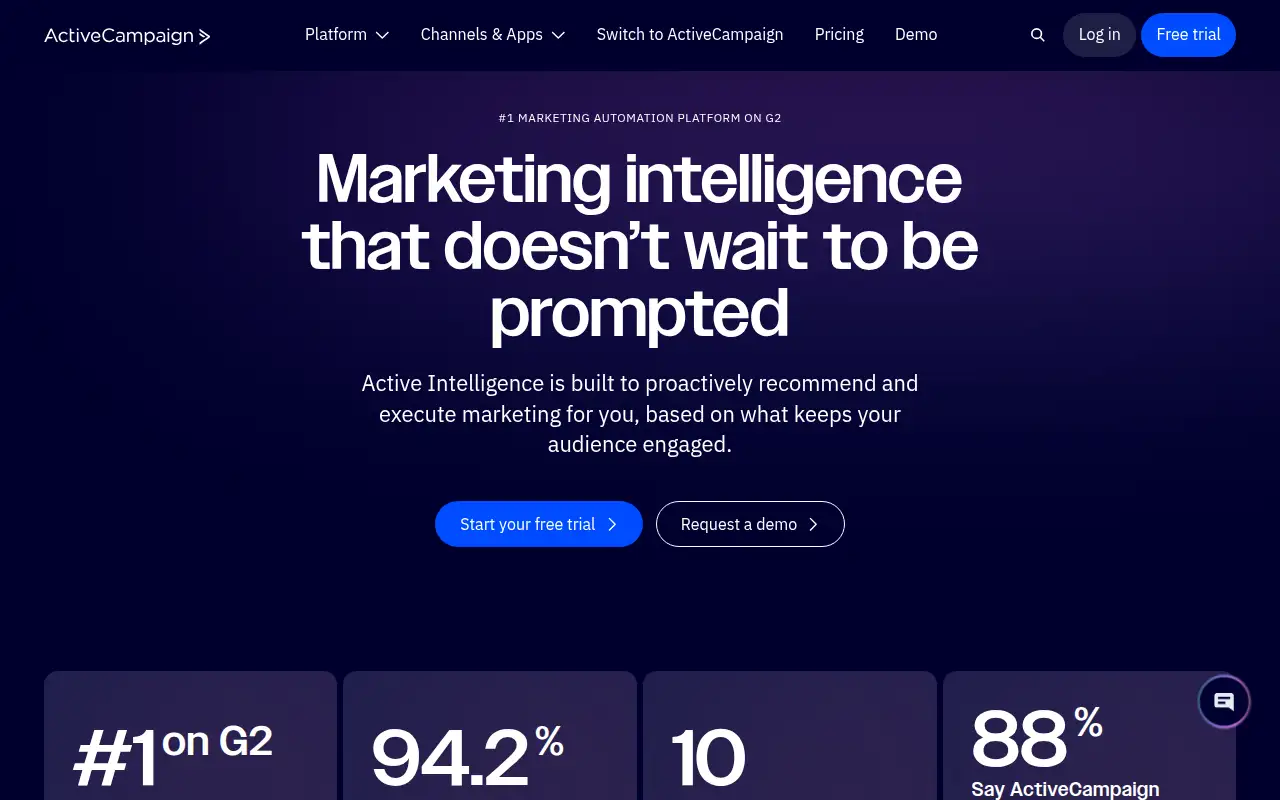
ActiveCampaign helps you run marketing and follow-ups by this route: email marketing and automation, priced by how many contacts you have, with pipelines and SMS as add-ons. It is best for one business that mainly needs email automation. It handles email marketing and automation, priced by how many contacts you have, with pipelines and SMS as add-ons.
What it does
Email marketing and automation, priced by how many contacts you have, with pipelines and SMS as add-ons.
Editorial note
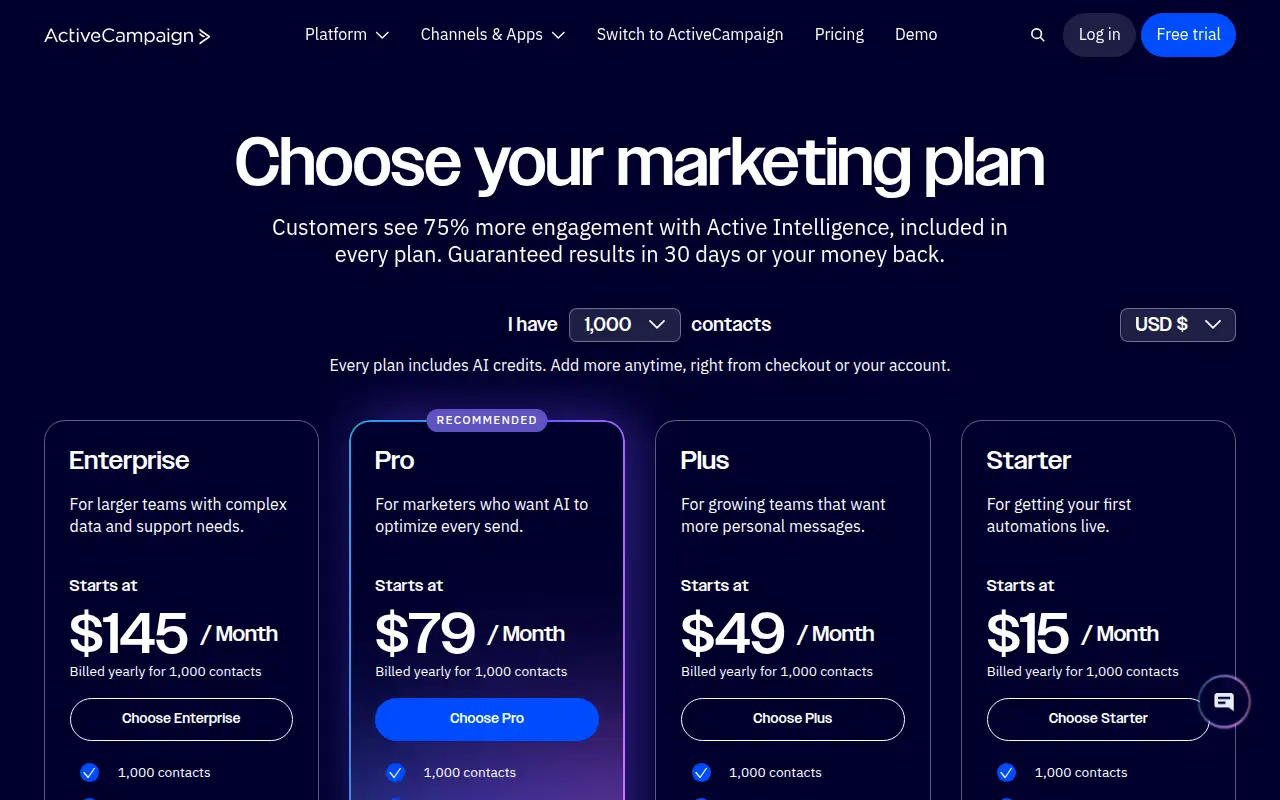
ActiveCampaign is for one business that mainly needs email automation. It handles email marketing and automation, priced by how many contacts you have, with pipelines and SMS as add-ons. The record lists paid plans from $15 a month billed annually, and says to see the official pricing page for current plans and terms.
Who it’s for
One business that mainly needs email automation.
Key use cases
- Marketing & CRM
What you can do with it
Email marketing and automation, priced by how many contacts you have, with pipelines and SMS as add-ons.
How to use ActiveCampaign: step-by-step tutorial
Five to eight steps from the account to a first useful result. Where the official guide names a control, the step uses that name. Where it does not, the step stays general.
- Open activecampaign.com and create an account. Read the plan list on the official site before you pay.
- Open Contacts, then Lists, and click Add a list. Enter a list name, your company website as the list URL, and a description, then click Add. You need at least one list before you can create or import an automation. Starter plans are limited to five lists.
- On Contacts, click Add a contact, complete the fields, and click Add. Choose Add to Lists, pick the list, and click Apply. You can also import a CSV. Each contact needs a unique email address or a unique phone number.
- Open Email and click Start from scratch instead. Name the campaign, choose a campaign type, and click Next. On the Campaign Summary page, add the subject, From name, From email, and at least one list. Send a test, then click Send Now or schedule the send.
- Open Automations and click Create an automation. Click Start from Scratch, or open a recipe and click Get Started.
These steps follow official guides: Create an email marketing list; Add contacts; Create and send a campaign. Checked Oct 24, 2026.
Related
Other tools for this job
-
Adcreative AI by Semrush
AdCreative by Semrush generates conversion-focused ad copy and product visuals. The homepage offers a 7-day free trial.
-

Agent Opus
Turn an idea, script or audio file into a finished AI video.
-
Ahrefs
An SEO and AI search platform for backlinks, keywords, site audits and rank tracking.
-
Argil AI
Argil AI
-
AWeber
Email marketing for small businesses and creators, with a free plan, landing pages and simple ecommerce.
Frequently asked questions
What does ActiveCampaign help you do?
Email marketing and automation, priced by how many contacts you have, with pipelines and SMS as add-ons.
Is ActiveCampaign free?
See official pricing. See the official pricing page for current plans and terms.
How much does ActiveCampaign cost?
Paid plans start at $15/mo billed annually, per the official pricing page. Confirm the figure before you buy.
Who is ActiveCampaign best for?
One business that mainly needs email automation.
How do you use ActiveCampaign?
Follow the tutorial on this page. The steps cite the official guide and stop at a first result.
Pricing
Prices checked on the official pricing page.
Paid plans from $15/mo billed annually.
Facts
- Access
- See official pricing
- Paid plans from
- $15/mo billed annually
- Checked
- Category
- Category: Marketing tools (49 in the library).
- On the record
- See the official pricing page for current plans and terms.