
Pipedrive: business software for small teams
Official site link, not an affiliate link. We do not have an approved referral link for Pipedrive.
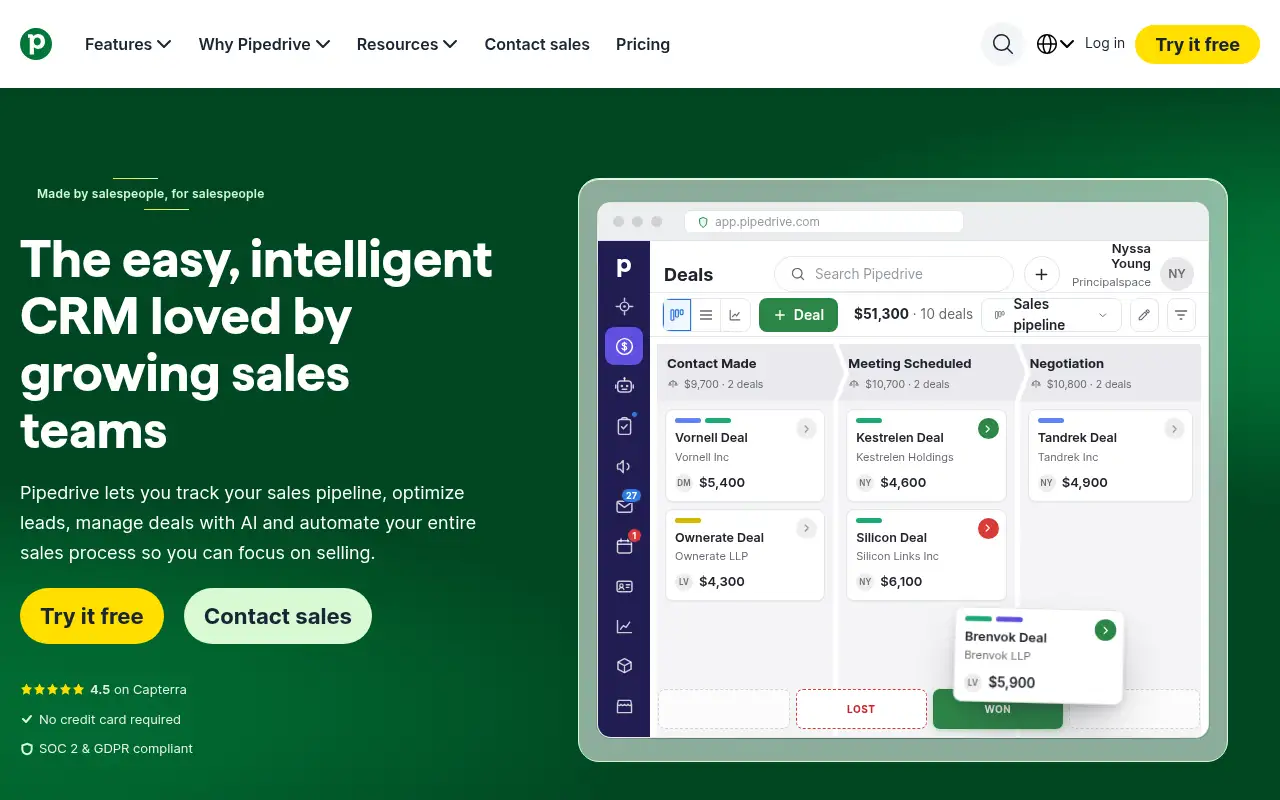
Pipedrive helps you run marketing and follow-ups by starting with a sales CRM built around a visual deal pipeline, with email sync, automations and AI meeting notes. It is best for small sales teams that want a simple visual pipeline and automated follow-ups. People also use it to automate repetitive work. A free trial is available.
What it does
Pipedrive tracks leads, deals, contacts and calendar events in one place, with a pipeline view you drag deals through. Growth adds two-way email sync with open and click tracking, automations and follow-up sequences. Premium adds LeadBooster lead capture and routing, custom lead scoring, AI email writing and e-signatures. Ultimate adds security rules, data enrichment and a sandbox. Add-ons such as Projects, Campaigns, Web Visitors and Smart Docs work with any plan, and Pipedrive lists 500+ integrations, including Zapier and Zoom.
Official site:www.pipedrive.com.
Editorial note
Pipedrive is a sales CRM built around a visual pipeline of deals. Plans start at $14 per seat a month billed annually, and every plan has a free 14-day trial with no credit card required. Its built-in meeting intelligence, Pipedrive Nova, writes meeting briefs, call transcripts and CRM updates.
Who it’s for
- For: Small sales teams that want a simple visual pipeline and automated follow-ups.
- Not ideal for: teams that want marketing email and a CRM in one plan; Pipedrive sells Campaigns as an add-on.
Key use cases
- Marketing & CRM
- Automate work
What you can do with it
- Free access: Pipedrive offers a free 14-day trial with no credit card required, and you can invite as many co-workers as you want to the trial. This matters when you want to test before you pay.
- Growth plan: Full email sync with tracking, automations and nurturing sequences, subscriptions and forecasts, meeting scheduler. This matters when the free tier is not enough.
- Premium plan: LeadBooster lead capture and routing, custom scoring, AI email tools, contracts and e-signatures. This matters when the free tier is not enough.
- Help documentation: Official pricing and product pages at www.pipedrive.com. This matters when you set it up yourself.
How to use Pipedrive: step-by-step tutorial
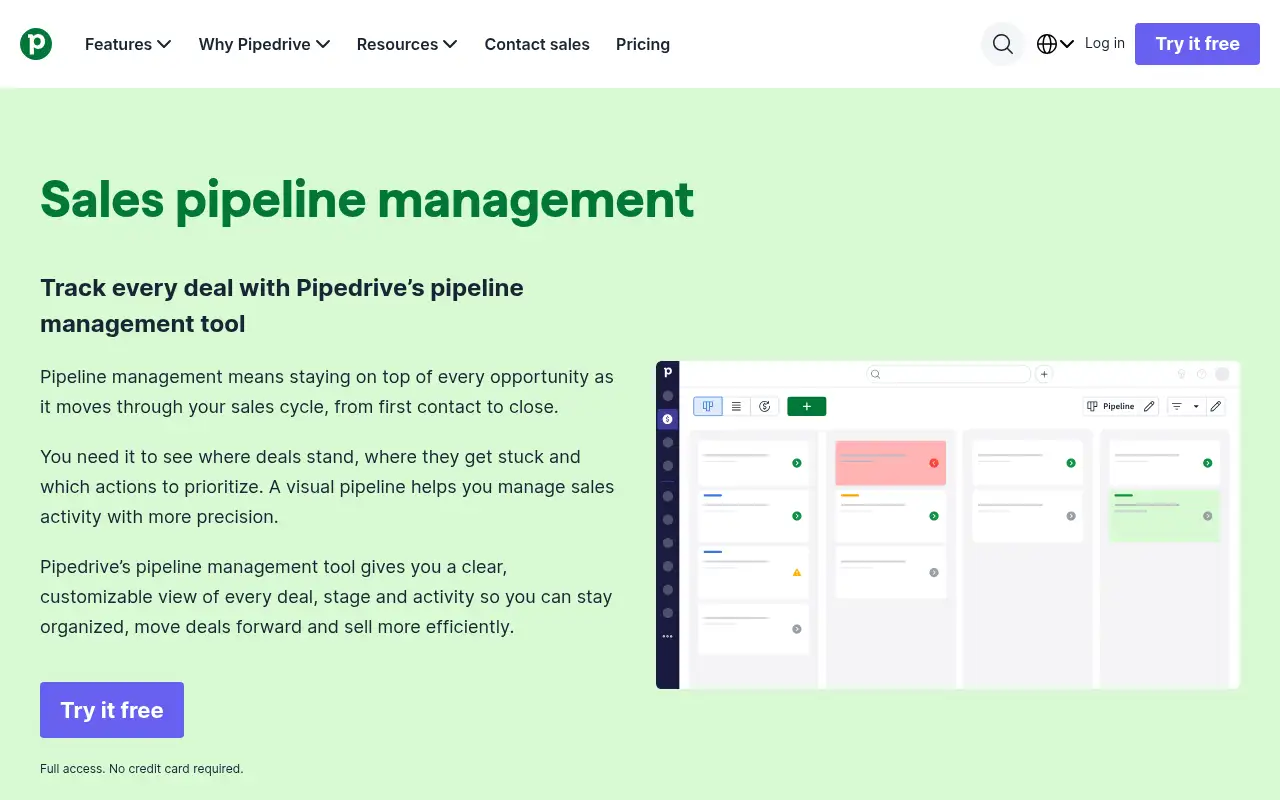
Five to eight steps from the account to a first useful result. Where the official guide names a control, the step uses that name. Where it does not, the step stays general.
- Start the free 14-day trial at pipedrive.com (no credit card needed).
- Import your leads and contacts from a spreadsheet or your old CRM.
- Rename the pipeline stages to match how your deals really move.
- Add each open deal with a value and a next activity, so nothing goes without a follow-up.
- Connect your email and calendar, then invite teammates to the trial.
These steps follow the official guide: Pipedrive pricing.
Related
Other tools for this job
-
3D House Planner
What's new Features Tools Contribute Attribution Blog Language English Português Español Français Deutsch Ital
-

ActiveCampaign
Email marketing and automation, priced by how many contacts you have, with pipelines and SMS as add-ons.
-
Adcreative AI by Semrush
AdCreative by Semrush generates conversion-focused ad copy and product visuals. The homepage offers a 7-day free trial.
-

Agent Opus
Turn an idea, script or audio file into a finished AI video.
-
agent-desktop
Lets an AI agent read and operate desktop apps through the OS accessibility tree.
Frequently asked questions
Does Pipedrive have a free trial?
Yes. Pipedrive offers a free 14-day trial with no credit card required, checked October 27, 2026. You can invite as many co-workers as you want.
How much does Pipedrive cost?
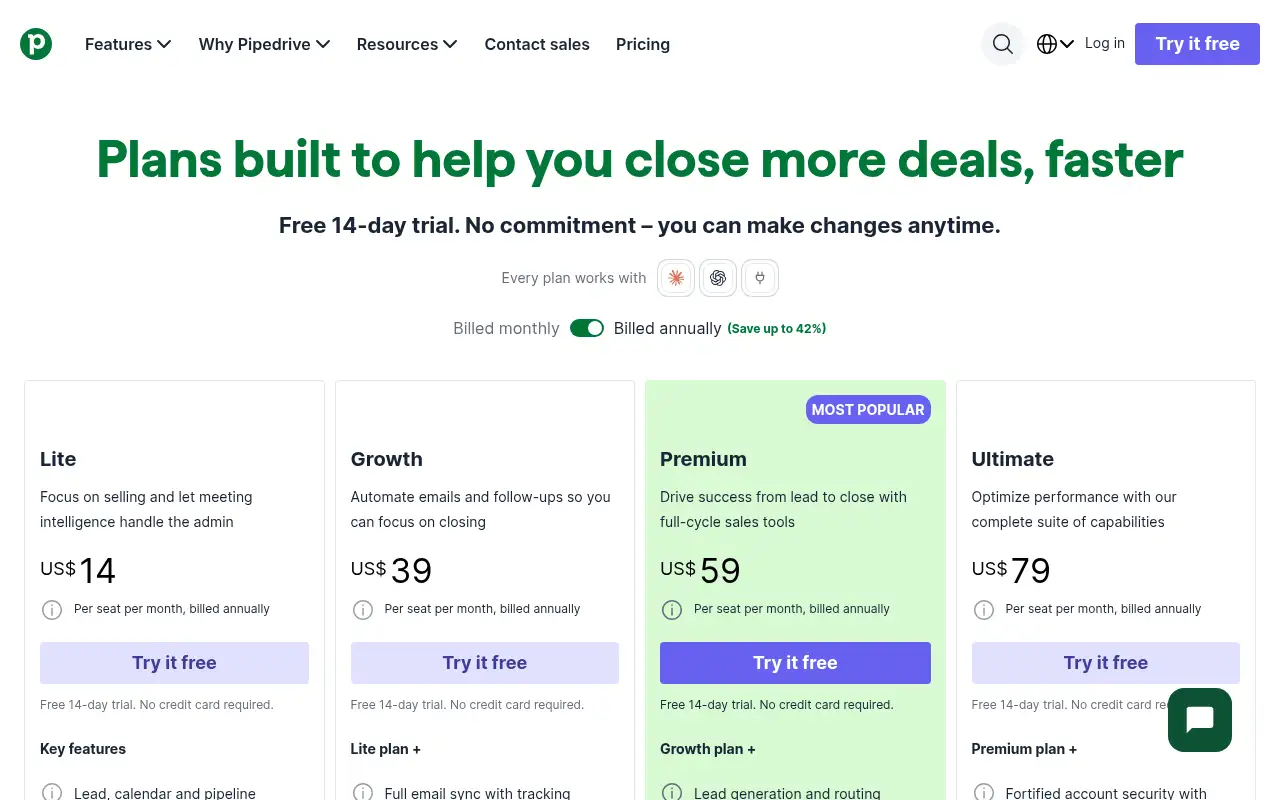
Billed annually, per seat per month: Lite $14, Growth $39, Premium $59 and Ultimate $79, per Pipedrive’s pricing page. Pipedrive says annual billing saves up to 42%.
Does Pipedrive have AI features?
Yes. Pipedrive lists AI report creation on Lite, AI email writing on Premium, and Pipedrive Nova meeting intelligence for briefs, transcripts and CRM updates.
Is setup free?
Pipedrive says implementation is free when you sign up for a plan over $400 a year.
Pricing
Prices checked on the official pricing page.
- Lite
-
$14/seat/month billed annually
Lead, calendar and pipeline management, AI report creation, 500+ integrations, Pipedrive Nova meeting intelligence
- Growth
-
$39/seat/month billed annually
Full email sync with tracking, automations and nurturing sequences, subscriptions and forecasts, meeting scheduler
- Premium
-
$59/seat/month billed annually
LeadBooster lead capture and routing, custom scoring, AI email tools, contracts and e-signatures
- Ultimate
-
$79/seat/month billed annually
Account security rules, phone and email enrichment, sandbox account, extended phone support
- Limits: Prices are per seat; email automation starts on Growth and lead routing on Premium.
- Plans change: vendors update limits and prices; confirm on the official page before you buy.
Facts
- Access
- Free trial
- Paid plans from
- $14/seat/mo billed annually
- Checked
- Category
- Category: Business and productivity tools (153 in the library).
- On the record
- Pipedrive offers a free 14-day trial with no credit card required, and you can invite as many co-workers as you want to the trial.