Send your link to everyone who comments: Instagram comment-to-DM guide
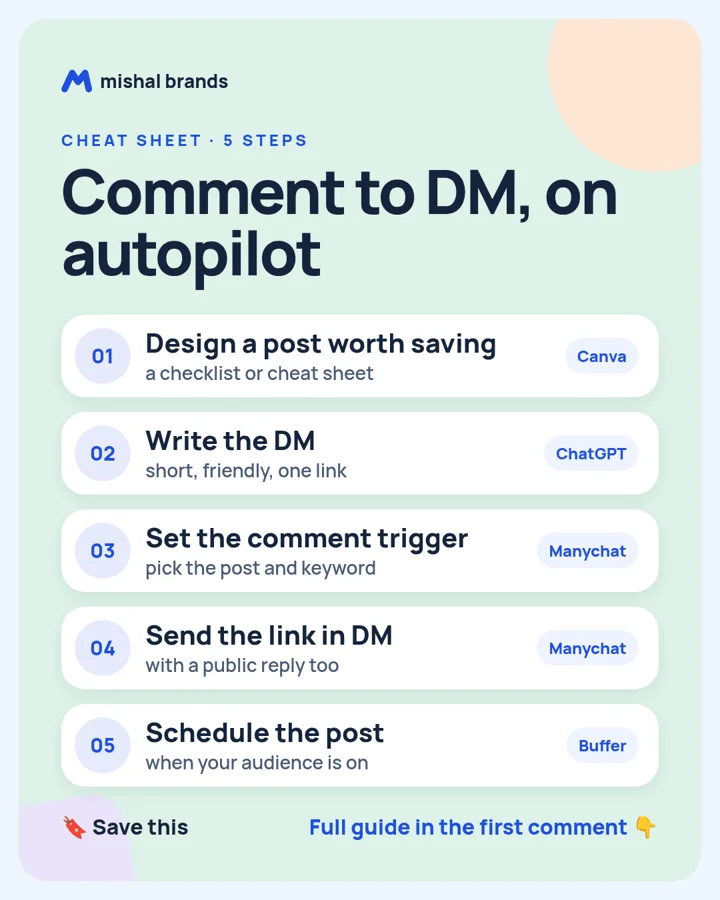
Design a useful post in Canva, write a short DM with ChatGPT, set a keyword comment trigger in Manychat, send the link by DM with a public reply, and schedule the post with Buffer.
Updated· By Mishal Brands Editorial
Why this works
Manychat's pricing page lists a free plan with 25 active contacts a month and up to 4 live automations, so you can set this up for $0.
Suggested workflow. These steps are a workflow for one person with off-the-shelf tools. We name tools as examples.
Save the cheat sheet. The full steps are below.
The steps
STEP 1 · Canva
Design a post worth saving
What to do
Design one useful carousel or cheat sheet in Canva. People comment when they want more of something useful.
Plan note: Canva Free is US$0 for one person, with 1.6M+ templates and 5GB of cloud storage. (per its official pricing page; check before you buy).
Tip
Put the keyword on the last slide: 'Comment GUIDE'.
This guide is written by Mishal Brands Editorial. Plan details come from each vendor's official pricing page as listed on our tool pages. Where we are in an affiliate program, the link is marked and disclosed.
Free pack: prompts for better AI images
A short, copyable set of image prompts for product shots, portraits, thumbnails, logos, and ads. These are starting points you can adapt — not a promise of any result.