
Akool: AI video for creators
Official site link, not an affiliate link. We do not have an approved referral link for Akool.
Akool helps you make and edit video by starting with an AI video and image suite with a free tier and seat plans billed yearly. It is best for creators who want AI video and images and can start on a watermarked free tier. People also use it to create and edit images. Free keeps a watermark.
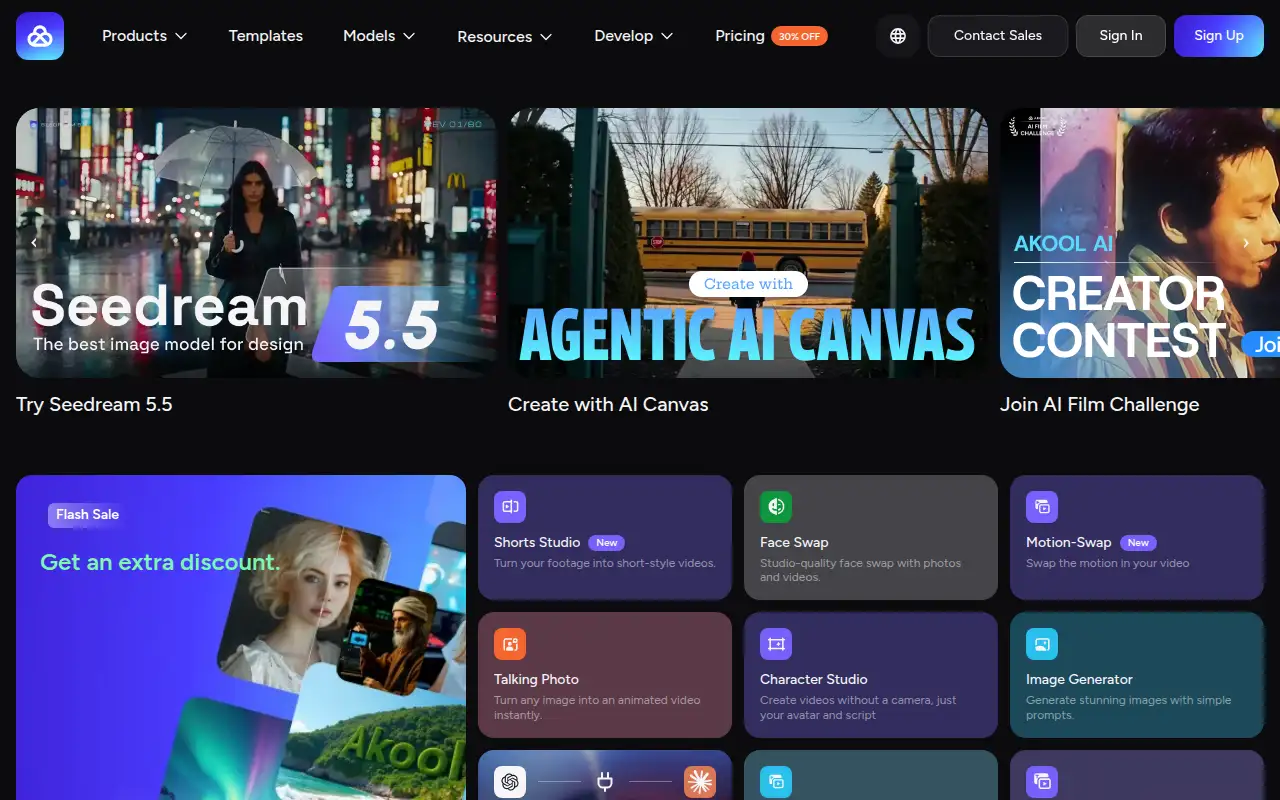
What it does
Akool generates video and images, including face swap and translation features on paid tiers. Free keeps a watermark. Starter is the first paid seat, with 200 credits. The pricing page also lists more expensive seat plans with higher resolution and longer video. Seats are priced per member: the page says an added admin or editor is charged the same monthly seat price.
Editorial note
Akool is an AI video and image suite. Free is $0. Starter is $12 per seat a month when billed yearly.
Who it’s for
Creators who want AI video and images and can start on a watermarked free tier.
Key use cases
- Video & avatars
- Images & product photos
What you can do with it
An AI video and image suite with a free tier and seat plans billed yearly.
How to use Akool: step-by-step tutorial
Five to eight steps from the account to a first useful result. Where the official guide names a control, the step uses that name. Where it does not, the step stays general.
- Open akool.com and create an account on the free tier listed at $0.
- Generate one short image or video from a prompt you are allowed to use.
- Check the watermark and the storage limit. Free lists 5 GB and a watermark.
- Read the credit price before you upgrade. Starter lists 200 credits at $12 a seat a month billed yearly.
- Add teammates only when you accept the per-seat charge the pricing page describes.
These steps follow official guides: Akool pricing; Akool homepage. Checked November 11, 2026.
Example inputs
Adapt these. They are examples of what to ask for, not a button name, unless the steps above already use that name.
A first request: an AI video and image suite with a free tier and seat plans billed yearly. Keep it short enough to review in one pass.Name the audience, the format you need, and one fact that must stay accurate.Frequently asked questions
Is Akool free?
Yes. The pricing comparison lists Free at $0, with a watermark, checked November 11, 2026.
How much does Akool cost?
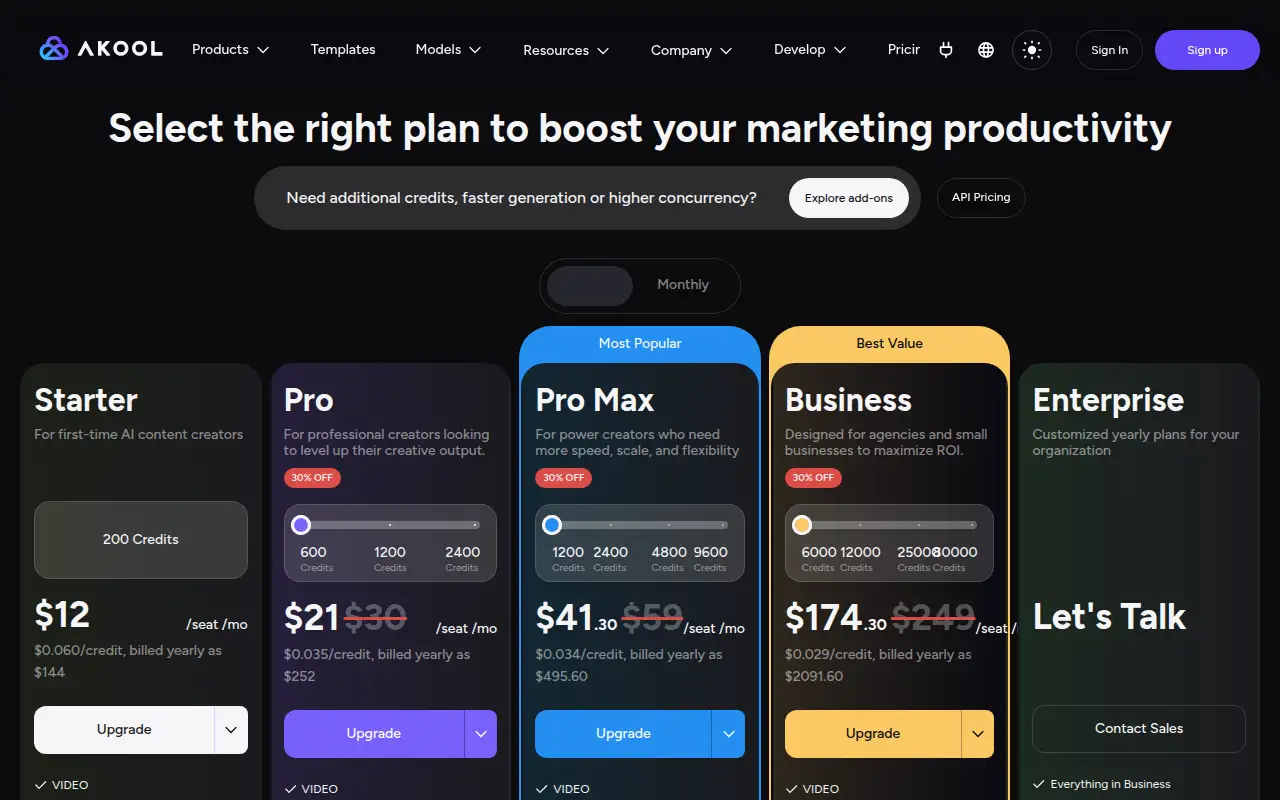
Starter is $12 per seat a month, billed yearly as $144. The page also shows seat prices of $30 and $249 a month on yearly billing.
Are extra users included?
No. The page says added admins or editors are charged the same seat price as the owner.
What is Akool for?
AI video and images, including avatar and face-swap tools on the paid tiers.
Pricing
Prices checked on the official pricing page.
- Free
-
$0
The comparison lists a watermark, slow processing, and 5 GB of storage.
- Starter
-
$12/seat/month, billed yearly as $144
200 credits, about $0.060 a credit. Video up to 1080p and 15 minutes, selected video and image models, and face-swap models.
- Higher seat plans
-
From $30/seat/month billed yearly
The page shows a $30 seat price (with $21 displayed as a discount) and a $249 seat price. Higher tiers list 4K and longer video. Added members are charged the same seat price.
Facts
- Access
- Ongoing free plan
- Paid plans from
- $0
- Checked
- Category
- Category: Video tools (48 in the library).
- On the record
- Akool’s pricing comparison lists Free at $0, with a watermark and slower processing than the paid seat plans.