
ComfyUI: AI images for designers, video creators and developers
Official site link, not an affiliate link. We do not have an approved referral link for ComfyUI.
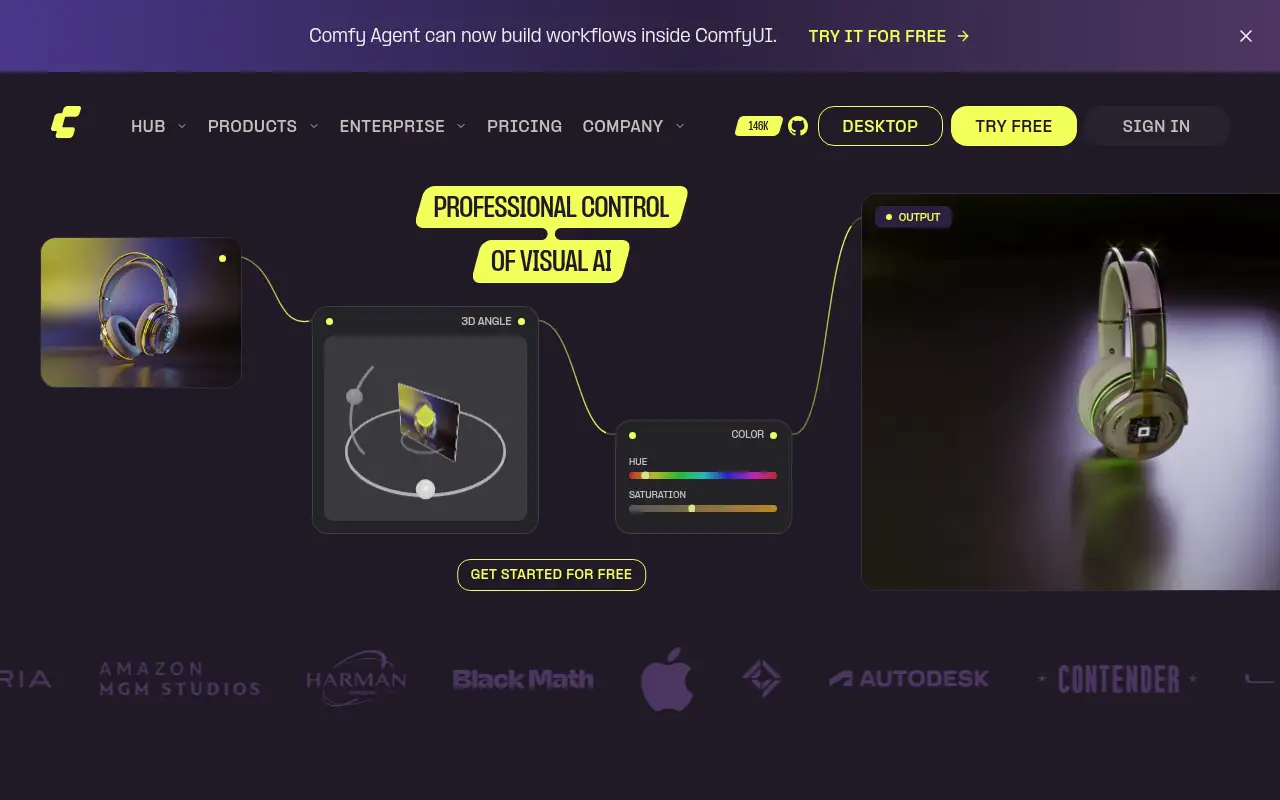
ComfyUI helps you create and edit images by starting with an open-source, node-based app for building AI image, video, audio and 3D workflows. It is best for designers, video creators and developers who want full control over AI image and video generation, from a single image to a production API. People also use it to make and edit video.
What it does
- Node canvas where every model and setting is visible and adjustable
- Free, open-source Comfy Desktop that can run offline on your own hardware
- Community templates, 5,000+ extensions and custom nodes
- Partner Nodes for proprietary models, billed in Comfy credits
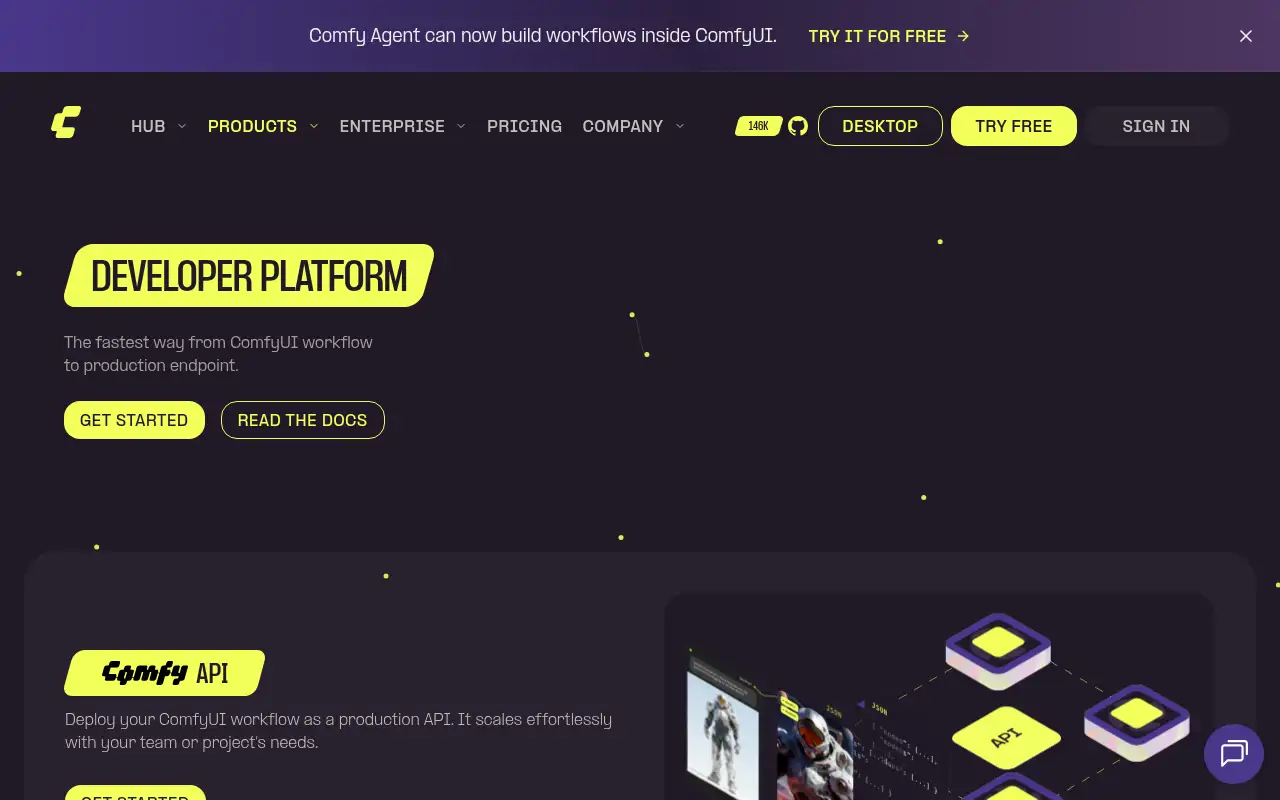
- Comfy Agent, Comfy Cloud on 96GB GPUs, and Comfy API for deployments
- Krea: real-time AI image and video in a simple web app
- Leonardo AI: image and video generation with presets
- Midjourney: prompt-based image generation
Editorial note
ComfyUI is an open-source, node-based app for generative AI. You connect models, settings and outputs on a canvas to build workflows for images, video, audio and 3D. Run it free on your own computer with Comfy Desktop, or use Comfy Cloud in the browser on hosted GPUs.
Who it’s for
- Designers and marketers who want repeatable product shots, ad variations and consistent characters
- Video creators chaining image, video and upscaling models in one pipeline
- Developers and studios who need to run open models privately or serve a workflow as an API
- Not ideal for: beginners who want one prompt box and a finished image; the node canvas takes some learning.
Key use cases
- Images & product photos
- Video & avatars
What you can do with it
In ComfyUI every model, parameter and step is a node you can see and change, so you can rebuild the same result later or swap one model for another. Comfy reports 60,000+ community nodes and thousands of shared workflows, support for open models such as Wan, Flux and LTX, and Partner Nodes for proprietary models such as Nano Banana and MiniMax H3. Comfy Agent builds and runs workflows from a plain-language request, and Comfy API deploys a workflow as a production API.
How to use ComfyUI: step-by-step tutorial
Five to eight steps from the account to a first useful result. Where the official guide names a control, the step uses that name. Where it does not, the step stays general.
- Open comfy.org and create an account on the free plan. You can reach a first result before you choose a paid plan.
- Choose where to run it: download Comfy Desktop for Windows, macOS (Apple silicon) or Linux, or open Comfy Cloud in the browser.
- Load a template from the workflow library, such as text to image.
- Pick a model in the loader node, type your prompt and press Run.
- Change one setting at a time and compare the outputs; save the workflow file to reuse it.
- When you are ready, add community nodes, Partner Nodes or ask Comfy Agent to build a workflow for you.
These steps follow the official guide: Comfy Cloud pricing.
Example inputs
Adapt these. They are examples of what to ask for, not a button name, unless the steps above already use that name.
A first request: an open-source, node-based app for building AI image, video, audio and 3D workflows. Keep it short enough to review in one pass.Name the audience, the format you need, and one fact that must stay accurate.Frequently asked questions
What is ComfyUI?
An open-source, node-based interface and inference engine for generative AI. You combine models and steps as nodes to make images, video, audio and 3D with full control over each step.
Do I need a powerful computer for ComfyUI?
To run it locally, Comfy recommends an NVIDIA or AMD GPU on Windows, or an Apple silicon Mac. Without one, Comfy Cloud runs workflows in the browser on hosted GPUs.
Can I use ComfyUI outputs commercially?
ComfyUI itself is GPL-3.0 open source, but each model has its own license. Check the model license before commercial use; Comfy says models on Comfy API can be used commercially.
Is ComfyUI free?
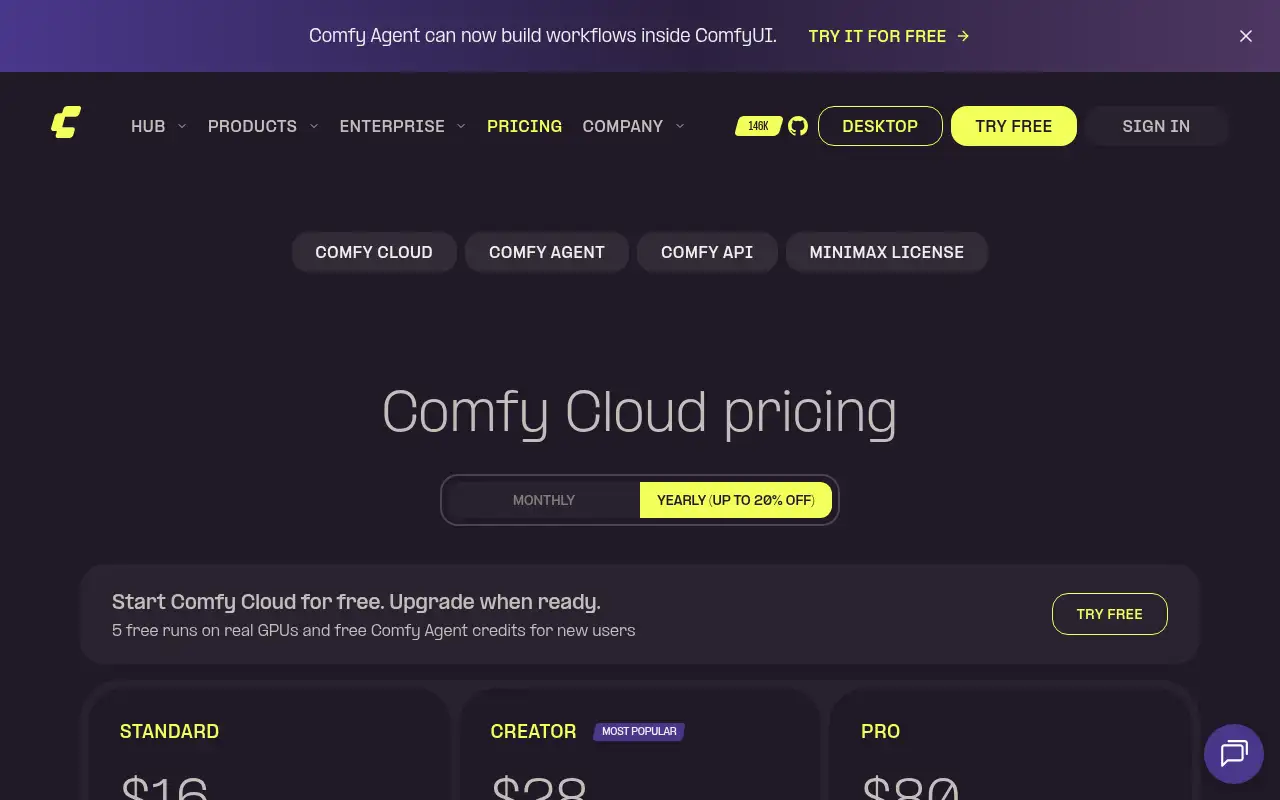
Yes. Comfy Desktop is free and open source. Comfy Cloud gives new users 5 free runs, then plans start at $16 a month billed yearly. Partner Nodes use credits.
Pricing
Prices checked on the official pricing page.
- Comfy Desktop
-
Free
Open source (GPL-3.0); runs on your own Windows, macOS (Apple silicon) or Linux machine; partner models use credits
- Cloud Standard
-
$16/month billed yearly ($20 monthly)
30-minute max run time, Comfy Agent, Comfy API with 5 builds and 2 deployments, add credits anytime
- Cloud Creator
-
$28/month billed yearly ($35 monthly)
Adds importing your own models and LoRAs and 6 concurrent agent sessions
- Cloud Pro
-
$80/month billed yearly ($100 monthly)
Adds runs up to 1 hour, 8 agent sessions and more API builds and deployments
- Cloud Team
-
$200 to $2,500/month by credit commit
Up to 50 members on one shared credit pool with role-based permissions
- Local use needs a capable GPU, model licenses vary, Cloud plan credits reset each cycle, and Cloud runs stop at 30 minutes (1 hour on Pro).
- Vendors change plans; confirm on the official page before you buy.
Facts
- Access
- Ongoing free plan
- Paid plans from
- $0
- Checked
- Category
- Category: Images and design tools (47 in the library).
- On the record
- Comfy reports that Comfy Desktop is free and open source to run on your own hardware. Comfy Cloud gives new users 5 free runs on real GPUs and free Comfy Agent credits, then paid plans.