
Figma: AI images for product designers, developers and teams
Official site link, not an affiliate link. We do not have an approved referral link for Figma.
Figma helps you build software by starting with a collaborative design platform for interfaces, prototypes, design systems and developer handoff. It is best for product designers, developers and teams who design apps, websites and design systems together. People also use it to make documents and slides. You design screens, prototype interactions, and reuse components from team libraries.
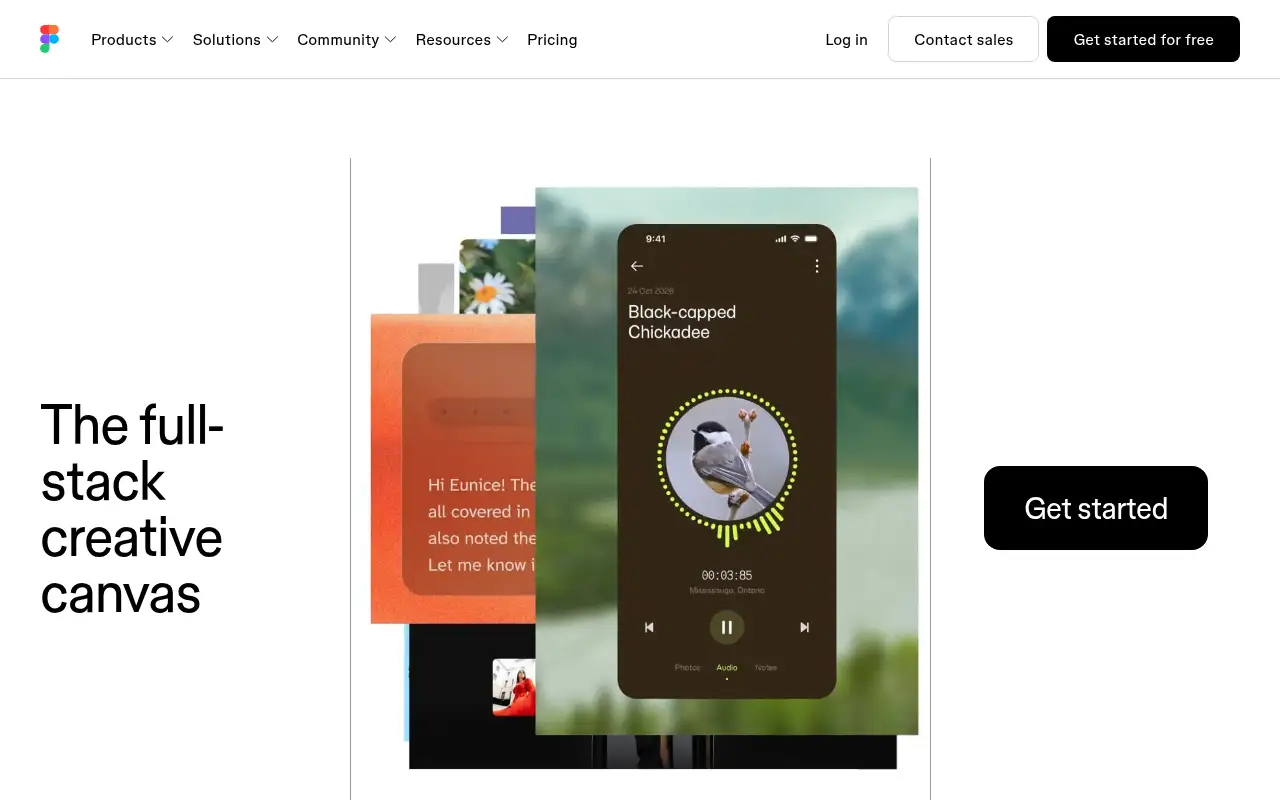
What it does
- Shared canvas for interface design and prototyping
- Team libraries and design systems
- Dev Mode inspection and an MCP server for AI coding tools
- Built-in AI agent and monthly AI credits
- Figma Sites, Motion, Specs and Buzz in beta
Editorial note
Figma is a collaborative design platform. Designers build interfaces and prototypes on a shared canvas, teams keep components in shared libraries, and developers inspect designs in Dev Mode or pull them into code through the MCP server. Figma’s AI agent can add motion, document design systems and apply feedback.
Who it’s for
- Product designers creating app and web interfaces
- Developers inspecting designs and building from them
- Teams managing a shared design system
- Not ideal for: people who only need quick social graphics or print flyers.
Key use cases
- Build apps & code
- Slides & docs
What you can do with it
Figma brings product design work into one browser-based workspace. You design screens, prototype interactions, and reuse components from team libraries. Dev Mode gives developers specs and code-ready details, and the MCP server connects designs to AI coding tools. Seat types split Full designers, Dev and Collab users, and newer products such as Figma Sites, Motion, Specs and Buzz are in beta.
How to use Figma: step-by-step tutorial
Five to eight steps from the account to a first useful result. Where the official guide names a control, the step uses that name. Where it does not, the step stays general.
- Sign up free at figma.com.
- Start from a UI kit or template in a new design file.
- Build a screen with frames, auto layout and components.
- Link frames into a clickable prototype and share it for comments.
- Move to Professional when you need unlimited files and team libraries.
These steps follow the official guide: Figma pricing.
Example inputs
Adapt these. They are examples of what to ask for, not a button name, unless the steps above already use that name.
A first request: a collaborative design platform for interfaces, prototypes, design systems and developer handoff. Keep it short enough to review in one pass.Name the audience, the format you need, and one fact that must stay accurate.Frequently asked questions
What is Figma used for?
Designing app and website interfaces, prototyping interactions, managing design systems and handing designs off to developers.
What are Figma seat types?
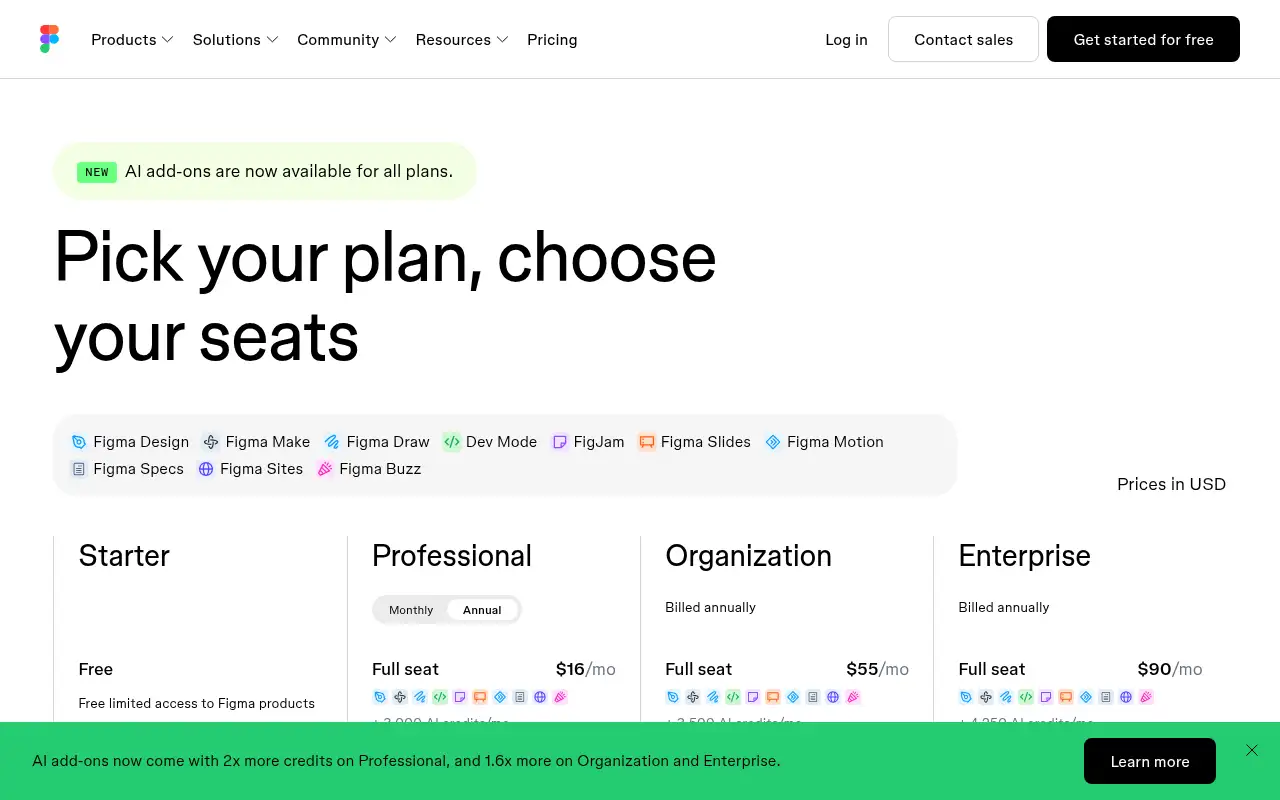
Figma sells Full, Dev and Collab seats. On Professional they are listed at $16, $12 and $3 a month, each with its own AI credit allowance.
Can people view Figma files for free?
Figma says paid plans let others view and comment on your files without buying extra seats.
Is Figma free?
Yes. Starter is free with unlimited drafts and limited access. Professional starts at $16 a month for a Full seat.
Pricing
Prices checked on the official pricing page.
- Starter
-
Free
Unlimited drafts, UI kits and templates, 150 AI credits a day up to 500 a month
- Professional
-
Full seat $16/month; Dev seat $12; Collab seat $3
Unlimited files and projects, team libraries, advanced Dev Mode and MCP server; Full seat includes 3,000 AI credits a month
- Organization
-
Full seat $55/month billed annually
Shared libraries and fonts across teams, centralized admin, 3,500 AI credits per Full seat
- Enterprise
-
Full seat $90/month billed annually
Custom workspaces, design system theming and APIs, SCIM, 4,250 AI credits per Full seat
- Starter is limited, AI use is capped by credits, and Organization and Enterprise are billed annually.
- Vendors change plans; confirm on the official page before you buy.
Facts
- Access
- Ongoing free plan
- Paid plans from
- $16/month per Full seat
- Checked
- Category
- Category: Images and design tools (47 in the library).
- On the record
- Figma’s Starter plan is free, with limited access to Figma products, unlimited drafts, UI kits and up to 500 AI credits a month.