
GetResponse: AI marketing for small teams
Official site link, not an affiliate link. We do not have an approved referral link for GetResponse.
GetResponse helps you run marketing and follow-ups by this route: email marketing with AI writing tools, automation, landing pages, webinars and course selling in one platform. It is best for small businesses, creators and online sellers who want email, automation, landing pages and webinars from one account. People also use it to build pages and funnels.
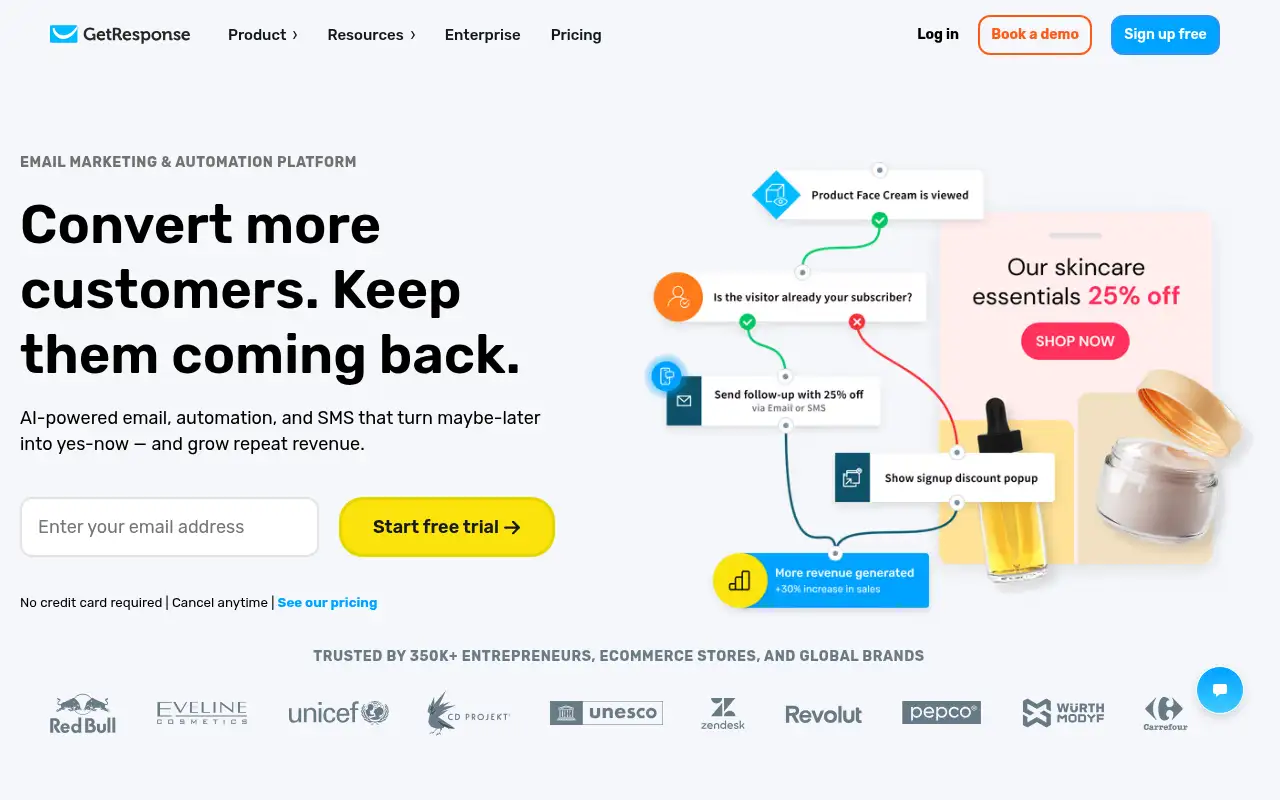
What it does
GetResponse builds and sends newsletters with a drag-and-drop editor and AI email and subject-line generators, then follows up with autoresponders and automation workflows. Plans are priced by list size, from 1,000 up to 100,000 contacts, with Enterprise quotes above that. Starter covers list building and email with one automation workflow. Marketer adds unlimited workflows, ecommerce tools, abandoned cart recovery and sales funnels. Creator adds live and on-demand webinars, a website builder, courses and paid newsletters. Paying yearly saves 18%, and charities and NGOs get 50% off monthly plans.
Official site:www.getresponse.com.
Editorial note
GetResponse is an email marketing and automation platform with AI writing tools, landing pages, webinars and a course creator. Every plan includes unlimited monthly email sends, and you can try the premium features free for 14 days with no credit card. Its FAQ says monthly plans start at $19 a month for 1,000 subscribers.
Who it’s for
- For: Small businesses, creators and online sellers who want email, automation, landing pages and webinars from one account.
- Not ideal for: teams that only need transactional email from an app; that is on Enterprise only.
Key use cases
- Marketing & CRM
- Funnels & pages
What you can do with it
- Free access: GetResponse offers a 14-day free trial of its premium features with no credit card required. After 14 days you keep a free account with limits unless you upgrade. This matters when you want to test before you pay.
- Marketer plan: Adds unlimited automation workflows, advanced segmentation, abandoned cart recovery, sales funnels, web push notifications, 5 users. This matters when the free tier is not enough.
- Creator plan: Adds webinars for up to 100 attendees, a website builder, a course creator and premium newsletter subscriptions. This matters when the free tier is not enough.
- Help documentation: Official pricing and product pages at www.getresponse.com. This matters when you set it up yourself.
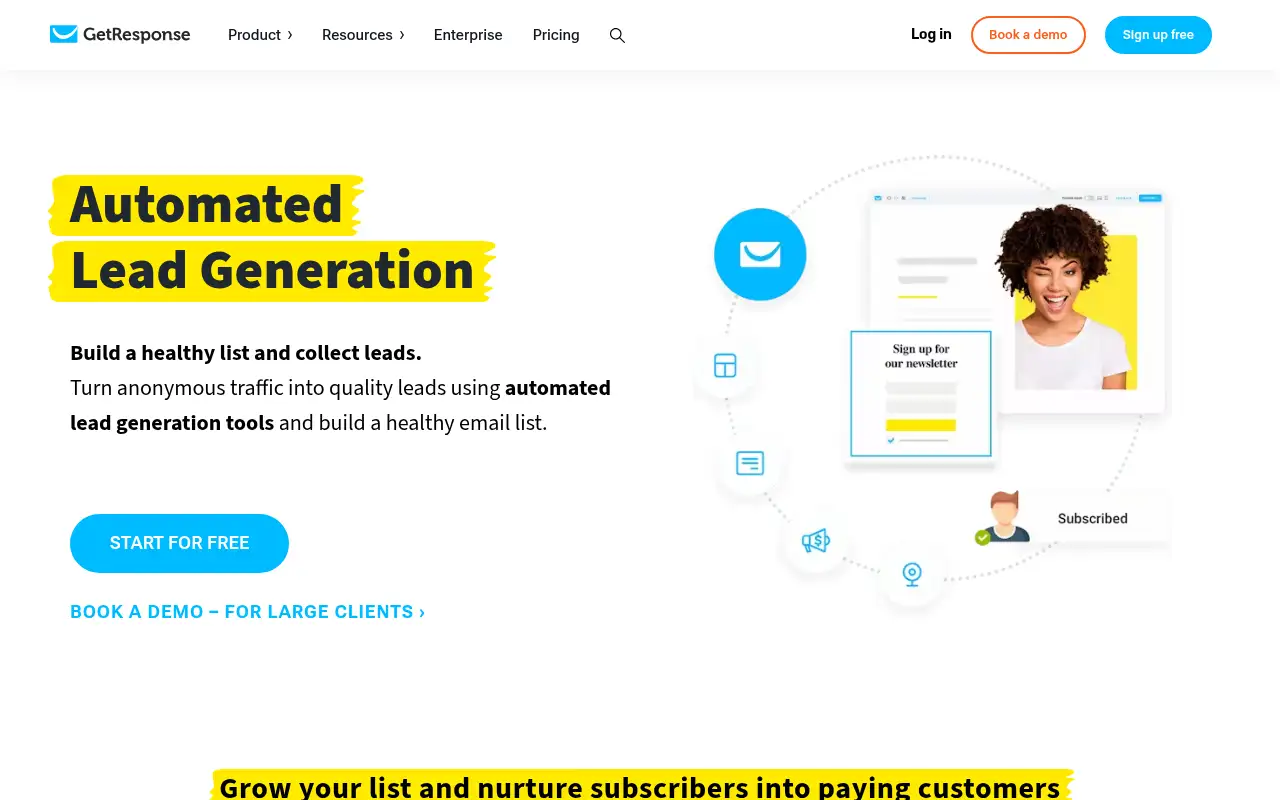
How to use GetResponse: step-by-step tutorial
Five to eight steps from the account to a first useful result. Where the official guide names a control, the step uses that name. Where it does not, the step stays general.
- Start the 14-day free trial at getresponse.com (no credit card needed).
- Import your contacts or create a signup form or popup for your site.
- Build a landing page with a signup form to collect new subscribers.
- Set up a welcome email series so every new subscriber gets a first message.
- Write your first newsletter with the AI email generator, check it, then schedule it.
These steps follow the official guide: GetResponse pricing.
Related
Other tools for this job
-

ActiveCampaign
Email marketing and automation, priced by how many contacts you have, with pipelines and SMS as add-ons.
-
Adcreative AI by Semrush
AdCreative by Semrush generates conversion-focused ad copy and product visuals. The homepage offers a 7-day free trial.
-

Agent Opus
Turn an idea, script or audio file into a finished AI video.
-
Ahrefs
An SEO and AI search platform for backlinks, keywords, site audits and rank tracking.
-
Argil AI
Argil AI
Frequently asked questions
Does GetResponse have a free trial?
Yes. GetResponse gives you 14 days of its premium features with no credit card required, checked October 27, 2026. After that you keep a free account with limits unless you upgrade.
How much does GetResponse cost?
GetResponse’s FAQ says monthly plans start at $19 a month for 1,000 subscribers. Prices scale with list size and plan, and paying yearly saves 18%.
What happens after the GetResponse trial ends?
GetResponse says you lose the premium features but can still log in and use the free version, which has limits such as a GetResponse badge on messages and 1,000 unique landing page visitors a month.
Can I run webinars in GetResponse?
Yes, on Creator and Enterprise. Creator includes live webinars for up to 100 attendees and Enterprise up to 1,000, per GetResponse’s plan comparison.
Does GetResponse limit how many emails I send?
No. Every plan lists unlimited monthly email sends; prices scale with the number of contacts.
Pricing
Prices checked on the official pricing page.
- Starter
-
From $19/month billed monthly for 1,000 contacts (per GetResponse’s FAQ); 18% off yearly
Unlimited email sends, AI content generators, welcome series, 1 custom automation workflow, landing pages, signup forms and popups, 3 users
- Marketer
-
See official pricing
Adds unlimited automation workflows, advanced segmentation, abandoned cart recovery, sales funnels, web push notifications, 5 users
- Creator
-
See official pricing
Adds webinars for up to 100 attendees, a website builder, a course creator and premium newsletter subscriptions
- Enterprise
-
Custom
Adds SMS marketing, transactional emails, a dedicated IP and sending domain, SSO and premium support
- Limits: Starter has 1 automation workflow and limited AI uses; webinars and courses need Creator; SMS needs Enterprise.
- Plans change: vendors update limits and prices; confirm on the official page before you buy.
Facts
- Access
- Free trial
- Paid plans from
- From $19/mo
- Checked
- Category
- Category: Marketing tools (49 in the library).
- On the record
- GetResponse offers a 14-day free trial of its premium features with no credit card required. After 14 days you keep a free account with limits unless you upgrade.