
Jotform: business software for small teams
Official site link, not an affiliate link. We do not have an approved referral link for Jotform.
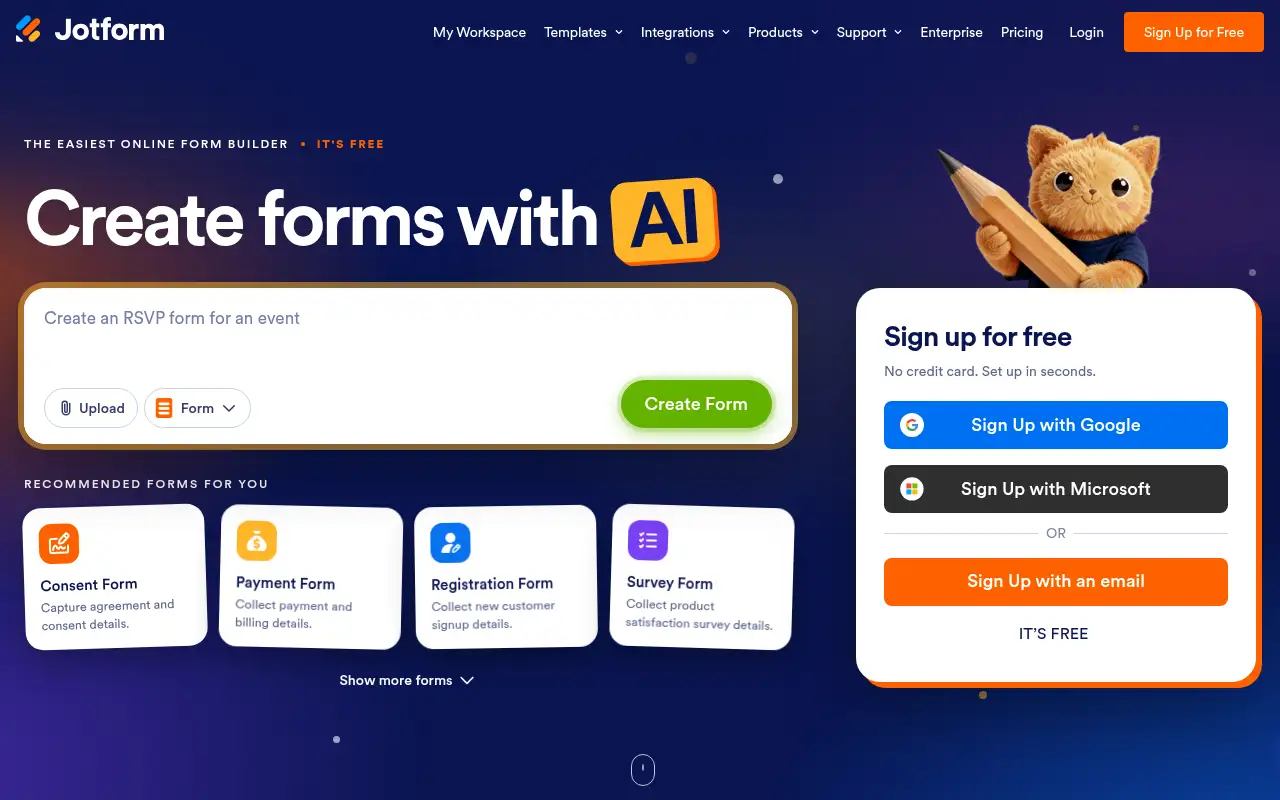
Jotform helps you automate repetitive work by starting with a no-code form builder for surveys, signups, payments and e-signatures, with integrations. It is best for small businesses and teams that collect signups, orders, consent or feedback online. People also use it to make documents and slides. Forms can take payments, capture consent with signatures, generate reports and trigger workflows.
What it does
- Drag-and-drop form builder with templates
- Conditional logic to show the right questions
- Payment collection and e-signatures
- 150+ integrations to send submissions to your apps
- Reports, workflows and AI agents
- Airtable: forms on top of a database
- Dropbox Sign: e-signatures
- Zapier: connect form results to other apps
Editorial note
Jotform is a no-code online form builder. You drag fields into a form, add conditional logic, accept payments and collect signatures, and style it with your logo and colors. Submissions can flow to email tools, CRMs, project boards and cloud storage through 150+ integrations, and AI agents can answer questions on top of your forms.
Who it’s for
- Small businesses taking orders, bookings or registrations
- Teams running surveys, feedback and intake forms
- Healthcare and service providers needing consent forms (HIPAA features on Gold)
- Not ideal for: teams needing more than 100 submissions a month without paying.
Key use cases
- Automate work
- Slides & docs
What you can do with it
Jotform helps you collect information without code. You start from a template or a blank form, add fields and conditional logic, and share it by link or embed. Forms can take payments, capture consent with signatures, generate reports and trigger workflows. Jotform reports more than 40 million users and 150+ integrations with email marketing, project management, CRM and cloud storage apps.
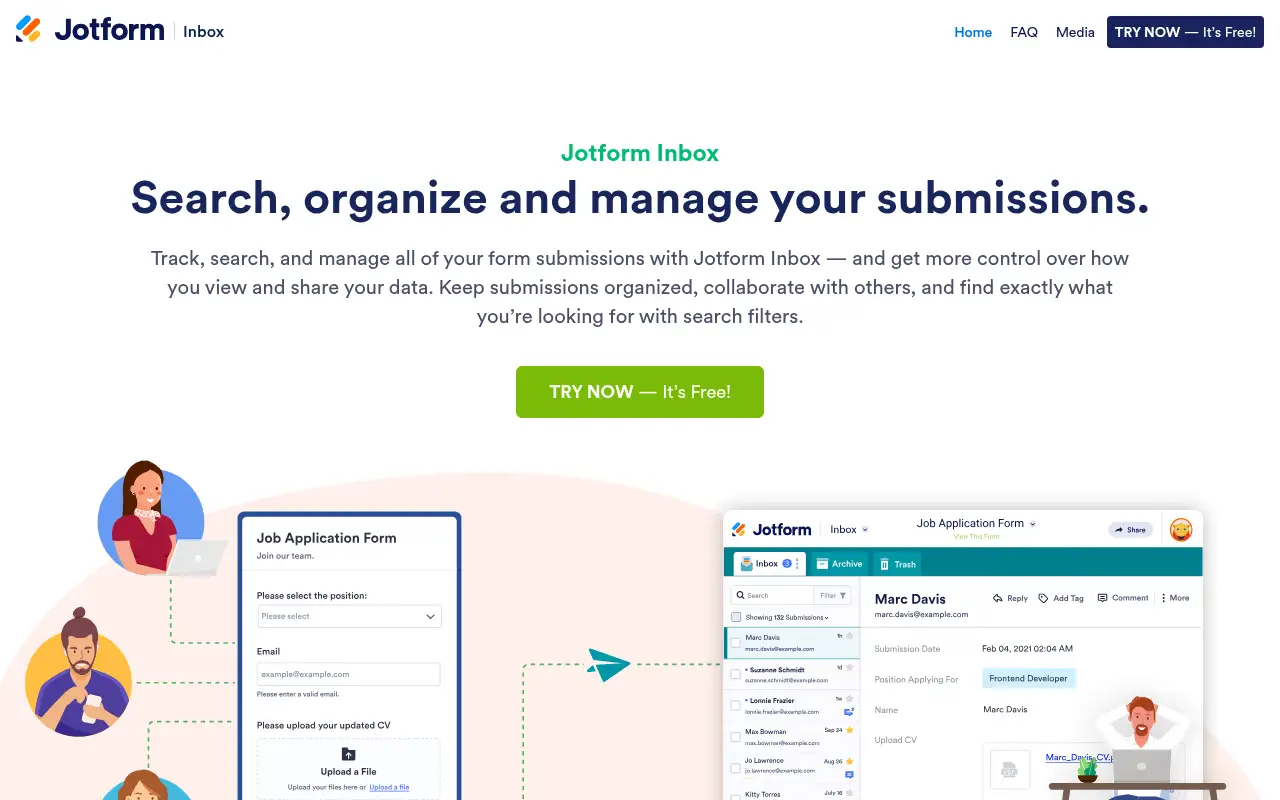
How to use Jotform: step-by-step tutorial
Five to eight steps from the account to a first useful result. Where the official guide names a control, the step uses that name. Where it does not, the step stays general.
- Sign up free at jotform.com.
- Pick a template or start a blank form.
- Add fields, logic and your branding.
- Connect an integration such as email marketing or a spreadsheet.
- Share the form link or embed it on your site.
These steps follow the official guide: Jotform pricing.
Frequently asked questions
What is Jotform used for?
Creating online forms, surveys, registrations, order forms and consent forms that collect data, payments and signatures without code.
Can Jotform accept payments?
Yes. Every plan includes payment submissions: 10 a month on Starter, 100 on Bronze, 250 on Silver and 1,000 on Gold.
Is Jotform HIPAA compliant?
Jotform lists HIPAA-enabled features as available on Gold and Enterprise, not on Starter, Bronze or Silver.
Is Jotform free?
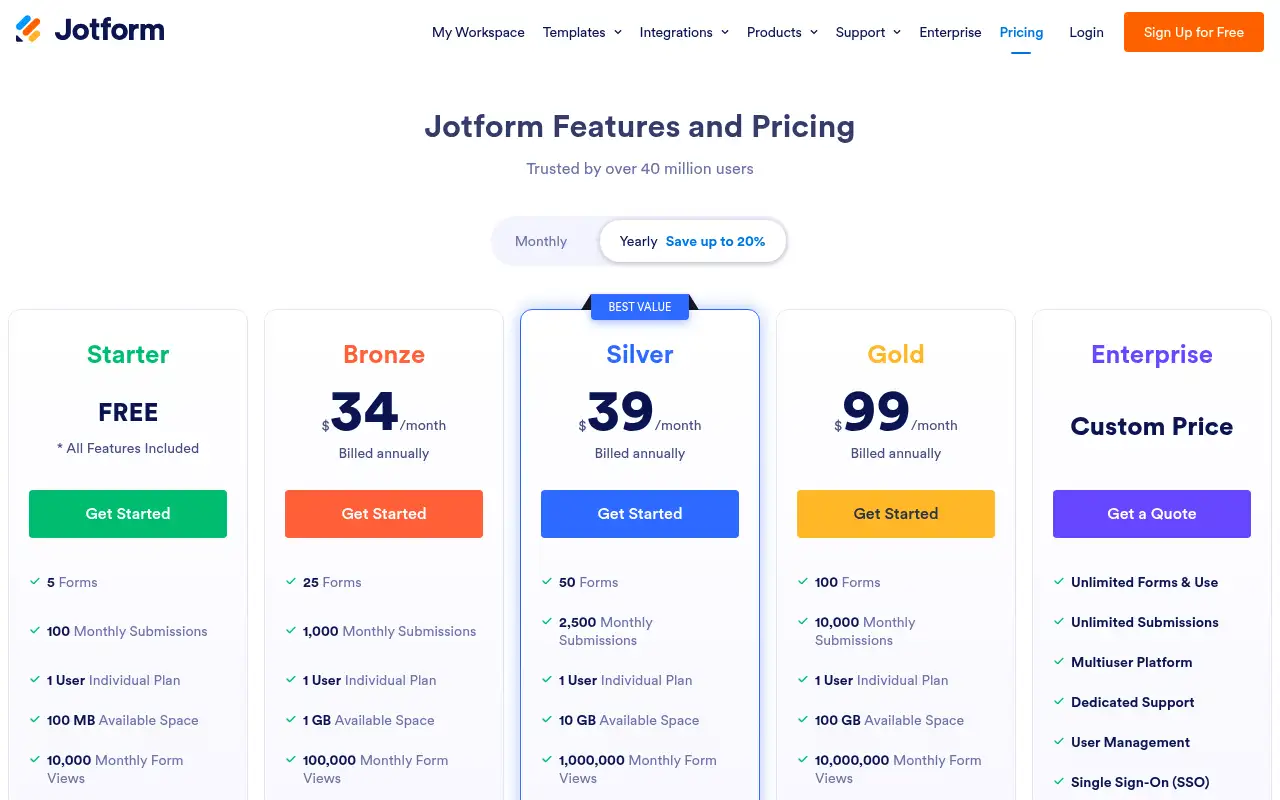
Yes. The Starter plan is free with 5 forms and 100 submissions a month. Bronze starts at $34 a month billed annually.
Pricing
Prices checked on the official pricing page.
- Starter
-
Free
5 forms, 100 monthly submissions, 100 MB space, 10 payment submissions and 10 signed documents a month
- Bronze
-
$34/month billed annually
25 forms, 1,000 monthly submissions, 1 GB space, 100 payment submissions
- Silver
-
$39/month billed annually
50 forms, 2,500 monthly submissions, 10 GB space, 250 payment submissions
- Gold
-
$99/month billed annually
100 forms, 10,000 monthly submissions, 100 GB space, HIPAA-enabled features
- Enterprise
-
Custom
Unlimited forms and use
- The free plan is capped at 5 forms and 100 submissions a month, and every paid tier is still a single-user plan.
- Vendors change plans; confirm on the official page before you buy.
Facts
- Access
- Ongoing free plan
- Paid plans from
- $34/month billed annually
- Checked
- Category
- Category: Business and productivity tools (153 in the library).
- On the record
- Jotform’s Starter plan is free with all features included, capped at 5 forms and 100 monthly submissions.