
Stripe: business software for small teams
Official site link, not an affiliate link. We do not have an approved referral link for Stripe.
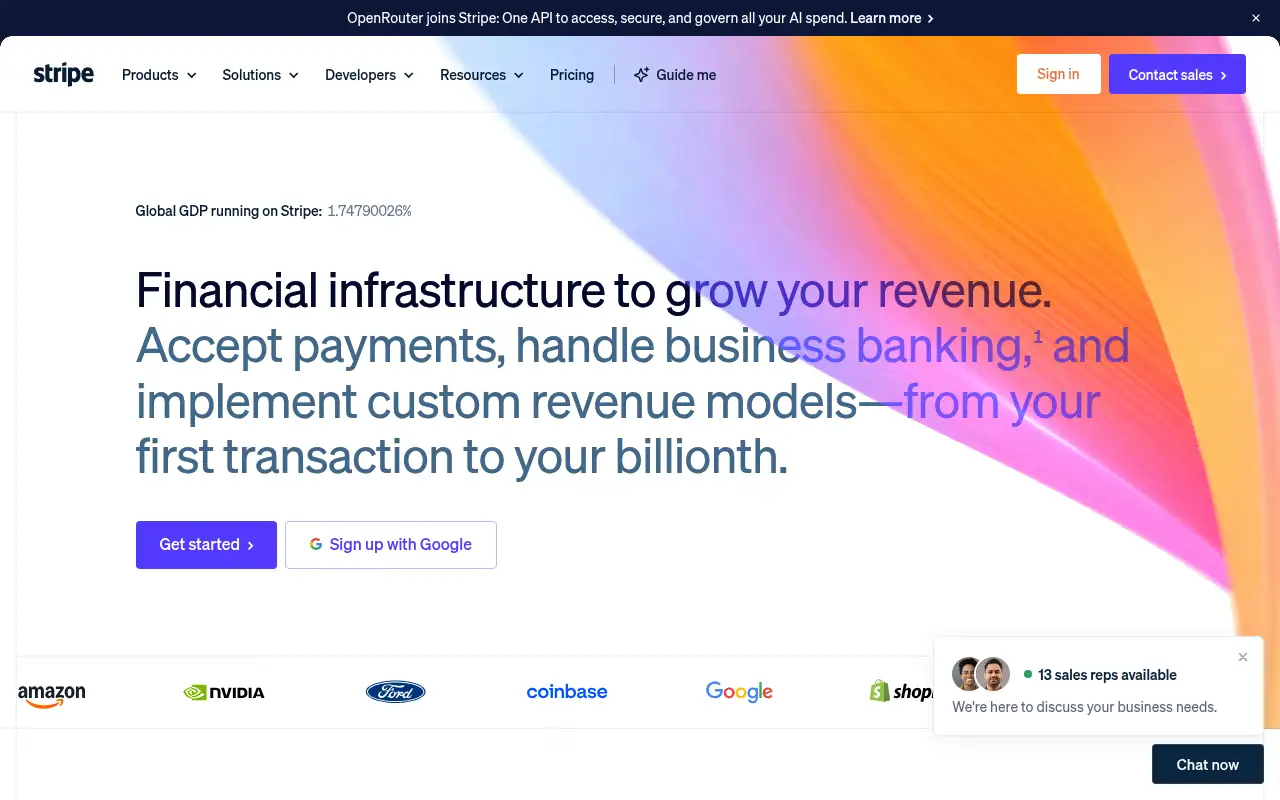
Stripe helps you handle orders and inventory by starting with a payments platform to accept cards and local payment methods online and in person. It is best for online businesses, SaaS companies and platforms that take payments or run subscriptions. People also use it to build software.
What it does
- Payments in 135+ currencies with 100+ payment methods
- Payment Links and prebuilt checkout with no code
- Billing for subscriptions and usage-based pricing
- Radar machine-learning fraud prevention
- Invoicing, Tax, Terminal for in-person sales, and Connect for platforms
- Payoneer: cross-border receiving and payouts
- Shopify: store with built-in payments
- WooCommerce: WordPress store that can use Stripe
Editorial note
Stripe is payments and financial infrastructure for businesses. You accept cards and local payment methods through Payment Links, a prebuilt checkout or a custom integration, and Stripe handles fraud with Radar. Billing runs subscriptions and usage-based pricing, Invoicing sends one-time or recurring invoices, and Terminal takes in-person payments.
Who it’s for
- Online stores and creators selling with a payment link or checkout
- SaaS companies running subscriptions or usage-based billing
- Marketplaces and platforms paying out to sellers with Connect
- Not ideal for: businesses that need a full store front end out of the box; Stripe is the payments layer.
Key use cases
- Orders & inventory
- Build apps & code
What you can do with it
Stripe processes payments and the money tasks around them. Payment Links sell without a website, Checkout and UI components embed payments in your site or app, and Connect powers marketplaces and platforms. Billing handles subscriptions and any billing model, Invoicing and Tax cover invoices and sales tax, and Radar uses machine learning to block fraud. Stripe Atlas helps founders incorporate a company.
How to use Stripe: step-by-step tutorial
Five to eight steps from the account to a first useful result. Where the official guide names a control, the step uses that name. Where it does not, the step stays general.
- Create a Stripe account at stripe.com and verify your business.
- Make a Payment Link for your first product, with no code needed.
- Share the link or add Stripe Checkout to your site.
- Set up Billing if you sell subscriptions.
- Turn on Tax and review Radar rules as volume grows.
These steps follow the official guide: Stripe pricing.
Frequently asked questions
What is Stripe used for?
Accepting online and in-person payments, running subscriptions and invoices, handling sales tax, preventing fraud and paying out on marketplaces.
How much does Stripe charge?
Standard pricing is 2.9% + 30¢ per successful domestic card transaction, plus 1.5% for international cards and 1% when currency conversion is needed.
Can I use Stripe without a website?
Yes. Stripe Payment Links are no-code links you can share to sell online without a website.
Does Stripe have monthly fees?
Stripe says standard pricing has no setup fees, monthly fees or hidden fees; you pay per successful transaction. Some products add their own fees.
Pricing
Prices checked on the official pricing page.
- Standard
-
2.9% + 30¢ per successful domestic card transaction
Payments in 135+ currencies, 100+ payment methods, Radar fraud prevention; +1.5% for international cards and +1% if currency conversion is required
- Managed Payments (merchant of record)
-
3.5% per transaction on top of Payments fees
Indirect tax compliance and remittance in 75+ countries, fraud, disputes, invoicing and support
- Custom
-
Contact sales
IC+ pricing, volume, multi-product and country-specific discounts
- Fees rise for international cards and currency conversion, and add-on products such as Managed Payments carry extra fees.
- Vendors change plans; confirm on the official page before you buy.
Facts
- Access
- Paid
- Paid plans from
- 2.9% + 30¢ per domestic card transaction
- Checked
- Category
- Category: Business and productivity tools (153 in the library).
- On the record
- Stripe’s standard pricing is pay-as-you-go with no setup, monthly or hidden fees: you pay per successful transaction.