
WooCommerce: business software for wordPress users and developers
Official site link, not an affiliate link. We do not have an approved referral link for WooCommerce.
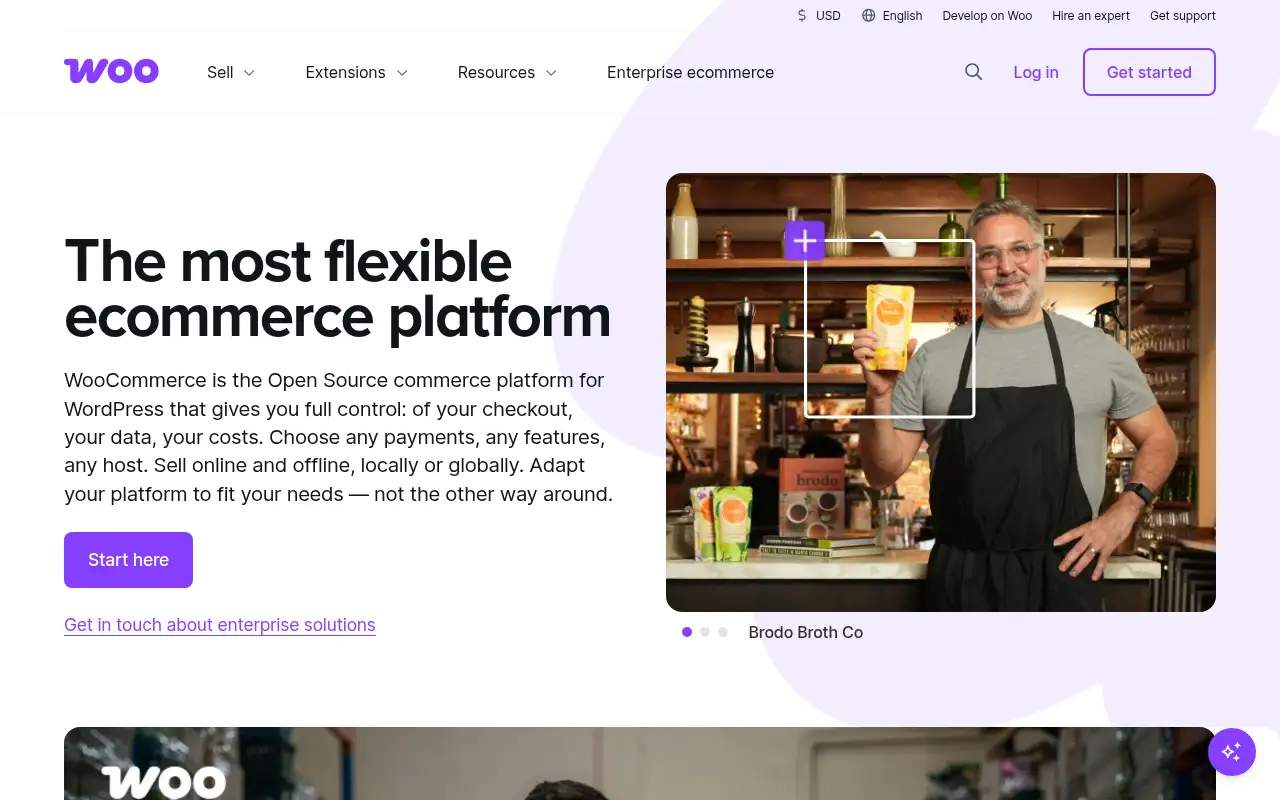
WooCommerce helps you handle orders and inventory by starting with a free, open-source plugin that turns a WordPress site into an online store. It is best for wordPress users and developers who want full control over a store and its hosting. People also use it to build pages and funnels. A free plan is available.
What it does
- Free open-source core with no revenue share
- WooPayments or other processors at checkout
- Hundreds of extensions and themes for subscriptions, bookings and more
- Runs on any WordPress host you choose
- Full code-level customization through WordPress
- Shopify: hosted store with less setup
- WordPress: the open-source CMS WooCommerce runs on
- Squarespace: all-in-one site and store builder
Editorial note
WooCommerce is a free, open-source ecommerce plugin for WordPress. You install it on your own WordPress site, add products, and take payments through WooPayments or another processor. Because it is open source, you choose your hosting, theme and extensions, and WooCommerce takes no platform fee or share of revenue.
Who it’s for
- WordPress site owners adding a store to an existing site
- Developers and agencies building custom stores for clients
- Brands that want to own their code, data and hosting
- Not ideal for: people who want a fully hosted store with no updates, hosting or plugins to manage.
Key use cases
- Orders & inventory
- Funnels & pages
What you can do with it
WooCommerce adds a store to WordPress: product catalog, cart, checkout, orders, taxes and shipping settings. You pick a host, theme and payment processor, then extend the store with free and paid extensions for subscriptions, bookings, memberships and more. WooCommerce reports it powers more than 4 million stores. Costs come from hosting, payment processing and the extensions you choose, not from the platform itself.
How to use WooCommerce: step-by-step tutorial
Five to eight steps from the account to a first useful result. Where the official guide names a control, the step uses that name. Where it does not, the step stays general.
- Open woocommerce.com and create an account on the free plan. You can reach a first result before you choose a paid plan.
- Set up a WordPress site with a host you trust.
- Install the free WooCommerce plugin from your WordPress dashboard.
- Run the setup wizard to add store details, shipping and taxes.
- Connect WooPayments or another payment processor and add products.
- Add extensions only for features you need, then launch.
These steps follow the official guide: WooCommerce pricing.
Frequently asked questions
What is WooCommerce used for?
Selling products and services from a WordPress site: catalog, cart, checkout, orders, shipping and taxes, extended with plugins for subscriptions, bookings and memberships.
Do I need WordPress to use WooCommerce?
Yes. WooCommerce is a WordPress plugin, so you need a self-hosted WordPress site to run it.
Does WooCommerce take a cut of sales?
No. WooCommerce says there is no revenue share or platform fee. You still pay your payment processor’s fees.
Is WooCommerce free?
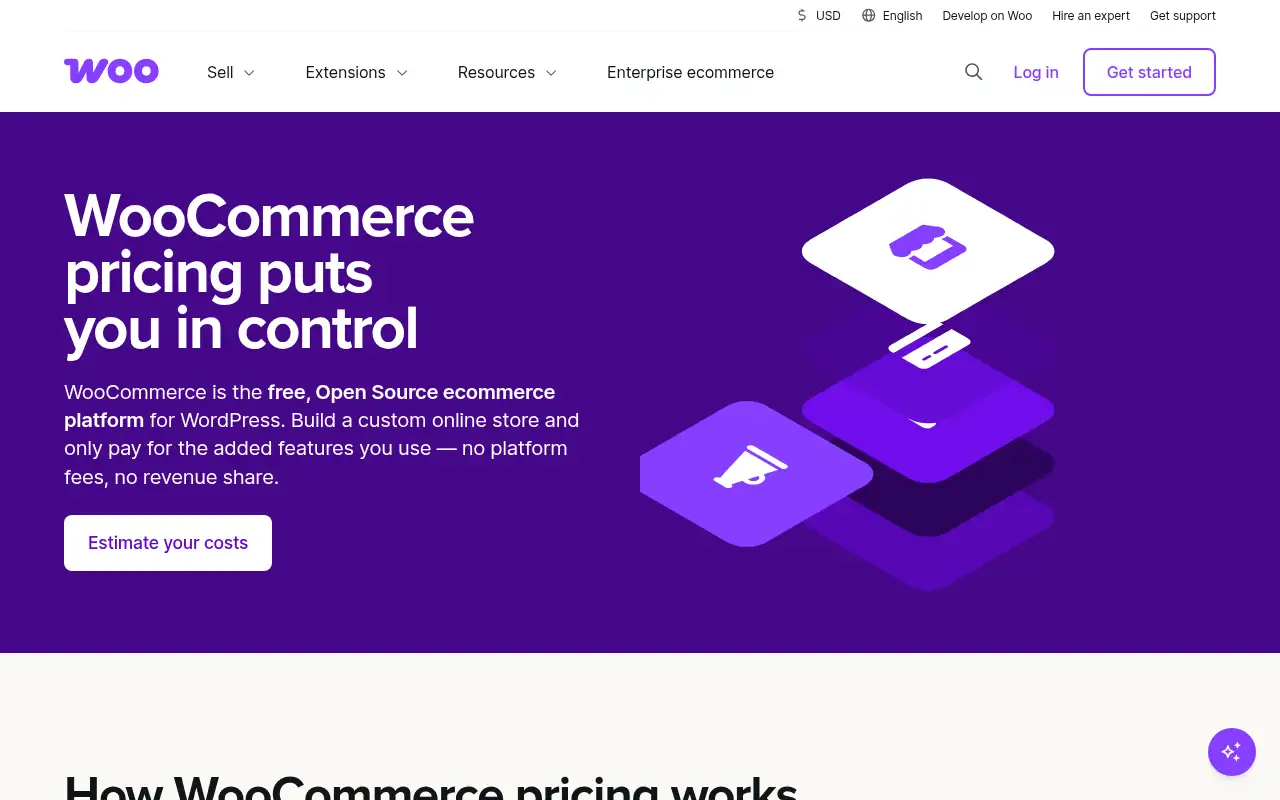
The core plugin is free with no monthly subscription. WooCommerce estimates $25 to $350 a month for hosting for most stores, plus any paid extensions.
Pricing
Prices checked on the official pricing page.
- WooCommerce core
-
Free
Open-source plugin with no monthly subscription and no revenue share
- Hosting
-
$25–$350/month for most stores (WooCommerce estimate)
You choose your own hosting provider; cost scales with traffic
- Payments
-
Processor fees only
WooCommerce lists about 2.50–2.90% + 30¢ per transaction with WooPayments
- Extensions
-
$29–$299/year per extension
Optional add-ons bought à la carte
- You are responsible for hosting, updates and security, and paid extensions can add up across a store.
- Vendors change plans; confirm on the official page before you buy.
Facts
- Access
- Ongoing free plan
- Paid plans from
- Free core plugin (hosting and extensions extra)
- Checked
- Category
- Category: Business and productivity tools (153 in the library).
- On the record
- WooCommerce says the core platform is free to download and use, with no monthly subscription, platform fees or revenue share. You pay for hosting, payments and any extensions.