
Shopify: business software for small teams
Official site link, not an affiliate link. We do not have an approved referral link for Shopify.
Shopify helps you handle orders and inventory by starting with a commerce platform to build an online store, take payments and sell online and in person. It is best for new and growing brands that want to sell physical or digital products online and in person. People also use it to build pages and funnels. A free trial is available.

What it does
- Online store builder with themes or an AI-generated store
- Built-in checkout and Shopify Payments, plus selling on social, marketplaces and in AI chats
- Sidekick, an AI assistant built into the admin
- Point of sale for in-person sales, with POS Pro as an add-on
- Inventory across locations, shipping discounts, B2B catalogs and 200+ reports
- WooCommerce: open-source store on WordPress
- Squarespace: website builder with built-in commerce
- Wix: drag-and-drop sites with a free plan
Editorial note
Shopify is a hosted commerce platform. You build a store from a theme or a prompt, add products, and take payments with a built-in checkout. The same admin runs orders, inventory, shipping, point of sale and selling on social channels, marketplaces and AI chats, with Sidekick as an AI assistant.
Who it’s for
- First-time sellers launching a product brand without a developer
- Growing ecommerce brands that sell online, in person and on social channels
- Teams that want one admin for orders, inventory, shipping and payments
- Not ideal for: people who only need a simple portfolio or blog with no products to sell.
Key use cases
- Orders & inventory
- Funnels & pages
What you can do with it
Shopify hosts your online store and runs the business behind it. You pick a theme or generate a store with AI, add products, and sell through Shopify’s checkout with Shopify Payments or other processors. Orders, inventory, shipping labels, taxes, discounts, email and analytics live in one admin. Shopify POS handles in-person sales from a phone or card reader, and Shopify reports its App Store has 21,000+ apps for extra features.
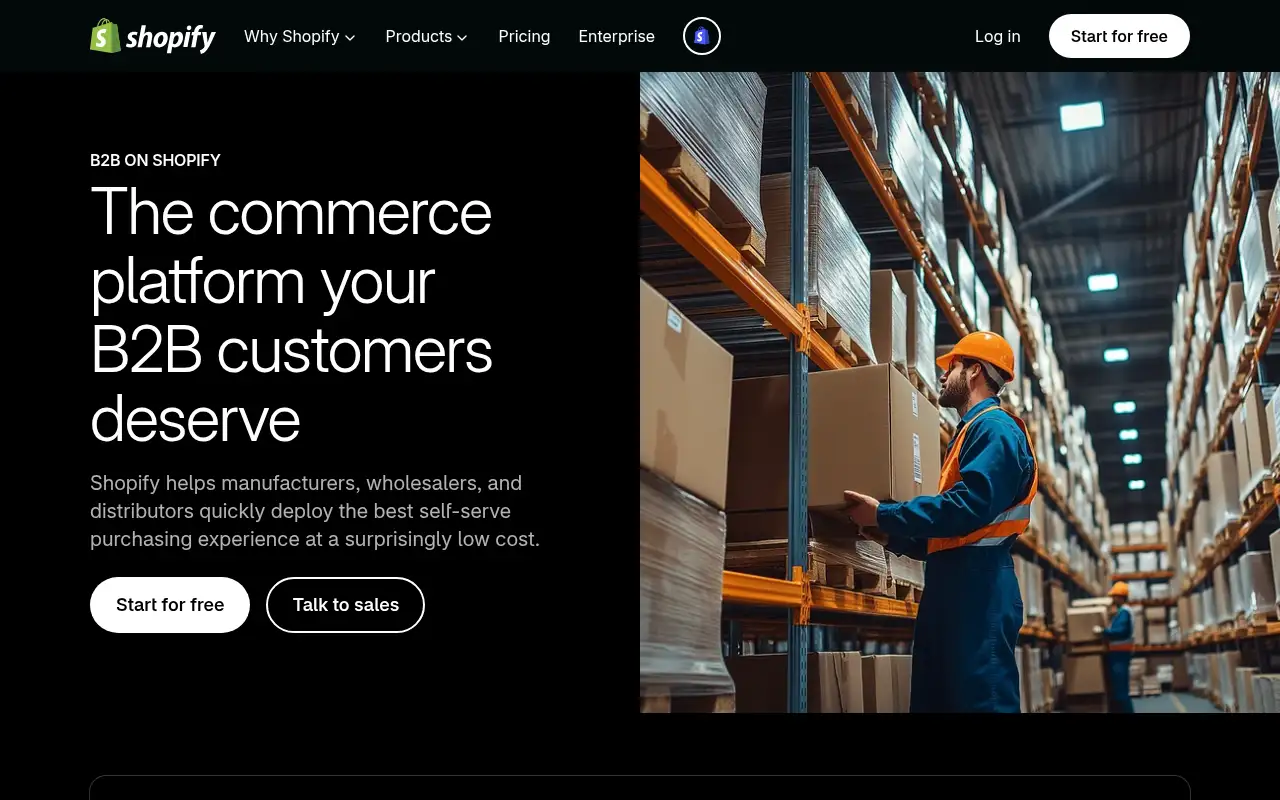
How to use Shopify: step-by-step tutorial
Five to eight steps from the account to a first useful result. Where the official guide names a control, the step uses that name. Where it does not, the step stays general.
- Start the free trial at shopify.com with your email.
- Pick a theme or describe your store and let Shopify generate it.
- Add products, prices, shipping zones and taxes.
- Set up Shopify Payments or another payment provider and connect a domain.
- Launch, then add sales channels and apps as you grow.
These steps follow the official guide: Shopify pricing.
Frequently asked questions
What is Shopify used for?
Building and running an online store: products, checkout, payments, orders, inventory and shipping, plus selling in person with Shopify POS and on social channels, marketplaces and AI chats.
Do I need a developer to use Shopify?
No. You can start from a theme or an AI-generated store and edit it visually. Developers can go further with Shopify’s APIs, themes and Hydrogen headless toolkit.
What are Shopify’s card rates?
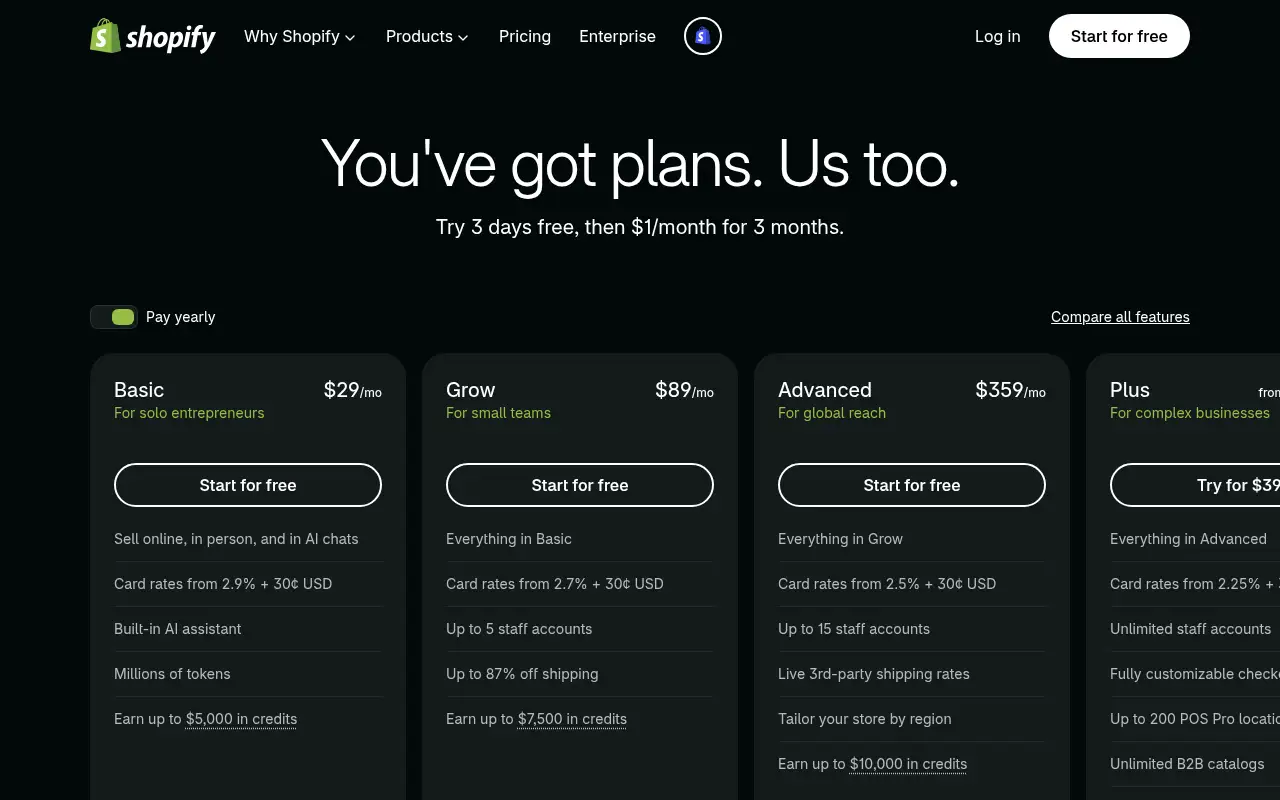
The pricing page lists online card rates from 2.9% + 30¢ on Basic, 2.7% + 30¢ on Grow, 2.5% + 30¢ on Advanced and 2.25% + 30¢ on Plus, in USD.
Is Shopify free?
Not permanently. Shopify offers 3 days free, then $1 a month for 3 months on a new store. Basic then costs $29 a month billed yearly.
Pricing
Prices checked on the official pricing page.
- Free trial
-
3 days free, then $1/month for 3 months
Shown on the pricing page for new stores
- Basic
-
$29/month billed yearly ($39 monthly)
Sell online, in person and in AI chats; card rates from 2.9% + 30¢; Sidekick AI assistant; 10 inventory locations
- Grow
-
$89/month billed yearly ($105 monthly)
Everything in Basic, card rates from 2.7% + 30¢, up to 5 staff accounts
- Advanced
-
$359/month billed yearly ($399 monthly)
Everything in Grow, card rates from 2.5% + 30¢, up to 15 staff accounts, live third-party shipping rates
- Plus
-
From $2,300/month
Unlimited staff accounts, customizable checkout, unlimited B2B catalogs, priority 24/7 phone support
- Plans are monthly subscriptions plus card fees, many features come from paid apps, and the $1 offer is a limited introductory price.
- Vendors change plans; confirm on the official page before you buy.
Facts
- Access
- Free trial
- Paid plans from
- $29/month billed yearly
- Checked
- Category
- Category: Business and productivity tools (153 in the library).
- On the record
- Shopify’s pricing page offers 3 days free, then $1/month for 3 months on a new store. There is no permanent free plan for an online store.