
WordPress: business software for bloggers, small businesses and developers
Official site link, not an affiliate link. We do not have an approved referral link for WordPress.
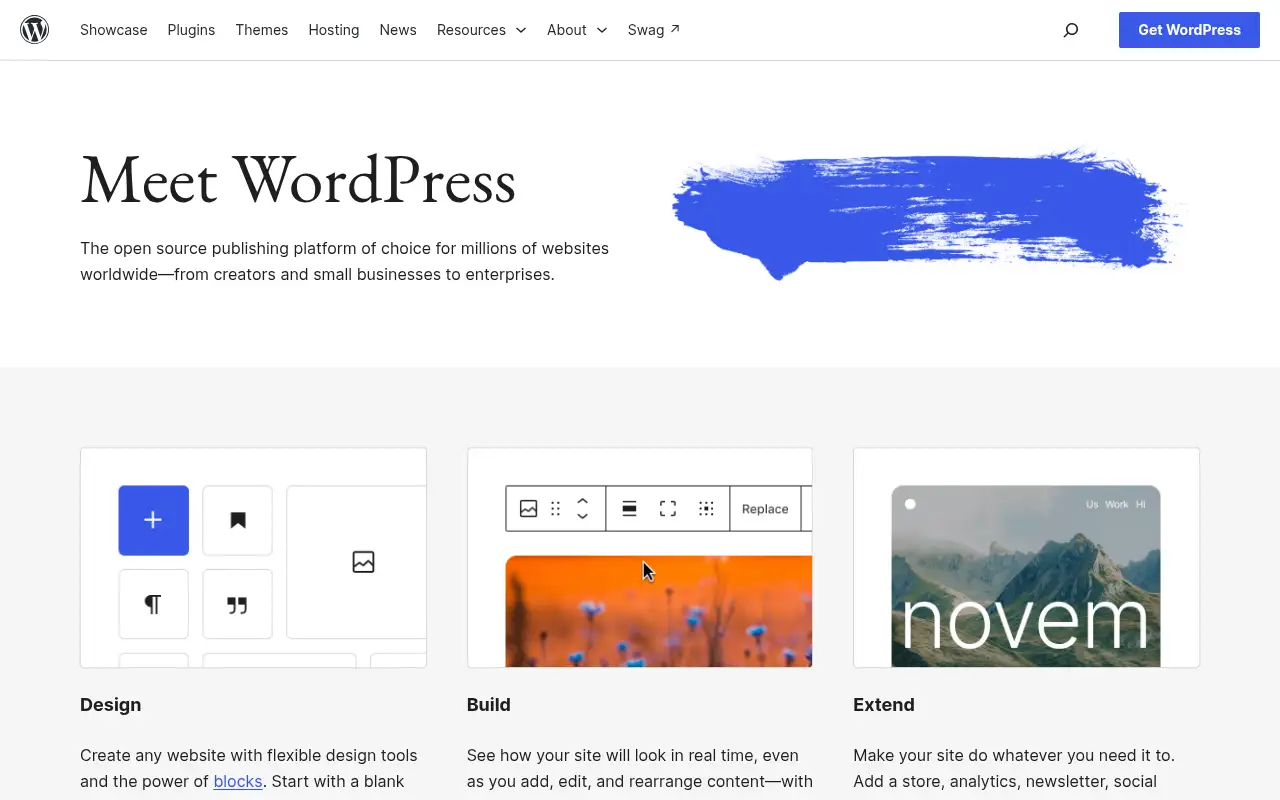
WordPress helps you build pages and funnels by starting with a free, open-source publishing platform for blogs, business sites and online stores of any size. It is best for bloggers, small businesses and developers who want full ownership and flexibility. People also use it to write and edit text. A free plan is available.
What it does
- Block editor and Site Editor with live preview
- Thousands of themes to start from
- Plugin library for stores, SEO, forms, newsletters and more
- Runs on the hosting provider of your choice
- WordPress Playground to try it in the browser
- WooCommerce: add a store to WordPress
- Wix: hosted builder with a free plan
- Hostinger: hosting for WordPress sites
Editorial note
WordPress is an open-source publishing platform. You install it on your own hosting, pick a theme, and build pages with the block editor, then extend your site with plugins for stores, analytics, newsletters and more. The software is free; you choose and pay for your own host and domain.
Who it’s for
- Bloggers and publishers who want full control of their content
- Small businesses building a site they own
- Developers and agencies building custom sites for clients
- Not ideal for: people who want zero maintenance; you handle updates, backups and security, or pay a host to.
Key use cases
- Funnels & pages
- Write & chat
What you can do with it
WordPress lets you create and manage a website without being locked to one company. The block editor shows your layout as you edit, the Site Editor customizes themes without code, and plugins add features such as WooCommerce for selling. WordPress 7.1 adds responsive block styles, a simpler media editor and rich-text Notes with @mentions. WordPress Playground lets you try it in your browser first.
How to use WordPress: step-by-step tutorial
Five to eight steps from the account to a first useful result. Where the official guide names a control, the step uses that name. Where it does not, the step stays general.
- Open wordpress.org and create an account on the free plan. You can reach a first result before you choose a paid plan.
- Try WordPress Playground in your browser to see how it works.
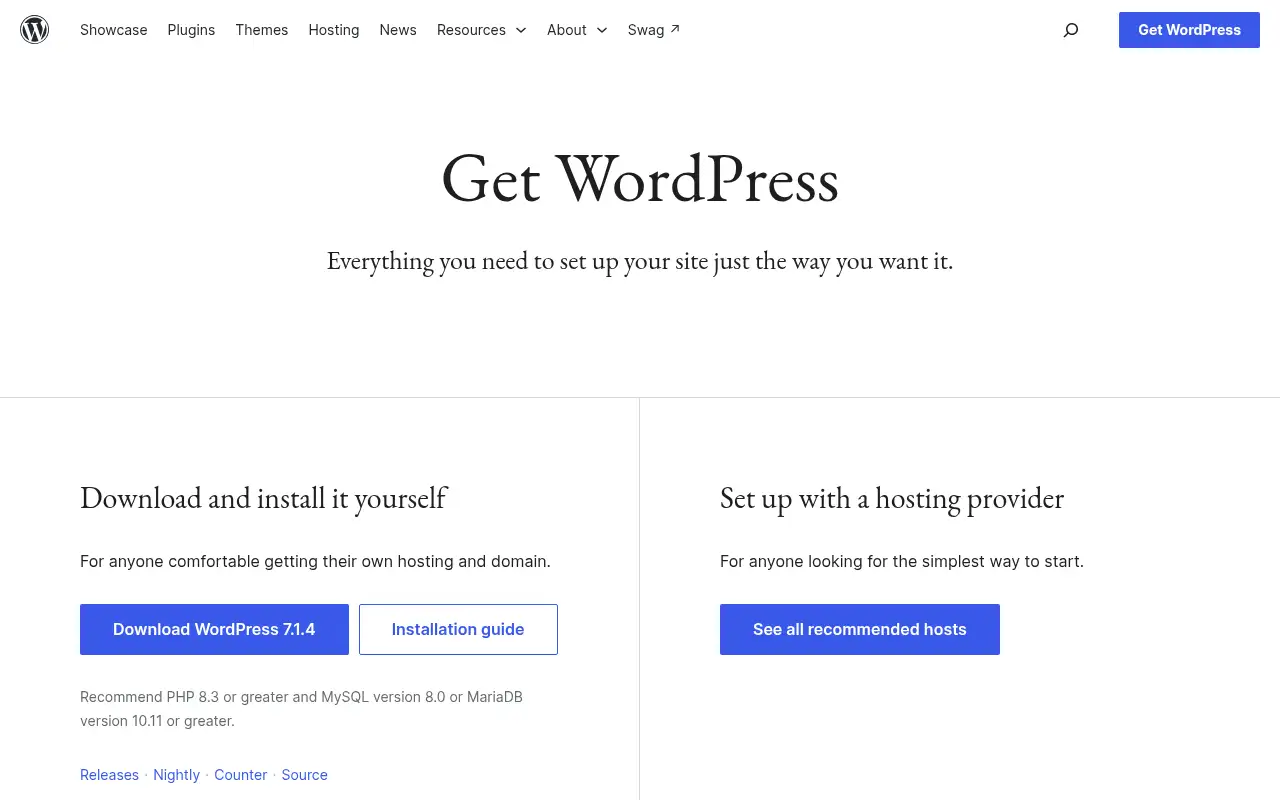
- Choose a host from WordPress.org’s recommended list, or download WordPress to install yourself.
- Pick a theme and set up your homepage with blocks.
- Add only the plugins you need, such as forms or WooCommerce.
- Publish your first pages and keep WordPress and plugins updated.
These steps follow the official guide: Get WordPress.
Frequently asked questions
What is WordPress used for?
Building and running blogs, business websites, portfolios and online stores, using themes, the block editor and plugins.
What is the difference between WordPress.org and WordPress.com?
WordPress.org offers the free open-source software you install on any host. WordPress.com is a separate hosted service with its own paid plans.
What do I need to run WordPress?
A web host and a domain. WordPress.org recommends PHP 8.3 or greater and MySQL 8.0 or MariaDB 10.11 or greater.
Is WordPress free?
Yes. The WordPress software is free and open source. Hosting, a domain and premium themes or plugins cost extra.
Pricing
Prices checked on the official pricing page.
- WordPress software
-
Free
Download WordPress 7.1.4 and install it on your own hosting
- Hosting
-
Set by your host
WordPress.org lists recommended hosting providers; it recommends PHP 8.3+ and MySQL 8.0+ or MariaDB 10.11+
- You manage hosting, updates and security yourself, and quality varies across third-party plugins and themes.
- Vendors change plans; confirm on the official page before you buy.
Facts
- Access
- Ongoing free plan
- Paid plans from
- Free software (hosting extra)
- Checked
- Category
- Category: Business and productivity tools (153 in the library).
- On the record
- WordPress software from WordPress.org is free and open source. You pay only for hosting, a domain and any premium themes or plugins you choose.