
Zendesk: business software for small teams
Official site link, not an affiliate link. We do not have an approved referral link for Zendesk.
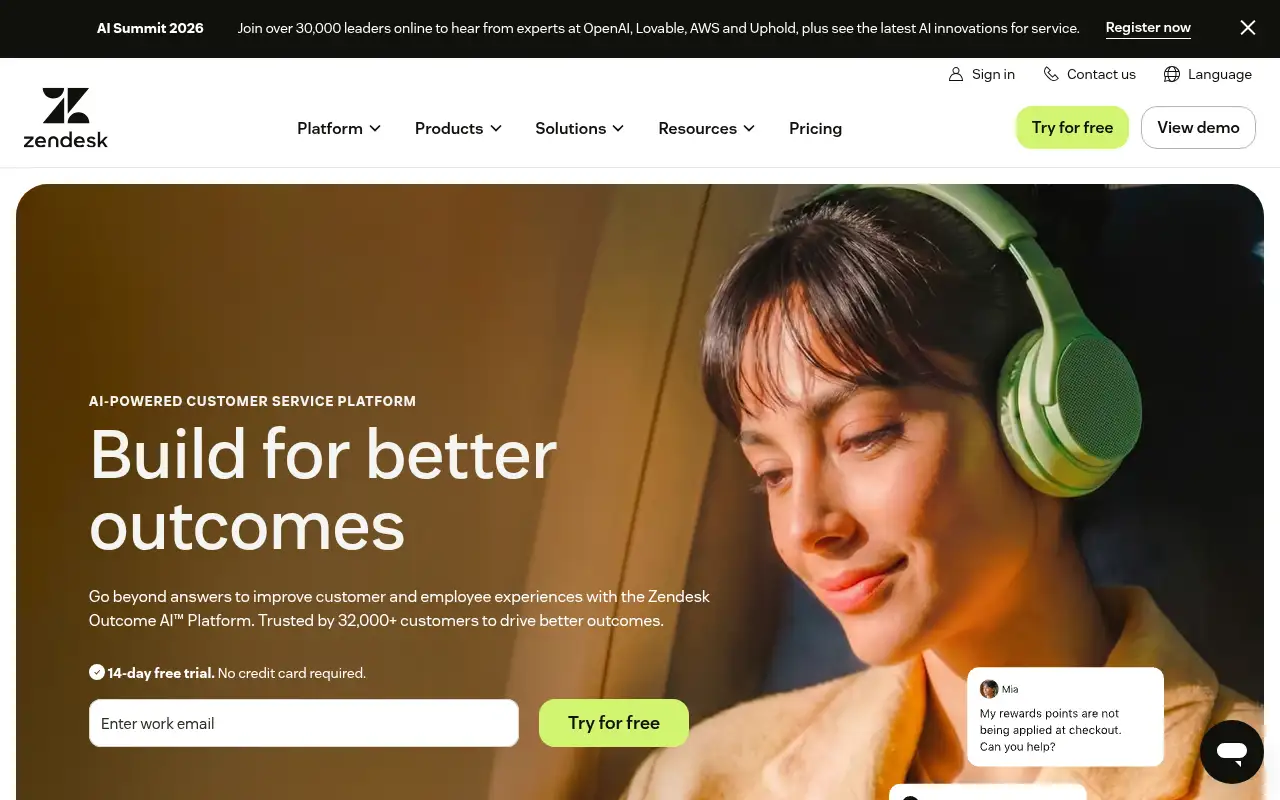
Zendesk helps you answer customers by starting with a customer service platform with ticketing, messaging, a knowledge base and AI agents for requests. It is best for support teams that handle a steady volume of customer emails, chats and calls. People also use it to automate repetitive work. A free trial is available.
What it does
- Email ticketing with routing, macros and triggers
- Messaging, live chat and telephony on Suite plans
- AI agents and an AI knowledge base
- Copilot assistance for human agents as an add-on
- Prebuilt analytics dashboards and quick reports
- Gorgias: help desk for ecommerce stores
- Tidio: live chat and AI for small stores
- HubSpot: CRM with a service hub
Editorial note
Zendesk is a customer service platform. It turns emails, chats, messages and calls into tickets in one workspace, routes them to the right agent, and tracks performance in dashboards. AI agents answer common questions from your knowledge base, and Copilot helps human agents reply faster.
Who it’s for
- Growing companies outgrowing a shared support inbox
- Ecommerce and SaaS teams handling chat and email support
- Support leaders who want AI to resolve routine requests
- Not ideal for: very small teams that only answer a handful of emails a week.
Key use cases
- Customer support
- Automate work
What you can do with it
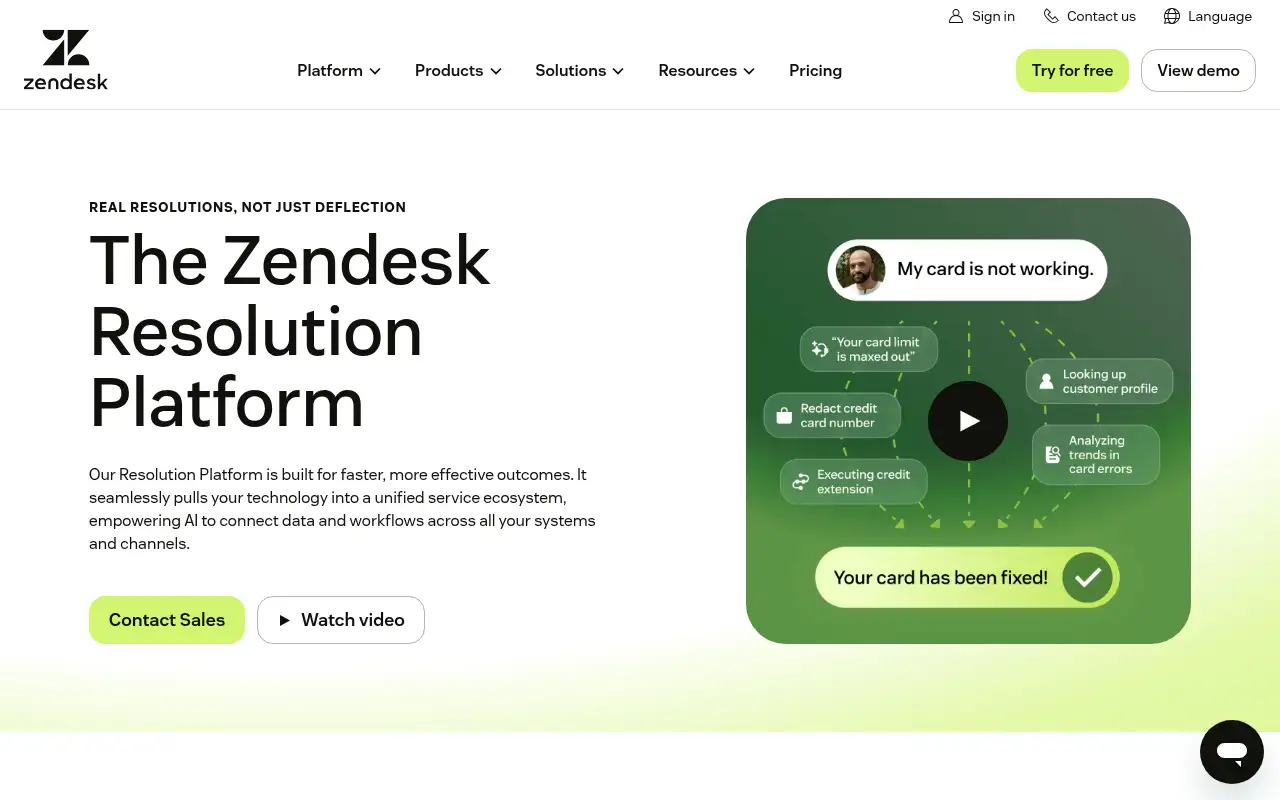
Zendesk gives support teams a shared help desk. Requests from email, web chat, messaging apps and phone arrive as tickets, routing rules send them to the right people, and macros and automations handle routine replies. Suite plans add AI agents that resolve requests on their own, a knowledge base, omnichannel routing and telephony. Professional and Enterprise add skills-based routing, IVR, AI triage and approval workflows.
How to use Zendesk: step-by-step tutorial
Five to eight steps from the account to a first useful result. Where the official guide names a control, the step uses that name. Where it does not, the step stays general.
- Start the 14-day free trial at zendesk.com; no credit card is needed.
- Connect your support email address so emails become tickets.
- Add your team and create a few macros for common replies.
- Write help center articles for your most frequent questions.
- Turn on messaging and AI agents once your knowledge base is ready.
These steps follow the official guide: Zendesk pricing.
Frequently asked questions
What is Zendesk used for?
Managing customer support: turning emails, chats, messages and calls into tickets, routing them, answering with AI agents and macros, and tracking performance.
What does the Zendesk trial include?
Zendesk says the 14-day trial gives you Suite Professional features by default, and AI access is available for evaluation.
Is there a Zendesk program for startups?
Yes. Zendesk for Startups offers early-stage startups a 6-month trial of the Zendesk Suite for up to 50 agents, by application.
Is Zendesk free?
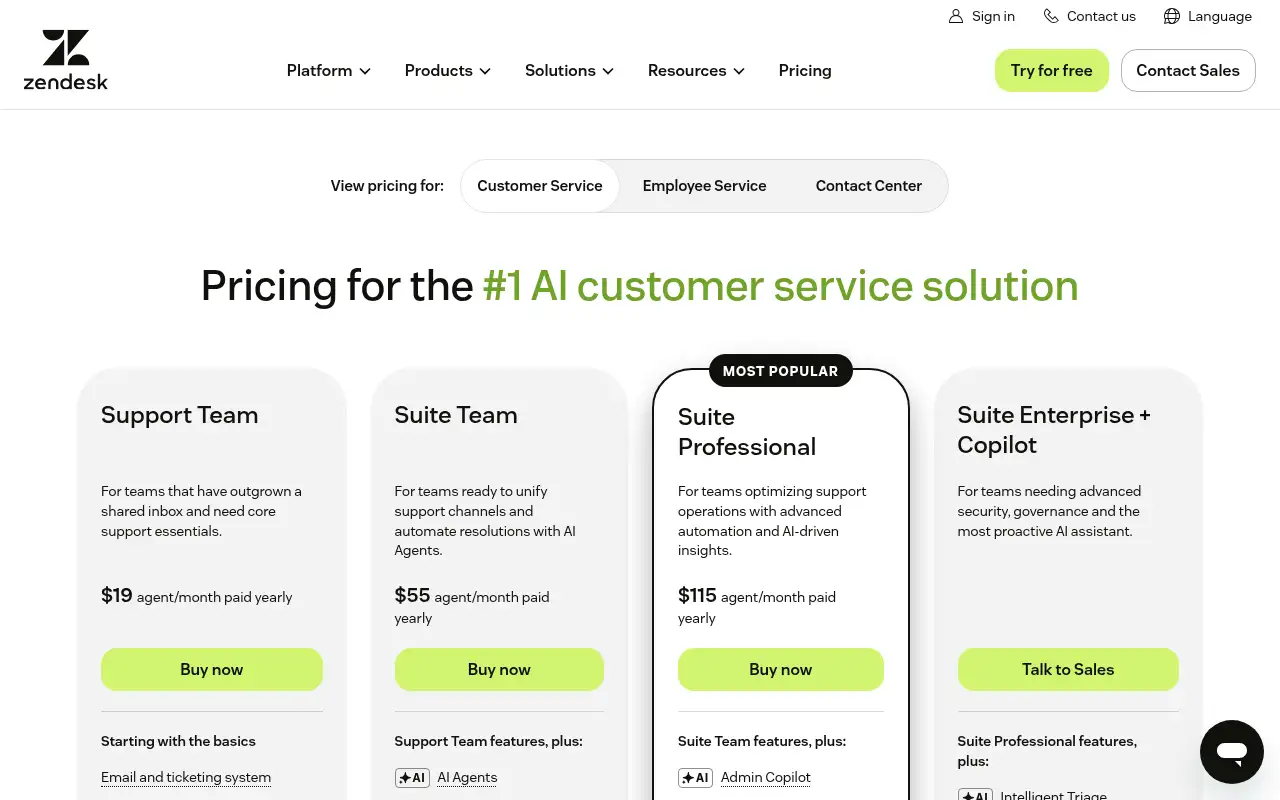
There is no free plan, but there is a 14-day free trial. Support Team starts at $19 per agent a month paid yearly.
Pricing
Prices checked on the official pricing page.
- Support Team
-
$19/agent/month paid yearly
Email ticketing, routing, prebuilt dashboards, macros, automations and triggers
- Suite Team
-
$55/agent/month paid yearly
AI agents, AI knowledge base, omnichannel routing, messaging and live chat, telephony
- Suite Professional
-
$115/agent/month paid yearly
Admin Copilot, AI app builder, writing tools, skills-based routing, IVR phone tree
- Suite Enterprise + Copilot
-
Talk to sales
Intelligent triage, auto assist, generative AI for voice, approval workflows, sandbox
- Copilot add-on
-
$50/agent/month paid yearly
AI assistance for agents
- Pricing is per agent, AI agents and messaging need a Suite plan, and Copilot is a paid add-on.
- Vendors change plans; confirm on the official page before you buy.
Facts
- Access
- Free trial
- Paid plans from
- $19/agent/month paid yearly
- Checked
- Category
- Category: Business and productivity tools (153 in the library).
- On the record
- Zendesk offers a 14-day free trial with no credit card required. By default the trial gives access to Suite Professional features.