
Brevo: AI marketing for small teams
Official site link, not an affiliate link. We do not have an approved referral link for Brevo.
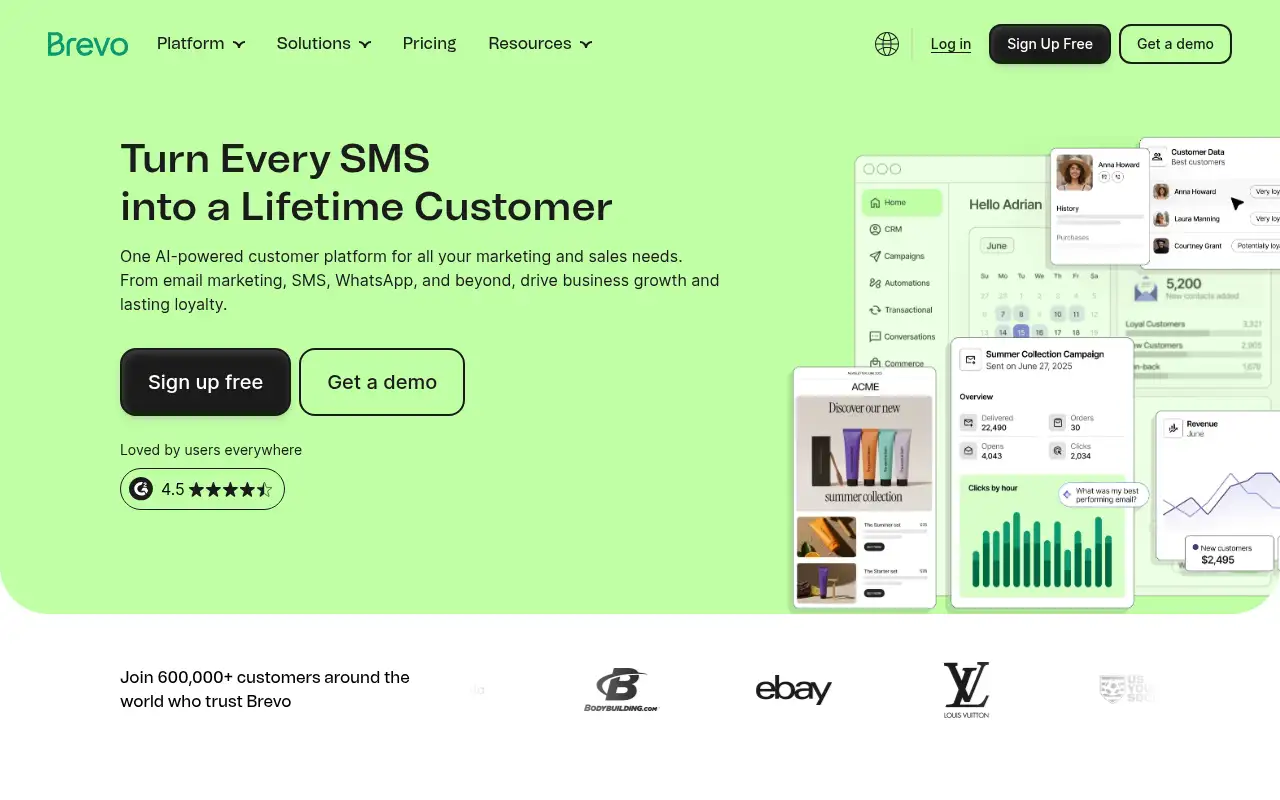
Brevo helps you run marketing and follow-ups by starting with an email, SMS and WhatsApp marketing platform with automation, a CRM and transactional email. It is best for small businesses and online stores that want email and SMS marketing with automation on a small budget. People also use it to automate repetitive work. A free plan is available.
What it does
- Drag-and-drop email editor, templates and AI copy help
- Automation workflows, A/B tests and send time optimization
- SMS and WhatsApp campaigns alongside email
- Transactional email by API and SMTP relay
- MCP connection to manage campaigns from ChatGPT and Claude
- Mailchimp: email marketing with a basic free plan
- MailerLite: simple email marketing
- Omnisend: email and SMS for ecommerce
Editorial note
Brevo is a customer platform for email, SMS and WhatsApp marketing. You build campaigns with a drag-and-drop editor, segment contacts, and automate journeys such as welcome series and abandoned carts. It also sends transactional email through API and SMTP, and adds a sales CRM, loyalty tools and Aura AI agents.
Who it’s for
- Small businesses sending newsletters and promotions
- Online stores recovering abandoned carts and sending order emails
- Teams that want email, SMS and a simple CRM in one place
- Not ideal for: teams that need advanced ecommerce analytics on the entry plans; those features sit on Professional.
Key use cases
- Marketing & CRM
- Automate work
What you can do with it
Brevo sends marketing and transactional messages and helps you automate them. You design emails with templates and an AI content generator, grow your list with forms, segment contacts, and trigger multi-step workflows from website activity or events. Higher plans add WhatsApp, popups, push, contact scoring and ecommerce features like product recommendations. Brevo reports 150+ integrations, including Shopify, WordPress, Stripe and Zapier.
How to use Brevo: step-by-step tutorial
Five to eight steps from the account to a first useful result. Where the official guide names a control, the step uses that name. Where it does not, the step stays general.
- Sign up free at brevo.com; no credit card is needed.
- Import your contacts and wait for your account to be approved for sending.
- Pick a template and write your first email, using the AI generator if you want.
- Add a signup form to your site to grow your list.
- Set up an automation such as a welcome series, then upgrade when you need more volume.
These steps follow the official guide: Brevo pricing.
Related
Other tools for this job
-
3D House Planner
What's new Features Tools Contribute Attribution Blog Language English Português Español Français Deutsch Ital
-

ActiveCampaign
Email marketing and automation, priced by how many contacts you have, with pipelines and SMS as add-ons.
-
Adcreative AI by Semrush
AdCreative by Semrush generates conversion-focused ad copy and product visuals. The homepage offers a 7-day free trial.
-

Agent Opus
Turn an idea, script or audio file into a finished AI video.
-
agent-desktop
Lets an AI agent read and operate desktop apps through the OS accessibility tree.
Frequently asked questions
What is Brevo used for?
Email marketing, SMS and WhatsApp campaigns, marketing automation, transactional email and a basic sales CRM, all from one account.
Does Brevo work with Shopify and WordPress?
Brevo reports 150+ integrations, including Shopify, WordPress, Stripe and Zapier, so contacts and store events can flow into your campaigns.
Does Brevo charge by contacts or emails?
Brevo’s pricing page says paid plans are priced on the number of emails you send, with no daily sending limit.
Is Brevo free?
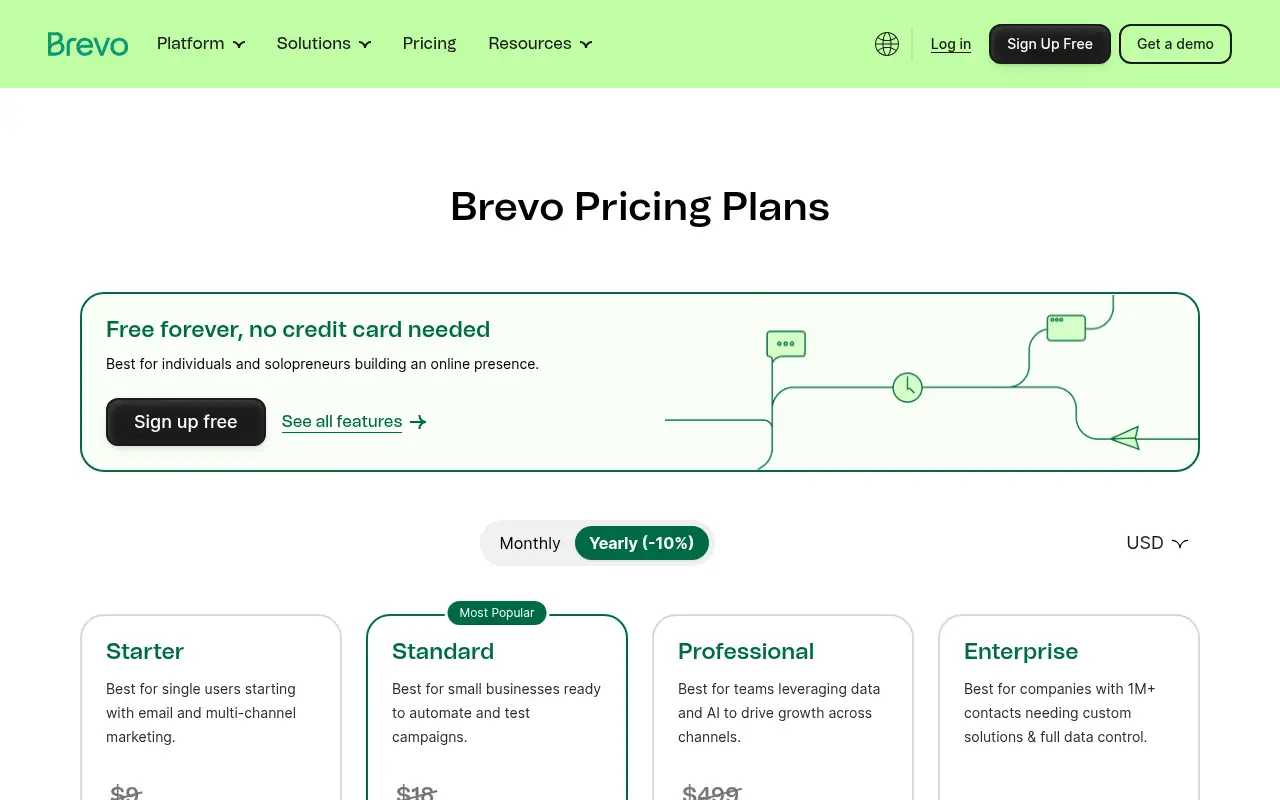
Yes. The Free plan lets you send up to 300 emails a day once your account is approved. Paid plans start at $9 a month.
Pricing
Prices checked on the official pricing page.
- Free
-
$0
Up to 300 emails per day after account approval, no credit card
- Starter
-
$9/month ($8.08/month billed yearly)
From 5,000 emails per month, drag-and-drop editor, templates, AI content generator, MCP for ChatGPT and Claude, forms, segmentation
- Standard
-
$18/month ($16.17/month billed yearly)
Everything in Starter plus automation workflows, A/B testing, send time optimization, web tracking and a landing page
- Professional
-
$499/month ($449.08/month billed yearly)
From 150,000 emails per month, WhatsApp, popups and push, 10 seats, contact scoring, phone support
- Enterprise
-
From $2,499/month
For companies with 1M+ contacts needing custom solutions
- SMS credits are sold separately, automation and A/B testing start on Standard, and WhatsApp and multi-user access need Professional.
- Vendors change plans; confirm on the official page before you buy.
Facts
- Access
- Ongoing free plan
- Paid plans from
- $9/month
- Checked
- Category
- Category: Marketing tools (49 in the library).
- On the record
- Brevo has a Free plan with no credit card needed. Its FAQ says you can send up to 300 emails per day once your account is approved for sending.