
Omnisend: AI marketing for shopify and other online store owners
Official site link, not an affiliate link. We do not have an approved referral link for Omnisend.
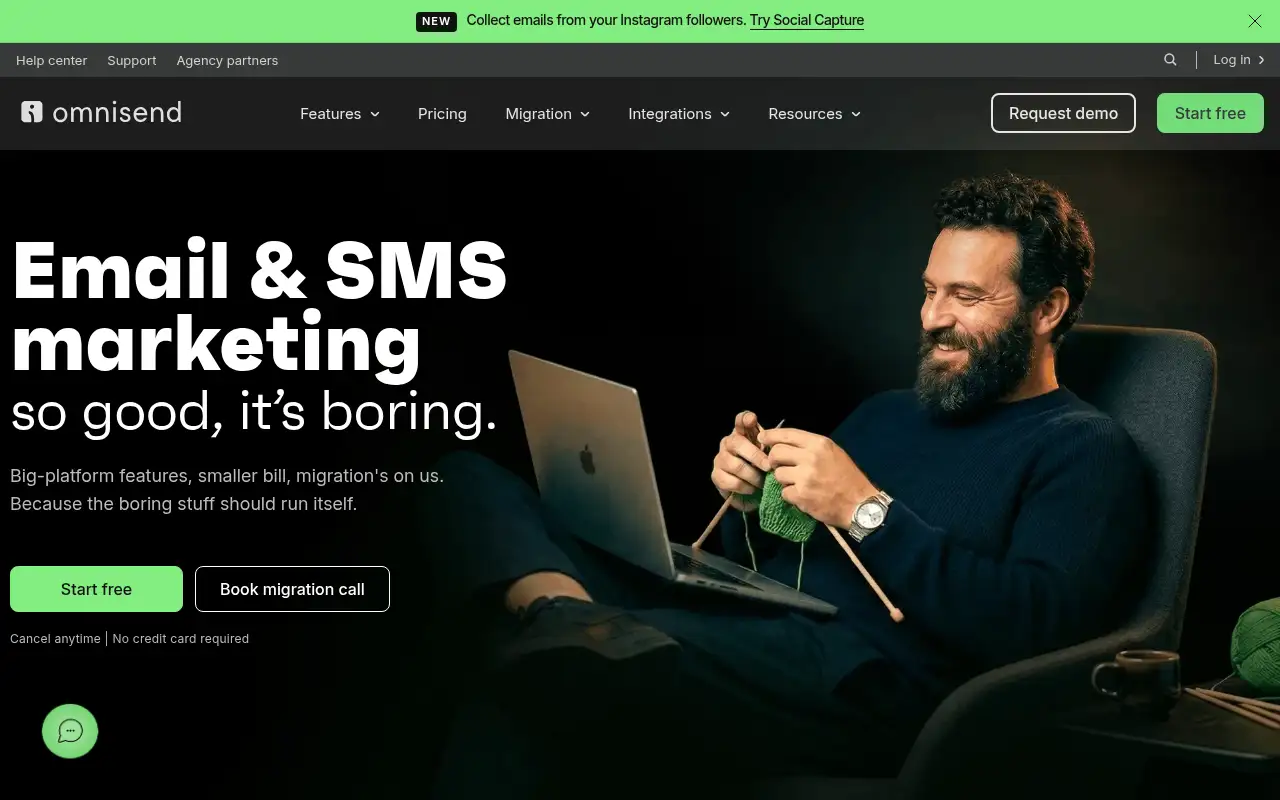
Omnisend helps you run marketing and follow-ups by starting with an email and SMS marketing platform built for online stores, with automations. It is best for shopify and other online store owners who want email and SMS automations without a big bill. People also use it to handle orders and inventory. A free plan is available.
What it does
- Email campaigns and templates built for stores
- Pre-built automations such as abandoned cart and welcome series
- SMS and web push notifications
- Omnisend Agent for AI copy, send times and segments
- Forms, Social Capture for Instagram followers and free migration
- Klaviyo: email and SMS for larger stores
- Brevo: email, SMS and WhatsApp
- Mailchimp: general email marketing
Editorial note
Omnisend is an email and SMS marketing platform for ecommerce. You build campaigns from templates, capture subscribers with forms and Social Capture, and automate messages such as welcome series and abandoned cart reminders. AI writes copy, picks send times and segments your audience, and Omnisend offers free migration in up to 5 days.
Who it’s for
- Shopify and WooCommerce store owners starting email marketing
- Growing stores adding SMS to their campaigns
- Brands moving from another ecommerce email tool
- Not ideal for: businesses without an online store that only send simple newsletters.
Key use cases
- Marketing & CRM
- Orders & inventory
What you can do with it
Omnisend connects to your online store and turns shopping behavior into messages. You send email campaigns, SMS and web push, segment customers by what they buy, and build automated workflows for welcome, abandoned cart and post-purchase messages. The Omnisend Agent uses AI to write copy, choose send times and build segments, and the team will move your automations, forms, segments and templates over for free.
How to use Omnisend: step-by-step tutorial
Five to eight steps from the account to a first useful result. Where the official guide names a control, the step uses that name. Where it does not, the step stays general.
- Sign up free at omnisend.com; no credit card is needed.
- Connect your Shopify or other store.
- Add a signup form to start collecting subscribers.
- Turn on the welcome and abandoned cart automations.
- Upgrade when you pass 250 contacts or want SMS.
These steps follow the official guide: Omnisend pricing.
Related
Other tools for this job
-

ActiveCampaign
Email marketing and automation, priced by how many contacts you have, with pipelines and SMS as add-ons.
-
Adcreative AI by Semrush
AdCreative by Semrush generates conversion-focused ad copy and product visuals. The homepage offers a 7-day free trial.
-

Agent Opus
Turn an idea, script or audio file into a finished AI video.
-
Ahrefs
An SEO and AI search platform for backlinks, keywords, site audits and rank tracking.
-
Argil AI
Argil AI
Frequently asked questions
What is Omnisend used for?
Email, SMS and push marketing for online stores, especially automations like welcome series, abandoned cart reminders and post-purchase messages.
Can Omnisend move my data from another platform?
Yes. Omnisend offers free migration in up to 5 days and says it will move your automations, forms, segments and templates.
How much does Omnisend SMS cost?
The Pro plan lists SMS starting at $0.007 per message, with volume rates shown on the pricing page.
Is Omnisend free?
Yes. The Free plan includes 500 emails a month and 250 contacts. Standard starts at $16 a month at 500 contacts.
Pricing
Prices checked on the official pricing page.
- Free
-
$0
500 emails a month, 250 contacts, 500 web push notifications
- Standard
-
$16/month at 500 contacts (shown at 30% off for the first 3 months)
6,000 emails a month, Omnisend Agent, unlimited web push
- Pro
-
$59/month at 2,500 contacts (shown at 30% off for the first 3 months)
Unlimited emails, Omnisend Agent Pro, SMS from $0.007 per message
- The Free plan caps contacts at 250, prices rise with contacts, and SMS is a paid add-on on Pro.
- Vendors change plans; confirm on the official page before you buy.
Facts
- Access
- Ongoing free plan
- Paid plans from
- $16/month
- Checked
- Category
- Category: Marketing tools (49 in the library).
- On the record
- Omnisend has a Free plan at $0 with no credit card required: 500 emails a month, 250 contacts and 500 web push notifications.