
Kapwing: AI video for small teams
Official site link, not an affiliate link. We do not have an approved referral link for Kapwing.
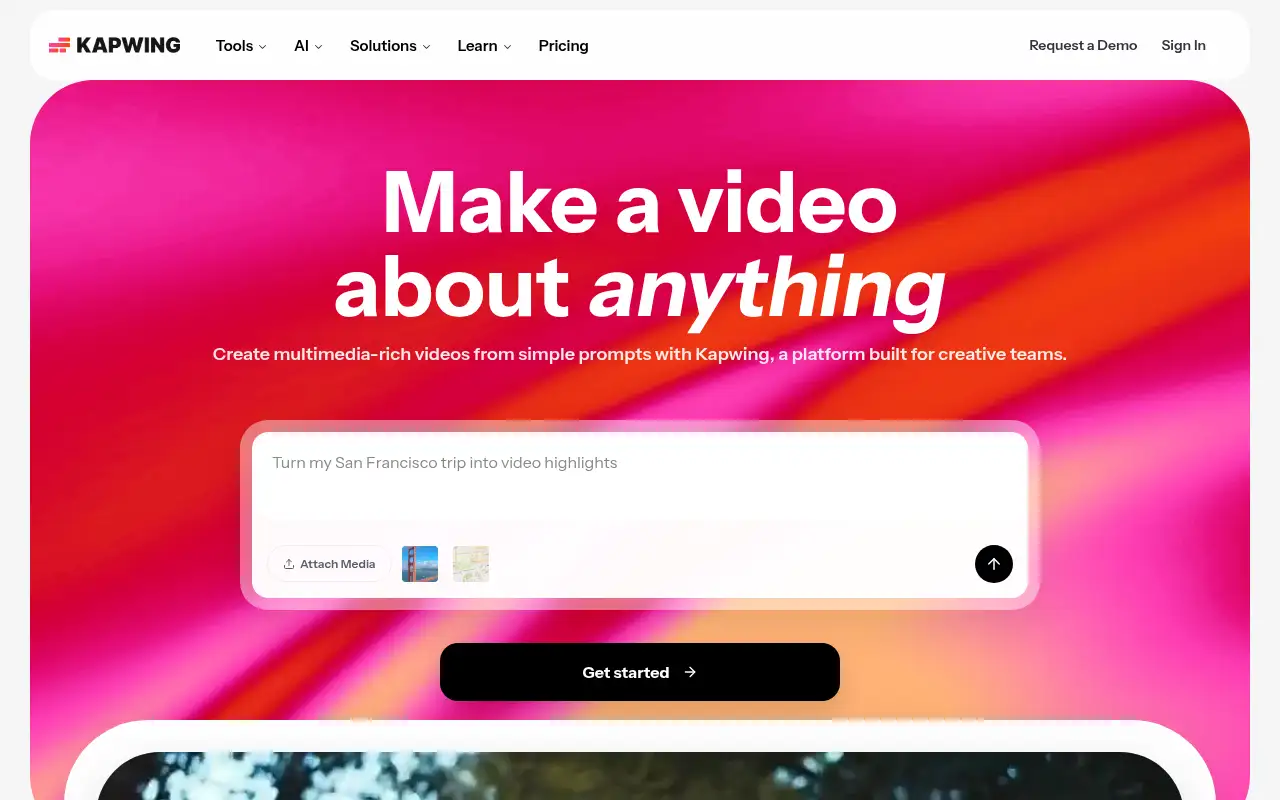
Kapwing helps you make and edit video by starting with a browser video editor with AI subtitles, dubbing, text to speech and clip making. It is best for social media teams, marketers and educators who edit and repurpose short videos in the browser. People also use it to work with voice and audio. A free plan is available.
What it does
Kapwing edits video in the browser with tracks, effects and transcript-based trimming, and adds AI tools: auto subtitles and translation, dubbing into 40+ languages, text to speech, Smart Cut for removing silences, a B-roll generator, Clean Audio and a clip maker that turns one long video into short clips. Paid plans remove the watermark, raise export length and quality to 4K, and add brand kits and a shared workspace. AI features draw on monthly credits.
Official site:www.kapwing.com.
Editorial note
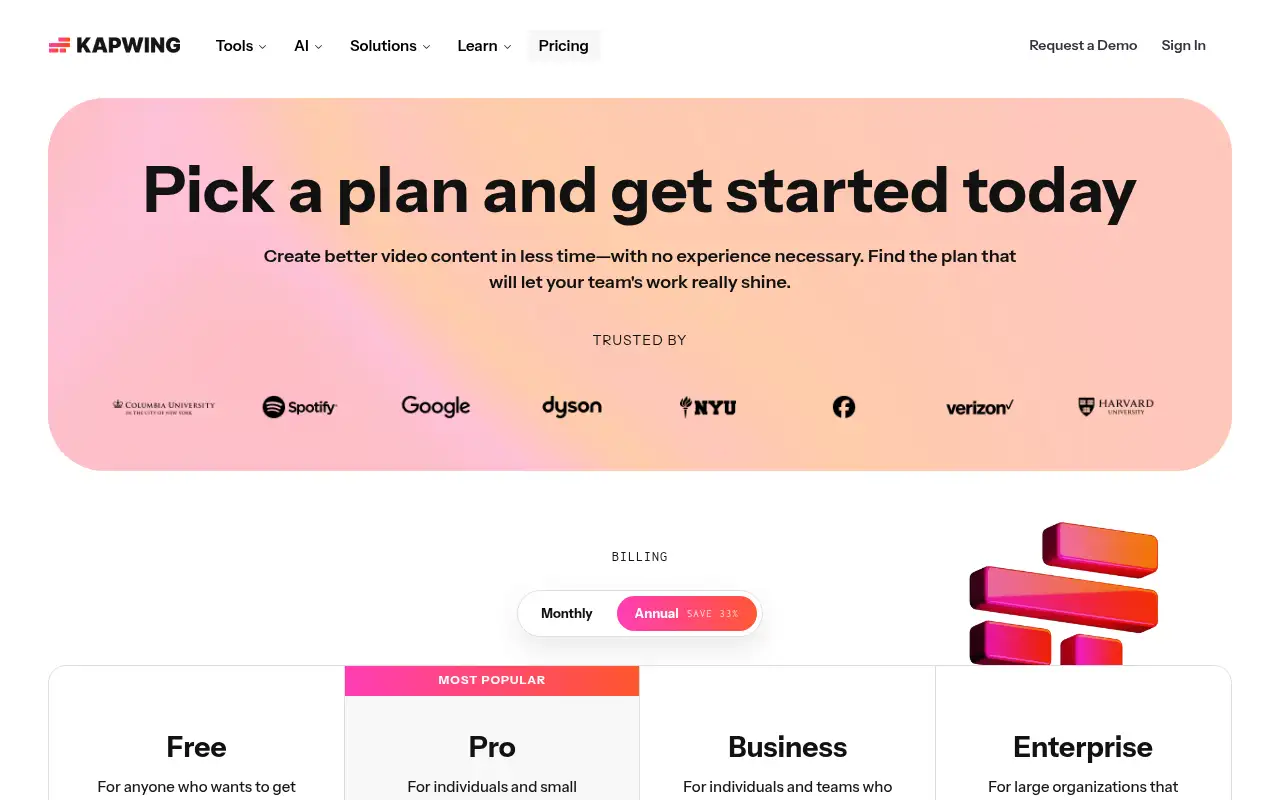
Kapwing is a browser-based video editor with AI tools for subtitles, dubbing, text to speech, clip making and generating videos from a prompt. The Free plan exports unlimited 720p videos up to 4 minutes, with a watermark. Pro and Business are monthly or annual, and Kapwing says annual billing saves 33%.
Who it’s for
- For: Social media teams, marketers and educators who edit and repurpose short videos in the browser.
- Not ideal for: editors who need an offline desktop editor for long, high-bitrate projects.
Key use cases
- Video & avatars
- Voice & audio
What you can do with it
- Free access: Kapwing’s Free plan is $0 with 10 credits, unlimited watermarked exports up to 4 minutes long at 720p, and 5 GB of storage. This matters when you want to test before you pay.
- Pro plan: 1,000 credits a month, no watermark, 4K exports, projects up to 2 hours, brand kit, shared workspace, 200 GB storage. This matters when the free tier is not enough.
- Business plan: 4,000 credits a month, custom voice clones, lip sync, extra credit purchases, 800 GB storage. This matters when the free tier is not enough.
- Help documentation: Official pricing and product pages at www.kapwing.com. This matters when you set it up yourself.
How to use Kapwing: step-by-step tutorial
Five to eight steps from the account to a first useful result. Where the official guide names a control, the step uses that name. Where it does not, the step stays general.
- Create a free account at kapwing.com and upload your video.
- Open the Subtitler and generate subtitles automatically.
- Fix any wrong words and pick a style that is easy to read on a phone.
- Resize the video for the platform you are posting to.
- Export; Free exports are 720p with a watermark, and Pro removes the watermark.
These steps follow the official guide: Kapwing pricing.
Example inputs
Adapt these. They are examples of what to ask for, not a button name, unless the steps above already use that name.
A first request: a browser video editor with AI subtitles, dubbing, text to speech and clip making. Keep it short enough to review in one pass.Name the audience, the format you need, and one fact that must stay accurate.Related
Other tools for this job
-
Adobe Express
A free browser app for design, photos, and video.
-
Adobe Firefly
Adobe’s generative studio for images, video, and audio.
-
Adobe Podcast
A web studio for recording and cleaning up speech, with a free daily cap.
-
Adobe Premiere Pro
Adobe Premiere Pro is a professional video editing app for color, audio, and AI-assisted edits.
-

Agent Opus
Turn an idea, script or audio file into a finished AI video.
Frequently asked questions
Is Kapwing free?
Yes. Kapwing’s Free plan is $0 with 10 credits, unlimited watermarked exports up to 4 minutes long at 720p and 5 GB of storage, checked October 27, 2026.
How much does Kapwing cost?
Pro and Business are billed monthly or annually, and Kapwing says annual billing saves 33%. Check the live pricing page for the current price in your billing period.
What do Kapwing credits do?
Credits pay for AI features. Kapwing lists Pro with 1,000 credits a month, including up to 1,000 minutes of auto-subtitling, and Business with 4,000.
Can Kapwing clone my voice?
Kapwing lists custom voice clones and lip sync on the Business plan.
Pricing
Prices checked on the official pricing page.
- Free
-
$0
10 credits, unlimited exports with a watermark, exports up to 4 minutes at 720p, 5 GB storage
- Pro
-
See official pricing
1,000 credits a month, no watermark, 4K exports, projects up to 2 hours, brand kit, shared workspace, 200 GB storage
- Business
-
See official pricing
4,000 credits a month, custom voice clones, lip sync, extra credit purchases, 800 GB storage
- Enterprise
-
Custom
Custom credits, dedicated account manager, onboarding, SAML SSO
- Limits: Free exports are 720p, up to 4 minutes, with a watermark; AI features use monthly credits.
- Plans change: vendors update limits and prices; confirm on the official page before you buy.
Facts
- Access
- Ongoing free plan
- Paid plans from
- $0
- Checked
- Category
- Category: Video tools (48 in the library).
- On the record
- Kapwing’s Free plan is $0 with 10 credits, unlimited watermarked exports up to 4 minutes long at 720p, and 5 GB of storage.