
HighLevel: AI marketing for small teams
Some links on this page are affiliate links. If you sign up through one, we may earn a commission. It costs you nothing. Learn more.
HighLevel helps you run marketing and follow-ups by this route: run client work in one agency subscription: a CRM, funnels and email, with a separate sub-account for each client. It is best for agency owners managing many client accounts. People also use it to automate repetitive work. A free trial is available.
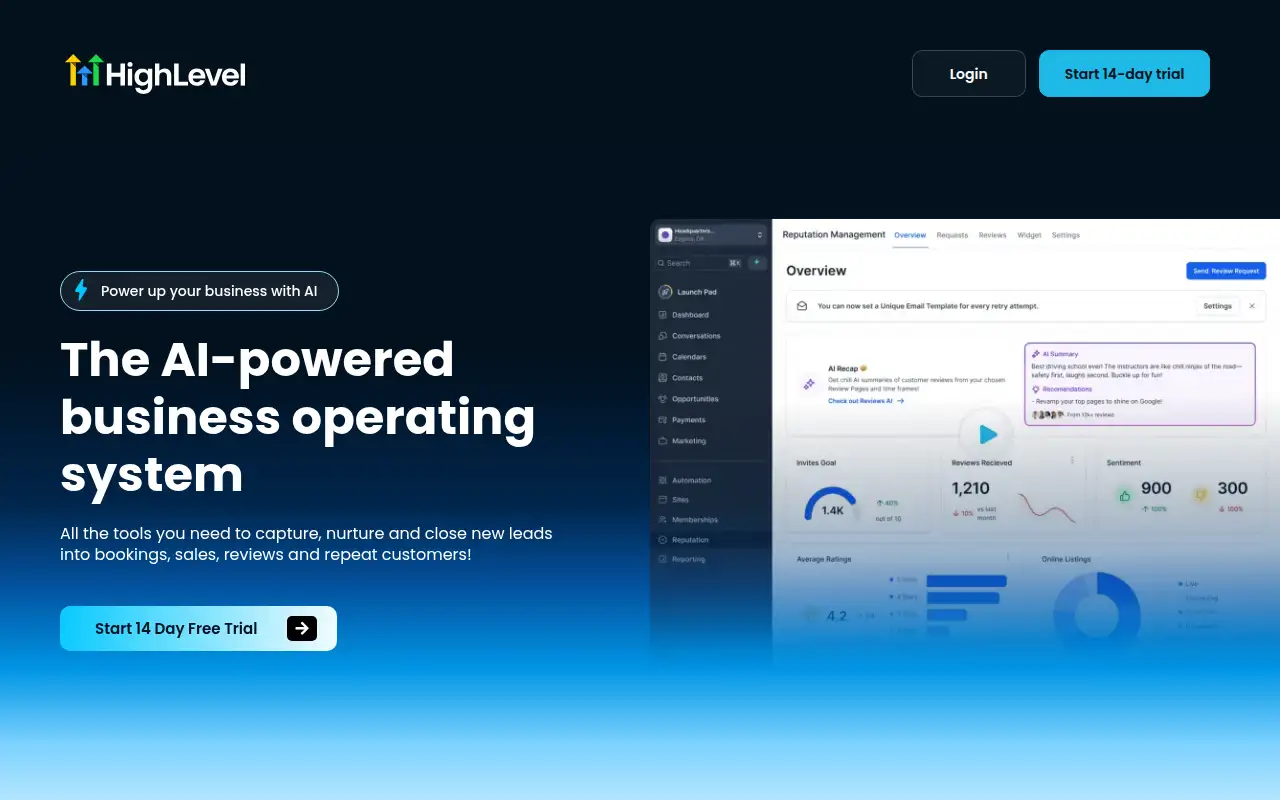
What it does
Run client work in one agency subscription: a CRM, funnels and email, with a separate sub-account for each client.
Editorial note
HighLevel is for agency owners managing many client accounts. It runs client work in one agency subscription: a CRM, funnels and email, with a separate sub-account for each client. The record says Starter, Unlimited and Agency Pro include a 14-day free trial, and billing starts when it ends unless you cancel.
Who it’s for
- For: Agency owners managing many client accounts. It runs client work in one agency subscription: a CRM, funnels and email, with a separate sub-account for each client.
- Not ideal for: buyers who need a published all-in price that includes phone, SMS, email, and premium AI usage. Official pages say those are charged separately, and Enterprise has no public fixed price.
Key use cases
- Marketing & CRM
- Automate work
What you can do with it
Run client work in one agency subscription: a CRM, funnels and email, with a separate sub-account for each client.
How to use HighLevel: step-by-step tutorial
Five to eight steps from the account to a first useful result. Where the official guide names a control, the step uses that name. Where it does not, the step stays general.
- You need Agency Admin access, and the snapshot you want to copy must already exist in the account.
- From the Agency Dashboard, click Account Snapshots in the left-hand menu.
- Find that snapshot and click Create New Account (+) beside it.
- Fill in the new sub-account details and click Add Sub-Account. Funnels and websites from the snapshot are copied as drafts. They stay unpublished until you connect a custom domain and publish them.
- Compare the result with the job you came to do. If a label on the screen differs from this guide, follow the official source linked under the steps.
These steps follow the official guide: Create a sub-account from a snapshot. Checked Oct 24, 2026.
Related
Other tools for this job
-
3D House Planner
What's new Features Tools Contribute Attribution Blog Language English Português Español Français Deutsch Ital
-

ActiveCampaign
Email marketing and automation, priced by how many contacts you have, with pipelines and SMS as add-ons.
-
Adcreative AI by Semrush
AdCreative by Semrush generates conversion-focused ad copy and product visuals. The homepage offers a 7-day free trial.
-

Agent Opus
Turn an idea, script or audio file into a finished AI video.
-
agent-desktop
Lets an AI agent read and operate desktop apps through the OS accessibility tree.
Frequently asked questions
What does HighLevel help you do?
Run client work in one agency subscription: a CRM, funnels and email, with a separate sub-account for each client.
Is HighLevel free?
Free trial. 14-day free trial on Starter, Unlimited and Agency Pro. Billing starts when it ends unless you cancel.
How much does HighLevel cost?
Paid plans start at $97/mo, per the official pricing page. Confirm the figure before you buy.
Who is HighLevel best for?
Agency owners managing many client accounts.
How do you use HighLevel?
Follow the tutorial on this page. The steps cite the official guide and stop at a first result.
Pricing
Prices checked on the official pricing page.
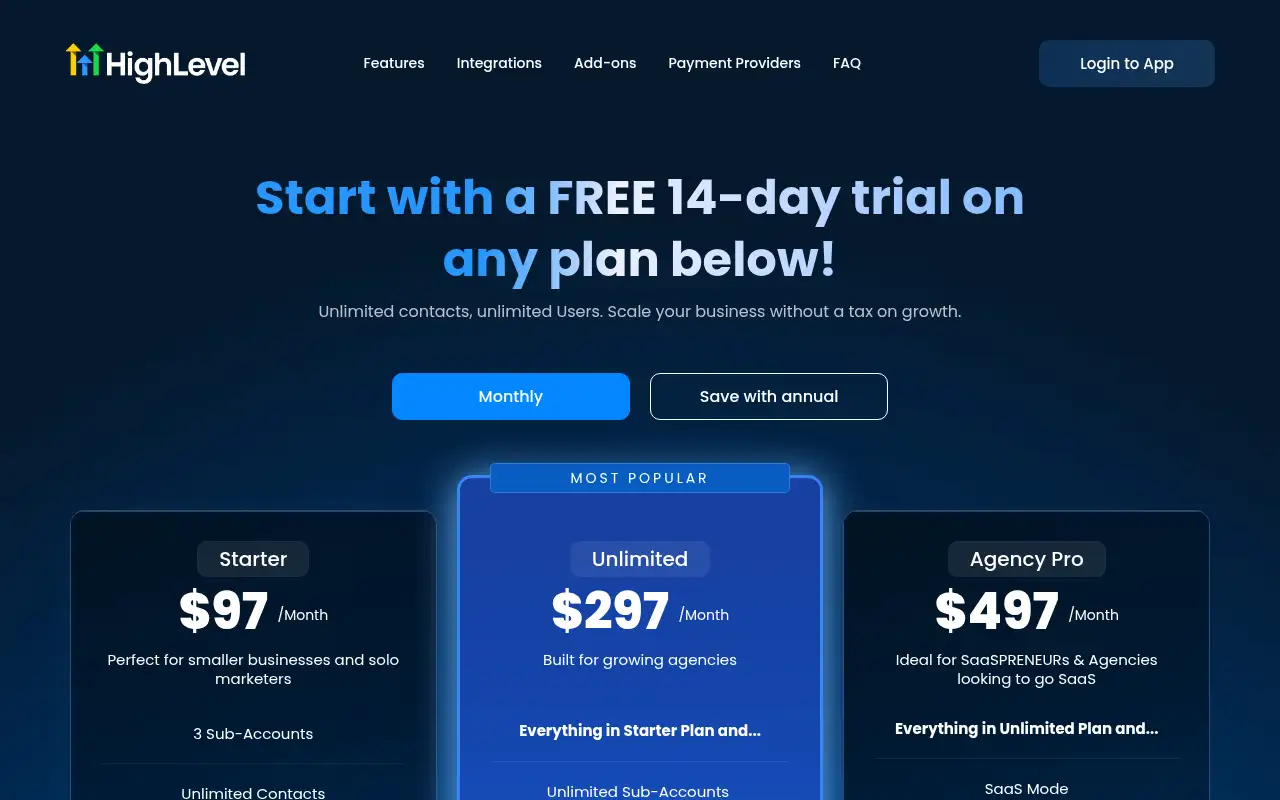
- Agency Starter
-
$97/month, or $970/year
3 sub-accounts. Unlimited contacts and unlimited users. 14-day trial offered. Phone, SMS, email, and some AI usage cost extra.
- Agency Unlimited
-
$297/month, or $2,970/year
Unlimited sub-accounts, rebilling for phone and email with no markup, and basic API access. Usage fees still apply.
- Agency Pro
-
$497/month, or $4,970/year
Everything in Unlimited, plus SaaS mode, automated sub-account creation, rebilling with a markup, user and agent reporting, and advanced API access.
Facts
- Access
- Free trial
- Paid plans from
- $97/mo
- Checked
- Category
- Category: Marketing tools (49 in the library).
- On the record
- 14-day free trial on Starter, Unlimited and Agency Pro. Billing starts when it ends unless you cancel.
Free pack: prompts for better AI images
A short, copyable set of image prompts for product shots, portraits, thumbnails, logos, and ads. These are starting points you can adapt — not a promise of any result.