
Tella: AI video for founders, marketers and teachers
Official site link, not an affiliate link. We do not have an approved referral link for Tella.
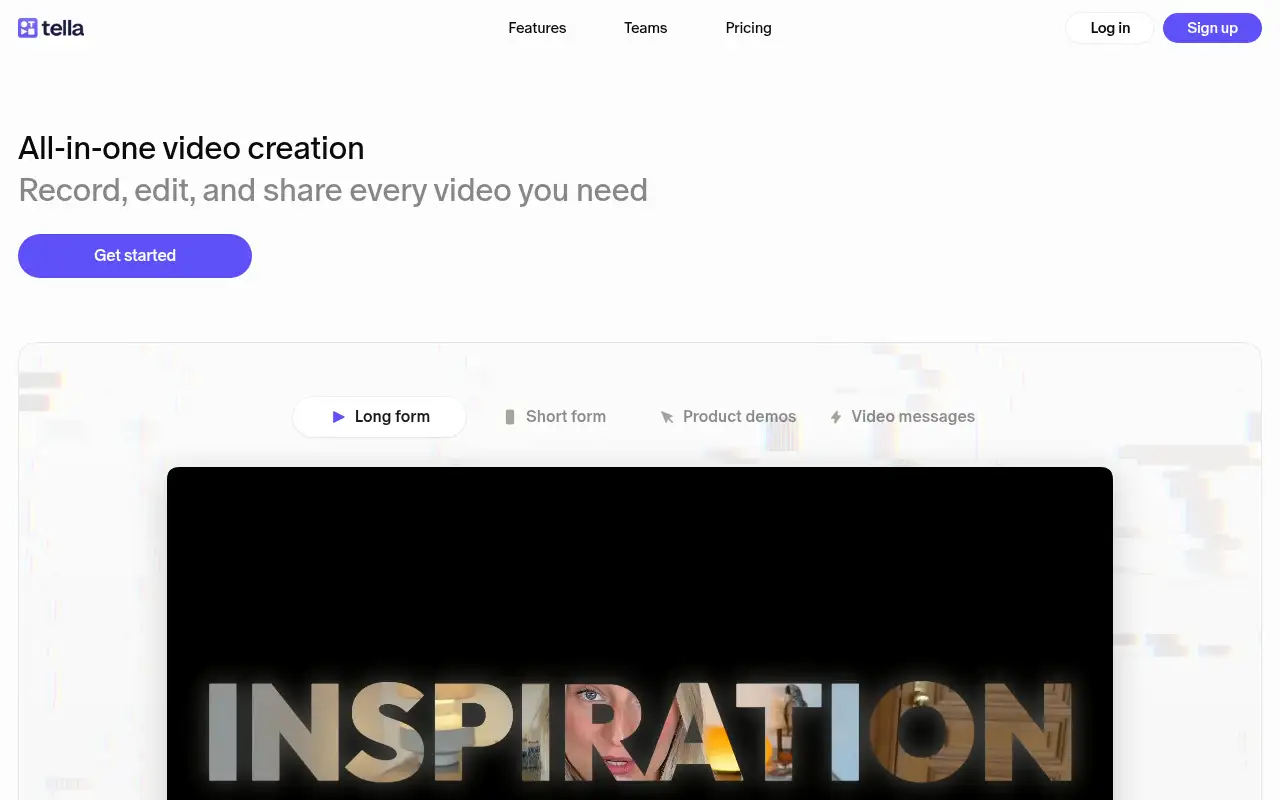
Tella helps you make and edit video by starting with a screen and camera recorder that cuts, zooms and lays out your video for you, then shares a link. It is best for founders, marketers and teachers who record product demos, tutorials and course videos. People also use it to make documents and slides. A free trial is available.
What it does
- Record screen, camera or both in the browser, a Chrome extension, or native Mac and Windows apps
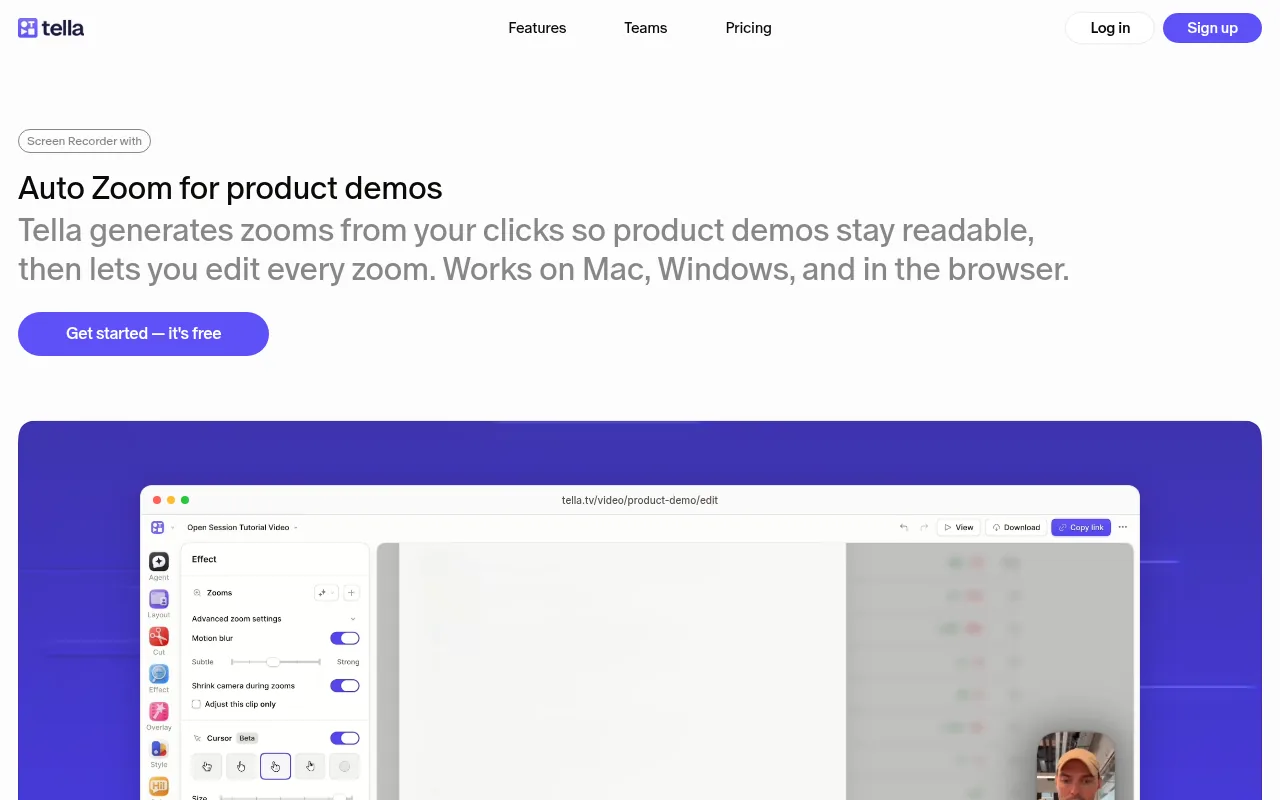
- Auto Cut, Auto Zoom, Auto Layouts and Studio Voice for hands-off editing
- Edit by deleting words in the transcript; subtitles and chapters are generated for you
- Share links and embeds with views, watch time and engagement analytics
- Tella Agent and Auto Capture (beta), plus a public API and MCP server
- Loom: quick async video messages
- Descript: edit video and podcasts by editing text
- Guidde: step-by-step how-to videos from your clicks
Editorial note
Tella is a screen and camera recorder with AI editing built in. You record in the browser, the Chrome extension or the Mac and Windows apps, and Tella removes mistakes and silences, adds zooms and layouts, then gives you a share link with analytics or a 4K export.
Who it’s for
- Founders and product teams recording demos, release videos and onboarding walkthroughs
- Creators and teachers making tutorials and online courses
- Teams replacing Loom for async updates; Tella says Tella Transfer can move a whole Loom library
- Not ideal for: people who need a permanent free recorder or full timeline effects work like a traditional video editor.
Key use cases
- Video & avatars
- Slides & docs
What you can do with it
Tella records your screen, camera or both, then edits the recording for you. Tella reports that Auto Cut removes silences, filler words and AI-detected mistakes, Auto Zoom builds zooms from your clicks, Auto Layouts switches between screen and camera, and Studio Voice cleans up audio. Every video gets a hosted link and embed with viewer analytics, or an MP4 export in up to 4K and 60 FPS. The Tella Agent edits from chat, and an MCP server lets Claude, ChatGPT, Codex and Cursor work with your videos.
How to use Tella: step-by-step tutorial
Five to eight steps from the account to a first useful result. Where the official guide names a control, the step uses that name. Where it does not, the step stays general.
- Start the 7-day free trial at tella.com; Tella says no credit card is needed.
- Install the Mac or Windows app or the Chrome extension, or record in the browser.
- Record your screen and camera; you can record in several short clips.
- Run Auto Cut and Auto Zoom, pick a layout and background, and fix anything in the transcript.
- Copy the share link or embed, or export an MP4 for YouTube, X or LinkedIn.
These steps follow the official guide: Tella pricing.
Example inputs
Adapt these. They are examples of what to ask for, not a button name, unless the steps above already use that name.
A first request: a screen and camera recorder that cuts, zooms and lays out your video for you, then shares a link. Keep it short enough to review in one pass.Name the audience, the format you need, and one fact that must stay accurate.Related
Other tools for this job
-
Acrobat AI Assistant
Adobe’s AI assistant for asking questions of PDFs and editing them, sold with Acrobat plans.
-
Adobe Express
A free browser app for design, photos, and video.
-
Adobe Firefly
Adobe’s generative studio for images, video, and audio.
-
Adobe Premiere Pro
Adobe Premiere Pro is a professional video editing app for color, audio, and AI-assisted edits.
-

Agent Opus
Turn an idea, script or audio file into a finished AI video.
Frequently asked questions
What is Tella used for?
Recording and sharing product demos, tutorials, training videos, courses and async video updates. It combines screen and camera recording with AI editing, hosting and analytics in one app.
Does Tella work on Windows?
Yes. Tella reports a native Mac app, a native Windows app, a Chrome extension and a web recorder, so it is not Mac-only.
Can I move my Loom videos to Tella?
Tella says its free Tella Transfer app can export a whole Loom library, including private videos and folders, as MP4 files or straight into Tella.
Is Tella free?
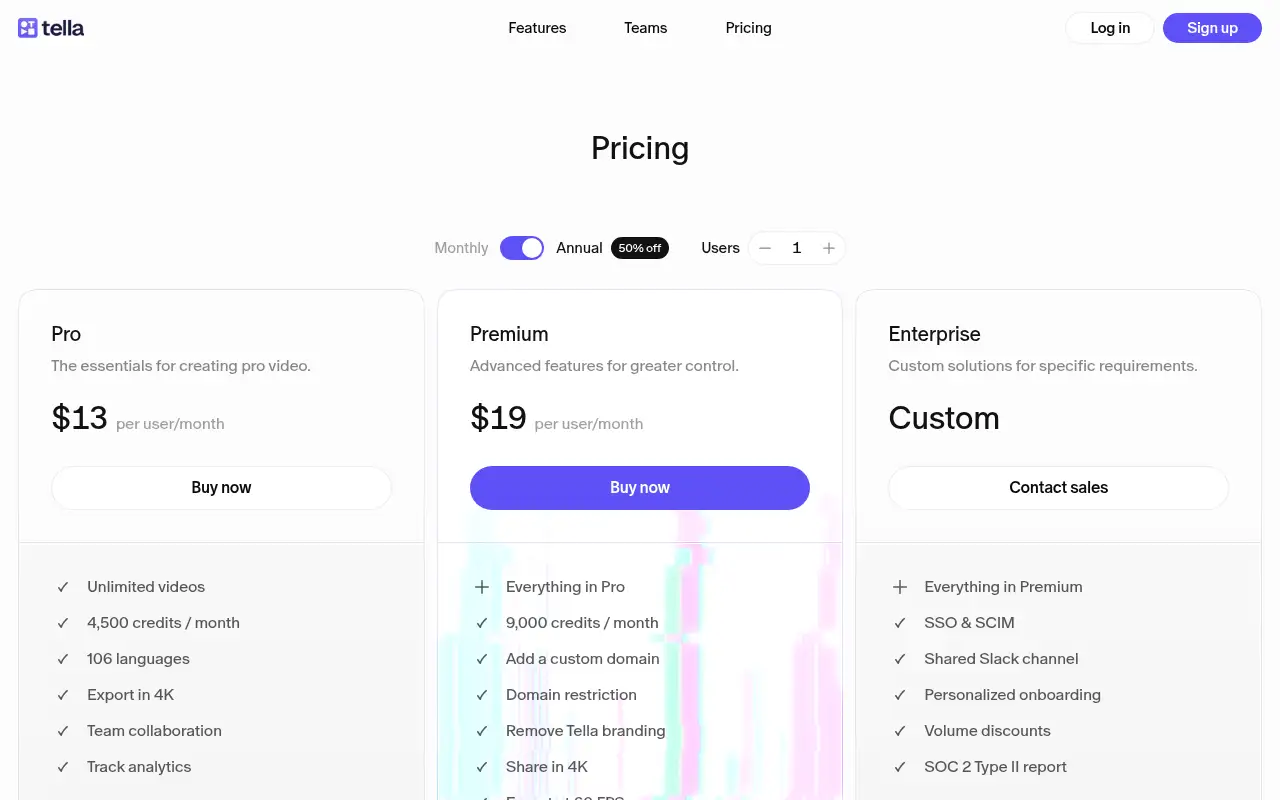
Tella reports a 7-day free trial with no credit card and no permanent free plan. Paid plans start at $13 per user a month billed annually.
Pricing
Prices checked on the official pricing page.
- Free trial
-
7 days, no credit card
Includes 4,500 credits for the Tella Agent; Auto Capture needs a paid plan
- Pro
-
$13/user/month billed annually ($26 monthly)
Recording up to 4K, clips up to 6 hours, transcription in 106 languages, AI editing, 4,500 credits per user each month
- Premium
-
$19/user/month billed annually ($39 monthly)
Everything in Pro plus 9,000 credits per user each month, a custom domain, domain restriction, no Tella branding, 4K sharing, 60 FPS export and advanced analytics
- Enterprise
-
Contact sales
Everything in Premium plus SSO and SCIM, a shared Slack channel, personalized onboarding, volume discounts and the SOC 2 Type II report
- There is no permanent free plan, AI agent features run on monthly credits that do not roll over, and Auto Capture is in beta and records web pages only.
- Vendors change plans; confirm on the official page before you buy.
Facts
- Access
- Free trial
- Paid plans from
- $13/user/month billed annually
- Checked
- Category
- Category: Video tools (48 in the library).
- On the record
- Tella reports a 7-day free trial on every new account with no credit card required. It says there is no permanent free plan.