

Goflow: business software for small teams
Some links on this page are affiliate links. If you sign up through one, we may earn a commission. It costs you nothing. Learn more.
Goflow helps you handle orders and inventory by this route: manage orders, inventory, listings and shipping across your marketplaces and carts in one place. It is best for sellers on Amazon, eBay, Shopify, TikTok or Walmart. It manages orders, inventory, listings and shipping across marketplaces and carts in one place. A free plan is available.
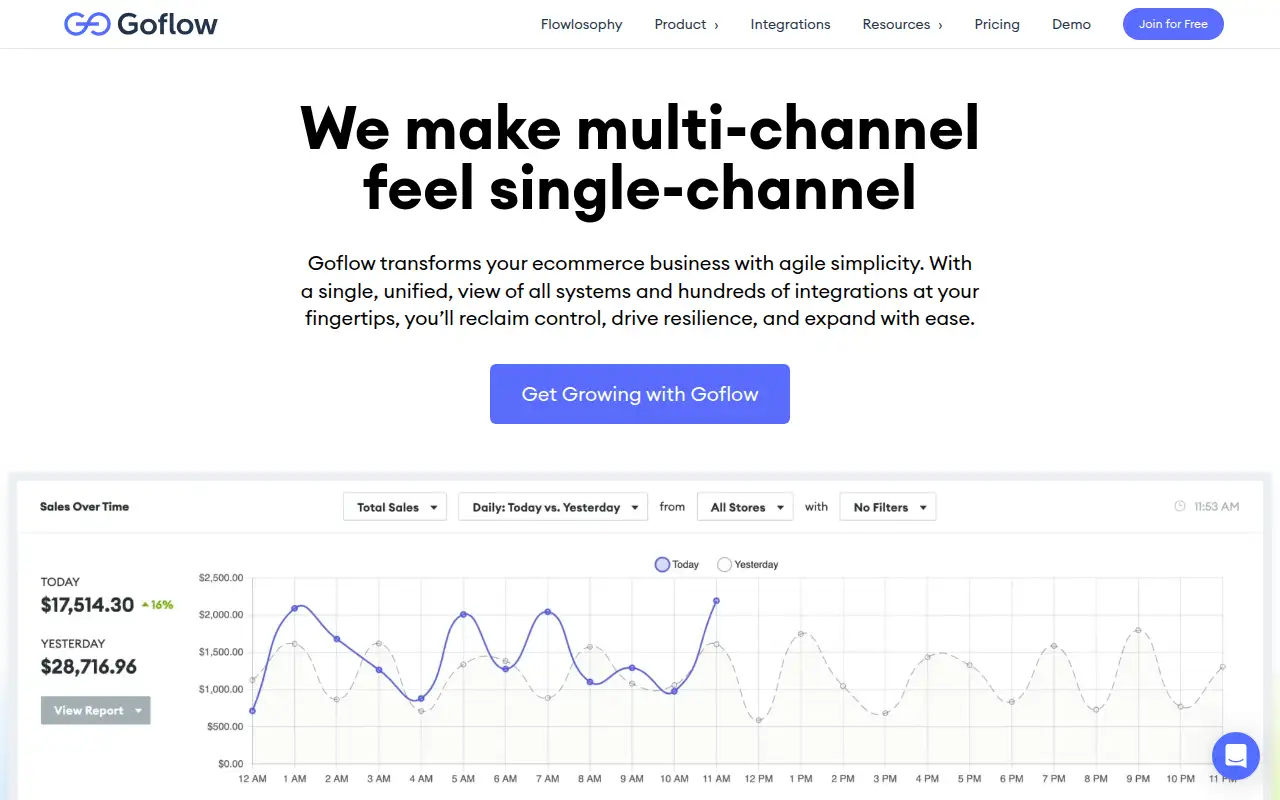
What it does
Manage orders, inventory, listings and shipping across your marketplaces and carts in one place.
Editorial note
Goflow is for sellers on Amazon, eBay, Shopify, TikTok or Walmart. It manages orders, inventory, listings and shipping across marketplaces and carts in one place. The record says Goflow Core is free with no credit card and no time limit, up to 500 orders a month, and the first paid plan is $499 a month.
Who it’s for
Sellers on Amazon, eBay, Shopify, TikTok or Walmart.
Key use cases
- Orders & inventory
What you can do with it
Manage orders, inventory, listings and shipping across your marketplaces and carts in one place.
How to use Goflow: step-by-step tutorial
Five to eight steps from the account to a first useful result. Where the official guide names a control, the step uses that name. Where it does not, the step stays general.
- Open goflow.com and create an account on the free plan. You can reach a first result before you choose a paid plan.
- From the left sidebar, go to Directory, then Stores, and click New Store.
- Select the channel. If more than one option is listed, pick the integration type and region. Enter the store credentials if Goflow asks for them.
- Enter a store name. That name cannot be changed later. Select at least one warehouse and click Save.
- If the store shows Disconnected, finish the connection. OAuth stores use Authorize on the Connection card. Key-based stores use the pencil icon on that card.
- For an order that did not come from a channel, go to Orders, then Orders, and click New Order. Select the customer, warehouse, and shipping method, add a line item, and click Save.
These steps follow official guides: Create and manage stores; Manual orders. Checked Oct 24, 2026.
Related
Other tools for this job
-
DataFeedWatch
Cleans up your product feed and publishes your catalog to Google Shopping, Meta, TikTok and 2,000+ other channels, without a developer.
-
Helium 10
A software suite for Amazon sellers: product and keyword research, listing tools, ads and profit tracking, with TikTok Shop and Walmart support.
-

Linnworks
Multichannel order and inventory software that prices by monthly order volume, by quote.
-
Odoo
Open-source ERP and CRM apps for a business.
-
Omnisend
An email and SMS marketing platform built for online stores, with automations.
Frequently asked questions
What does Goflow help you do?
Manage orders, inventory, listings and shipping across your marketplaces and carts in one place.
Is Goflow free?
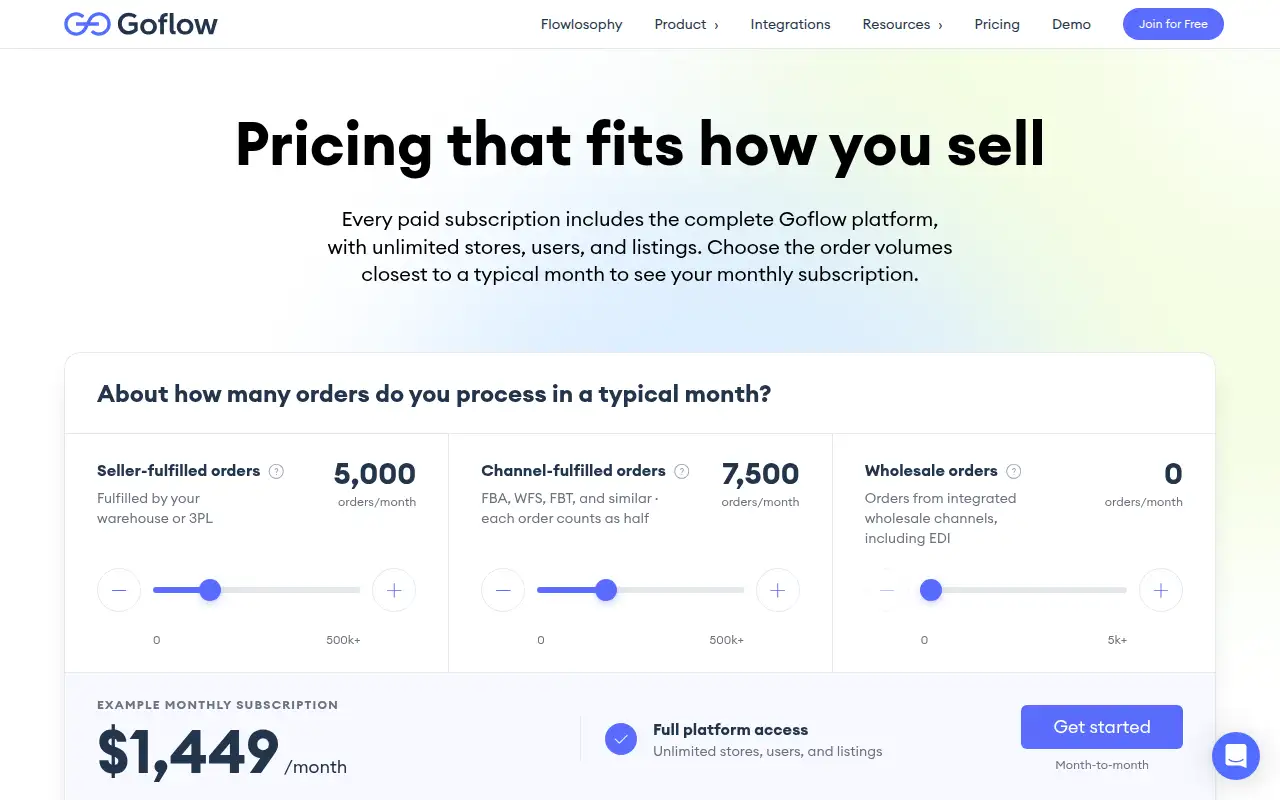
Ongoing free plan. Goflow Core is free with no credit card and no time limit, up to 500 orders a month. The first paid plan is $499 a month.
How much does Goflow cost?
Paid plans start at $499/mo, per the official pricing page. Confirm the figure before you buy.
Who is Goflow best for?
Sellers on Amazon, eBay, Shopify, TikTok or Walmart.
How do you use Goflow?
Follow the tutorial on this page. The steps cite the official guide and stop at a first result.
Pricing
Prices checked on the official pricing page.
Paid plans from $499/mo.
Facts
- Access
- Ongoing free plan
- Paid plans from
- $499/mo
- Checked
- Category
- Category: Business and productivity tools (153 in the library).
- On the record
- Goflow Core is free with no credit card and no time limit, up to 500 orders a month. The first paid plan is $499 a month.