
OBS Studio: AI video for streamers, educators and creators
Official site link, not an affiliate link. We do not have an approved referral link for OBS Studio.
OBS Studio helps you make and edit video by starting with a free, open-source app for screen recording and live streaming on Windows, Mac and Linux. It is best for streamers, educators and creators who record or stream regularly and want full control. People also use it to work with voice and audio. A free plan is available.
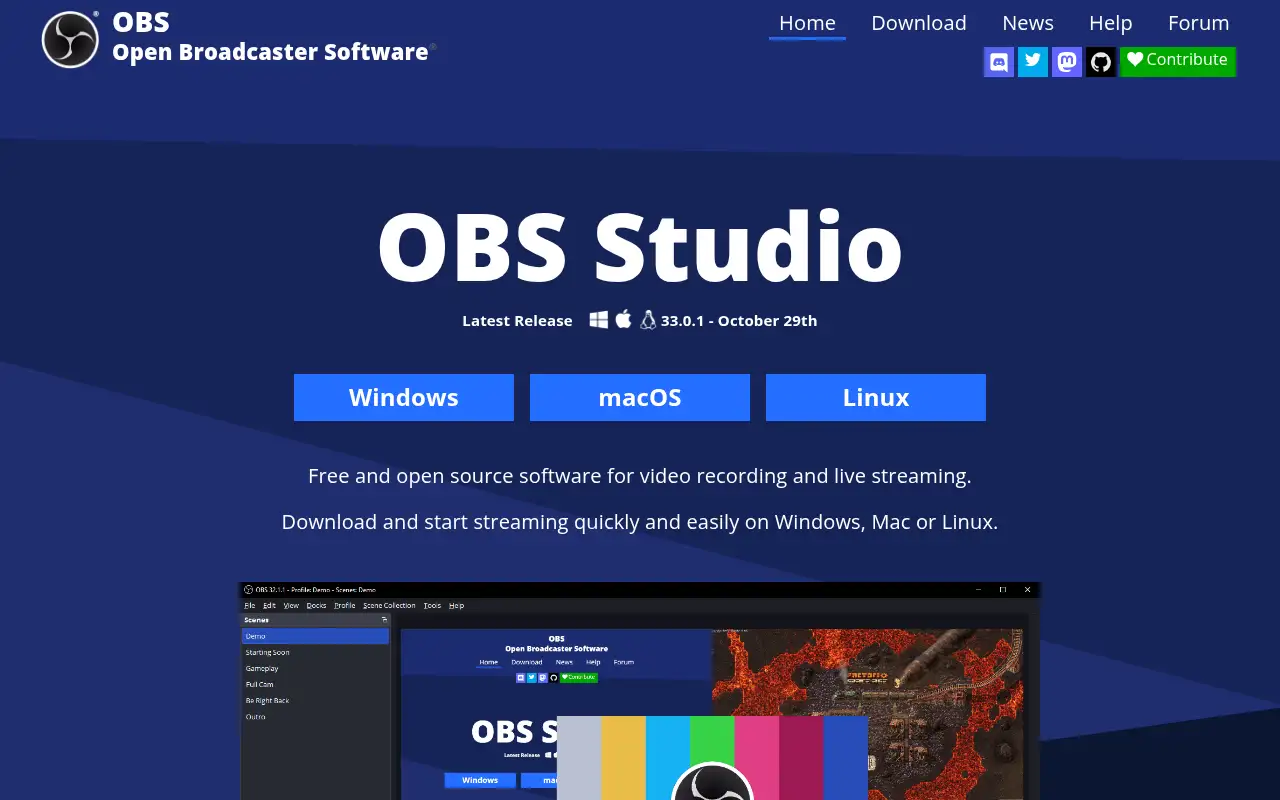
What it does
- Unlimited scenes with custom transitions
- Sources for screens, windows, webcams, capture cards, images, text and browsers
- Audio mixer with noise gate, suppression, gain and VST plugins
- Hotkeys and a modular dock interface
- Works with major streaming platforms; Windows, Mac and Linux
- Riverside: remote podcast and video recording
- Loom: quick async screen videos
- Tella: screen recording with AI editing
Editorial note
OBS Studio is free, open-source software for video recording and live streaming. You build scenes from sources such as screen and window captures, webcams, images, text and browser windows, switch between them with transitions, and mix audio with filters. It runs on Windows, Mac and Linux and supports the major streaming platforms.
Who it’s for
- Live streamers on Twitch, YouTube and other platforms
- Teachers and trainers recording lessons and screen demos
- Podcasters and creators recording video with overlays
- Not ideal for: people who want automatic editing after recording; OBS records and streams but does not edit.
Key use cases
- Video & avatars
- Voice & audio
What you can do with it
OBS Studio captures and mixes video and audio in real time. You set up as many scenes as you need, each combining sources like a game window, webcam, capture card or browser overlay, and switch between them live. The audio mixer has per-source filters such as noise suppression and supports VST plugins. Hotkeys, a modular dock layout and many settings let you tune every recording or broadcast.
How to use OBS Studio: step-by-step tutorial
Five to eight steps from the account to a first useful result. Where the official guide names a control, the step uses that name. Where it does not, the step stays general.
- Open obsproject.com and create an account on the free plan. You can reach a first result before you choose a paid plan.
- Download OBS Studio free from obsproject.com.
- Open Settings and choose your recording or streaming output.
- Create a scene and add a display capture and your webcam.
- Check audio levels in the mixer and add noise suppression.
- Click Start Recording, or connect your streaming account and go live.
These steps follow the official guide: OBS Studio download.
Example inputs
Adapt these. They are examples of what to ask for, not a button name, unless the steps above already use that name.
A first request: a free, open-source app for screen recording and live streaming on Windows, Mac and Linux. Keep it short enough to review in one pass.Name the audience, the format you need, and one fact that must stay accurate.Related
Other tools for this job
-
Adobe Express
A free browser app for design, photos, and video.
-
Adobe Firefly
Adobe’s generative studio for images, video, and audio.
-
Adobe Podcast
A web studio for recording and cleaning up speech, with a free daily cap.
-
Adobe Premiere Pro
Adobe Premiere Pro is a professional video editing app for color, audio, and AI-assisted edits.
-

Agent Opus
Turn an idea, script or audio file into a finished AI video.
Frequently asked questions
What is OBS Studio used for?
Recording your screen and webcam and streaming live to platforms such as Twitch and YouTube, with scenes, overlays and audio mixing.
Which systems does OBS Studio support?
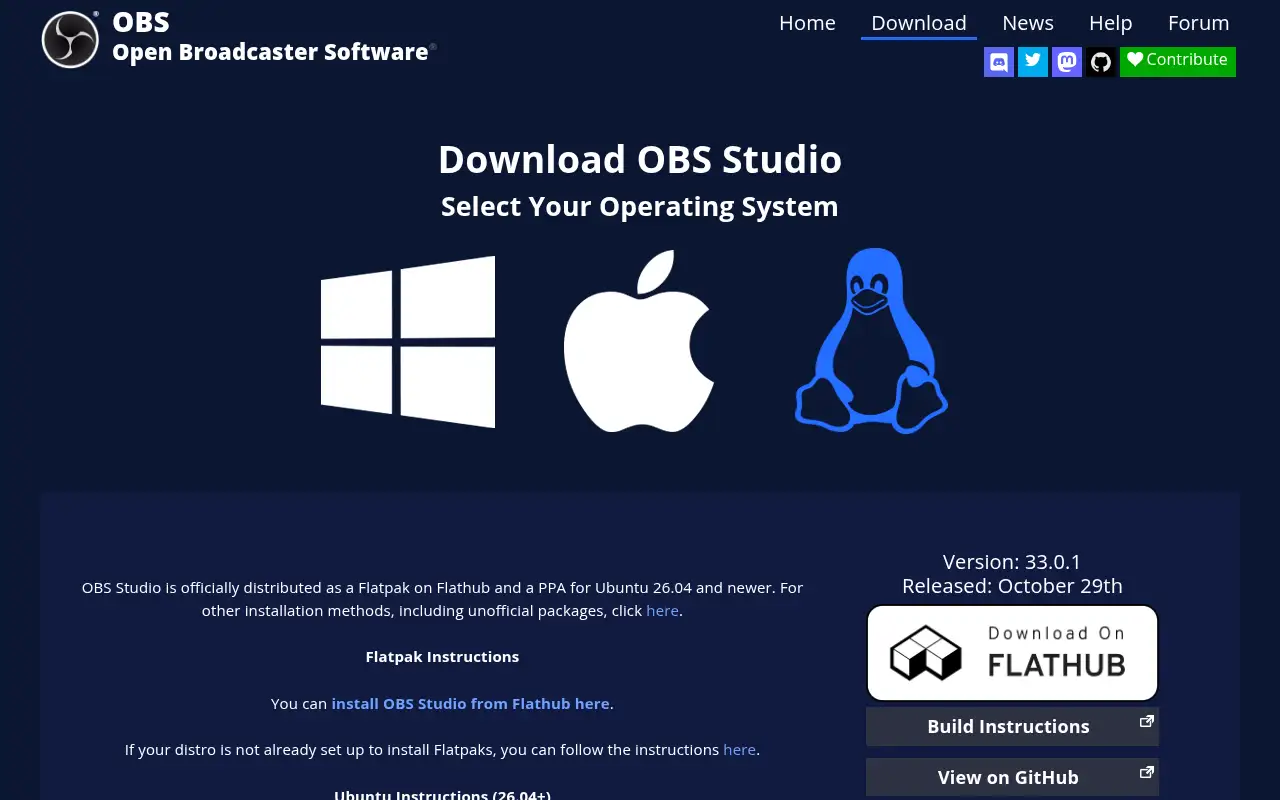
The download page lists Windows 10 and 11, macOS 13.0 or newer, and Linux.
Is OBS Studio safe to download?
Download it from obsproject.com or the project’s official GitHub to get the genuine, open-source release.
Is OBS Studio free?
Yes. OBS Studio is free and open source with no paid tier. The project is funded by sponsors and backers.
Pricing
Prices checked on the official pricing page.
- OBS Studio
-
Free
Open source, for Windows, macOS and Linux; no paid tier
- Setup takes some learning, and there is no built-in editor or cloud sharing.
- Vendors change plans; confirm on the official page before you buy.
Facts
- Access
- Ongoing free plan
- Paid plans from
- Free
- Checked
- Category
- Category: Video tools (48 in the library).
- On the record
- OBS Studio is free and open-source software. The latest release, 33.0.1, supports Windows 10 and 11, macOS 13 and newer, and Linux.