

Sellbrite: business software for small marketplace sellers
Official site link, not an affiliate link. We do not have an approved referral link for Sellbrite.
Sellbrite helps you handle orders and inventory by this route: listings, inventory sync and shipping for marketplace sellers, with prices published by order volume. It is best for small marketplace sellers who want low entry prices. It covers listings, inventory sync and shipping, with prices published by order volume. A free plan is available.

What it does
Listings, inventory sync and shipping for marketplace sellers, with prices published by order volume.
Editorial note
Sellbrite is for small marketplace sellers. It covers listings, inventory sync and shipping, with prices published by order volume. The record says Sellbrite Free allows up to 30 orders a month, and paid plans start at $29 a month for 100 orders.
Who it’s for
Small marketplace sellers who want low entry prices.
Key use cases
- Orders & inventory
What you can do with it
Listings, inventory sync and shipping for marketplace sellers, with prices published by order volume.
How to use Sellbrite: step-by-step tutorial
Five to eight steps from the account to a first useful result. Where the official guide names a control, the step uses that name. Where it does not, the step stays general.
- After you sign in, the setup guide starts with Connect your channels. You can connect more than one account of the same channel type. Each connected account counts as its own channel on your plan.
- Select the channels, enter a nickname, and click Connect Your Account. Sign in with that channel’s credentials.
- Sellbrite imports listing data only in this step. Nothing is sent back to the channel, so the listings are not changed.
- When the channels you want are connected, click No more channels - Next.
- To publish a listing, go to Products, then All Products. Select the product, choose List Product on Channel, finish the draft, and click Publish.
These steps follow official guides: Connect your sales channels; Create marketplace listings. Checked Oct 24, 2026.
Related
Other tools for this job
-
DataFeedWatch
Cleans up your product feed and publishes your catalog to Google Shopping, Meta, TikTok and 2,000+ other channels, without a developer.
-

Goflow
Manage orders, inventory, listings and shipping across your marketplaces and carts in one place.
-
Helium 10
A software suite for Amazon sellers: product and keyword research, listing tools, ads and profit tracking, with TikTok Shop and Walmart support.
-

Linnworks
Multichannel order and inventory software that prices by monthly order volume, by quote.
-
Odoo
Open-source ERP and CRM apps for a business.
Frequently asked questions
What does Sellbrite help you do?
Listings, inventory sync and shipping for marketplace sellers, with prices published by order volume.
Is Sellbrite free?
Ongoing free plan. Sellbrite Free allows up to 30 orders a month; paid plans start at $29 a month for 100 orders.
How much does Sellbrite cost?
Paid plans start at $29/mo, per the official pricing page. Confirm the figure before you buy.
Who is Sellbrite best for?
Small marketplace sellers who want low entry prices.
How do you use Sellbrite?
Follow the tutorial on this page. The steps cite the official guide and stop at a first result.
Pricing
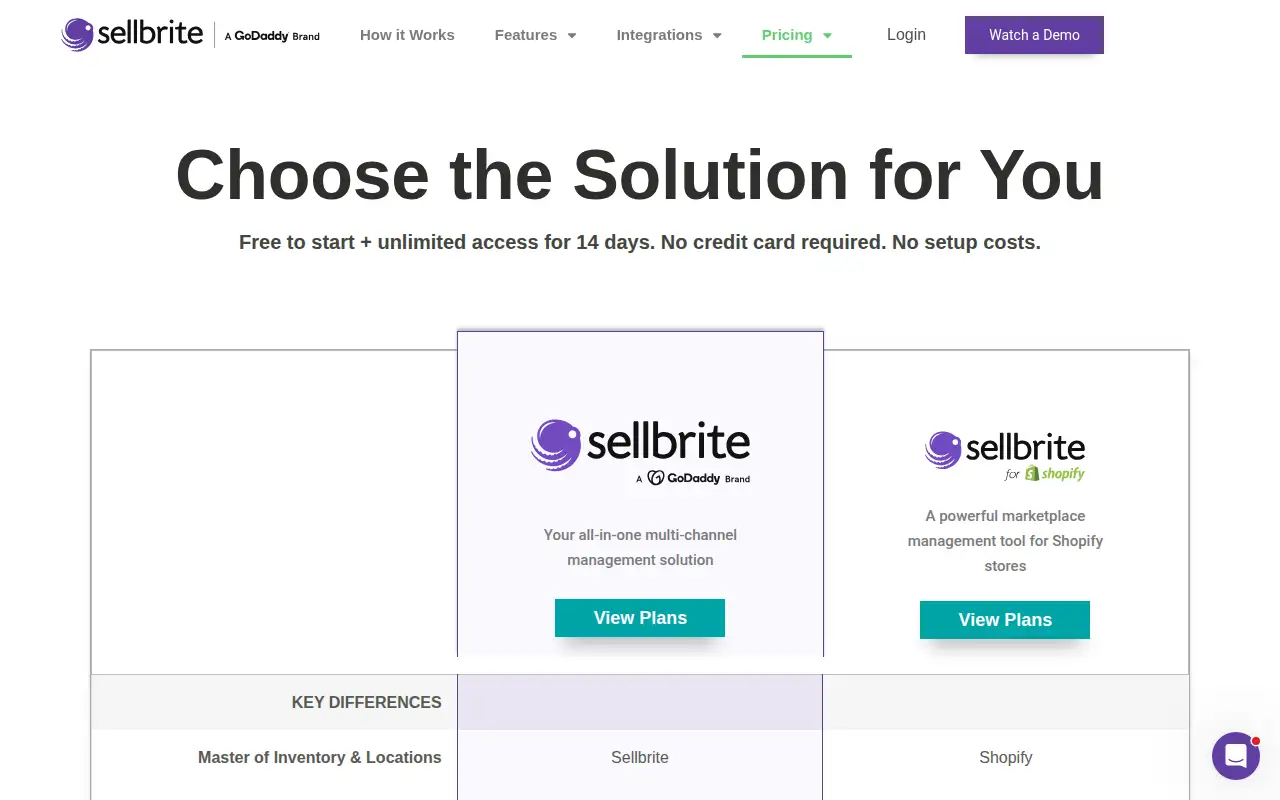
Prices checked on the official pricing page.
Paid plans from $29/mo.
Facts
- Access
- Ongoing free plan
- Paid plans from
- $29/mo
- Checked
- Category
- Category: Business and productivity tools (153 in the library).
- On the record
- Sellbrite Free allows up to 30 orders a month; paid plans start at $29 a month for 100 orders.